
Marnie shares how to Master Digital Scrapbook Design Using Templates.
Introduction
Do you struggle with creating a layout from a blank canvas?
Templates might just be the answer.
A template “is a blueprint design for a finished page.” (Anna Aspnes)
- Serves as a map to guide us through a project.
- Afford structure for the beginner.
- Offers a ‘springboard’ for the more advanced memory keeper.
It also:
- Solves design dilemmas such as element placement.
- Provides the opportunity to focus on your photos and words.
- Enables the learning of Design Principles as you create.
Fake it til you make it.
I once knew a baker who told me she baked dozens of baguette loaves before conquering the process.
You start with a ‘recipe’ to learn the basics, and then as you increase your knowledge and experience, you are able to make more advanced modifications of your own.
- Use templates to get the gist of cohesive layout design
- Limit [aalogo] DigitalART supplies to just a few complementary ArtPlay Palettes.
- Gain expertise through REPETITION and PRACTICE.
In this ‘Master Design Using Templates’ post, you will:
- See how the same set of photos are showcased in 3 different templates.
- Learn which STYLE may be best suited for your layout design.
Choosing the Right Template
Template collections provide versatility and cohesion perfect for completed projects.
- [aalogo] Albums are Marnie’s ‘go to’ products for celebrating photos of her grandchildren.
- The latest Hipster Plume Template Album No. 5 is guiding her through the creation of a Nepal travel book.
1. WaterColor Templates
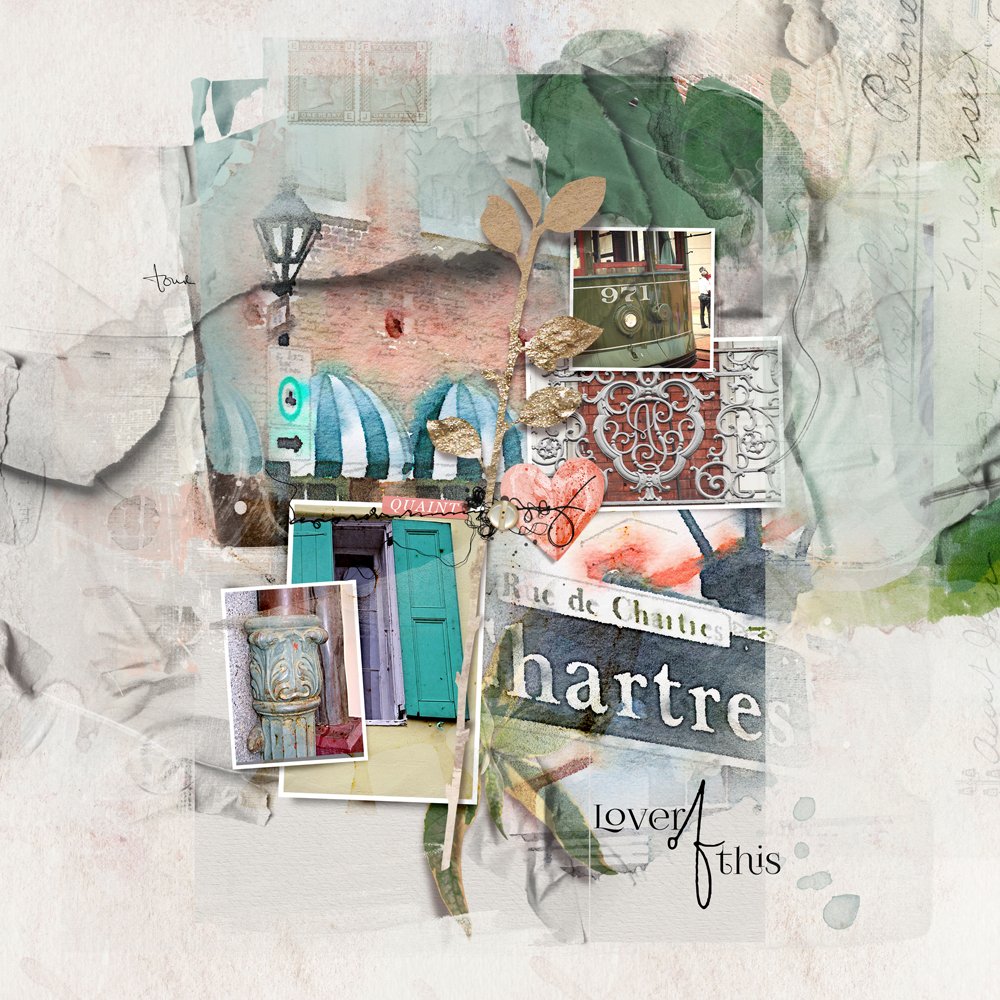
Choose a WaterColor Template for an artsy/blended look.
- One large focal blended photo is supported by a variety of smaller ‘framed’ masks
- May be used in single or double-page format with word and title placement indicated.
- Offers sophisticated photo artistry layout design.
Try this:
- Clip your focal photo to the large FotoBlendz mask layer to blend into your background.
- Add supporting photos to the ‘frame mask’ layers to populate the template.
- Support the COLOR and THEME of your images with [aalogo] DigitalART supplies.
Note.
- Marnie clipped her images to the masks of WaterColor Template Album No. 9_10.
- Guidance for adding a background paper; recoloring stains; adding WordART, and embellishment.
- Clipped a composite of the layout to a 12 x 12 Page FotoBlendz.
- See more in her product links and process notes.
2. FotoInspired Templates
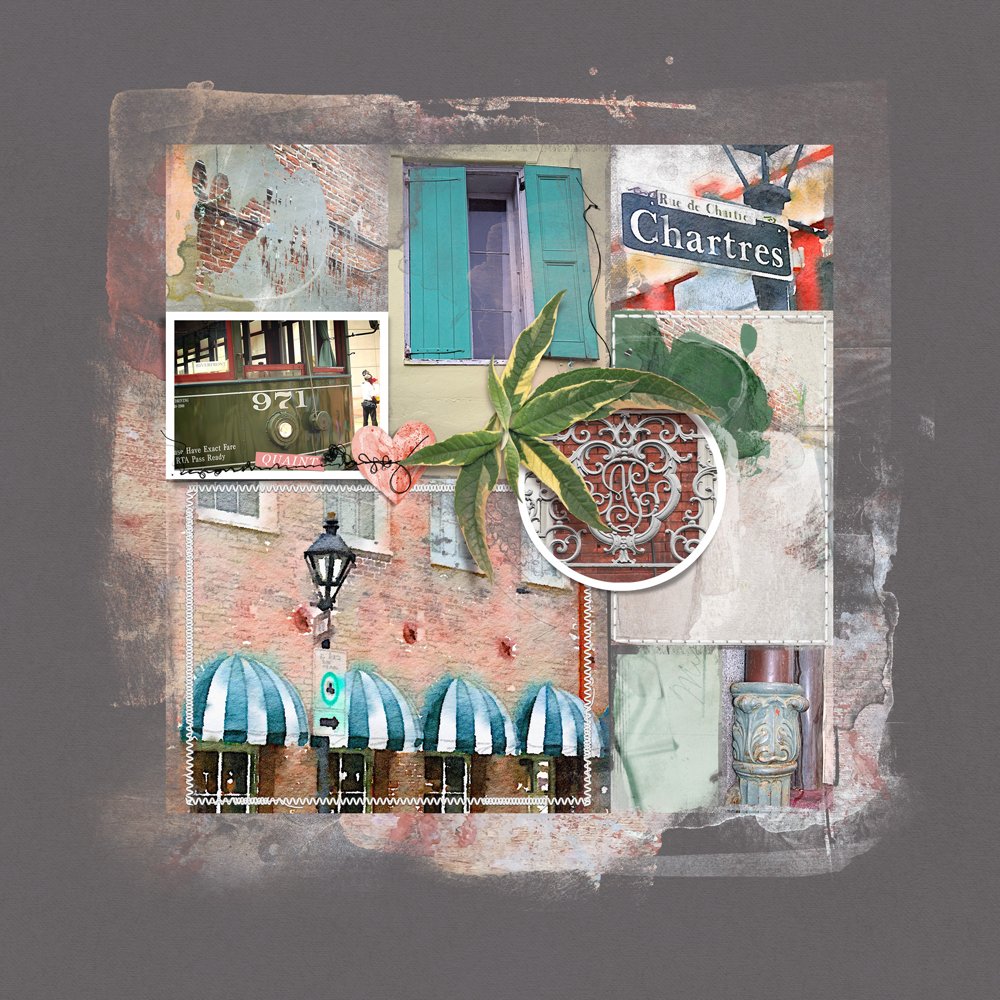
Choose a FotoInspired Template for a more contemporary and structured layout design.
- Multi-photo approach with a slightly distressed ‘magazine-style’ grid format.
- Use as individual 12 X 12 single layouts, double-up to support more photos or modify to suit your layout design.
- Popular for documenting the every day, such as the FotoInspired Project, as well as Heritage, Travel and even creative Blended Photo Collages.
Try this:
- Clip your photos to some of the ‘fotomask’ layers.
- Add [aalogo] DigitalART supplies to the remaining ‘fotomask’ layers in the template and embellish as preferred.
- See Anna’s step-by-step approach in this trio of Artsy Digital Pocket Scrapbooking videos at the bottom of the Resources page.
- See also 5 Ways to Create an Artsy Design.
Note.
- These templates furnish flexibility for numerous photo projects where you have a LOT of photos to showcase.
- Marnie used FotoInspired Template Pack 2F_7 for this particular layout.
- She clipped her photos and some artsy paper to the masks.
- Added digital papers, FotoInspired Edge Templates; and finished with embellishments.
3. MonthReview Templates
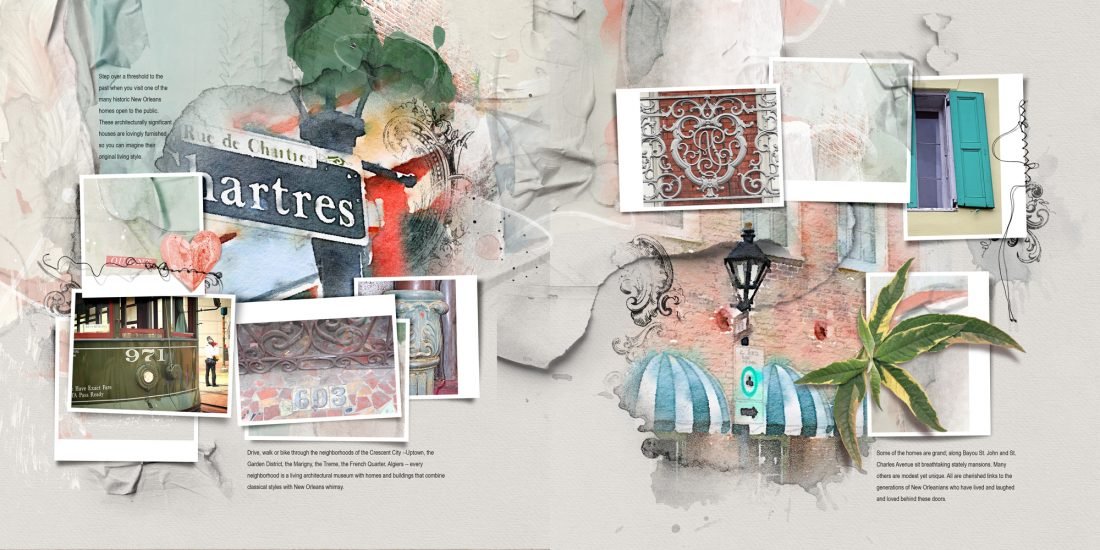
Choose a MonthReview template to showcase your photos with more documentation.
- Offers a similar ‘look and feel’ to the WaterColor Template Albums but with more space for text and labeling of photos.
- Use as single or double page spreads, and make modifications to suit your photos and preference as preferred.
- Document monthly activities, themed events or ‘house’ a collection of photos.
Try this:
- Use the ‘frame labels’ to add notes about specific images.
- Leave them blank to add White Space to your layout designs.
- Use the ‘Calendar’ element to add a date to your page.
Note.
- Marnie used MonthReview Template Album No. 4_6.
- She omitted the calendar element and one of the framed masks; clipped photos and Artsy Paper to the other masks; recolored stains; finished with texture and embellishments.
- See this video for further guidance on using the MonthReview Template Album.
Summary
Template are invaluable to learning artsy design principles to elevate your photo artistry and memory keeping.
- Template Albums offer efficiency and cohesion in your layout design.
- Use the templates individually or mix and match to create double page spreads.
- Learn as you create and start making modifications as your skills an knowledge advance.
We invite you to:
- Read this Adapting Colorful Artsy Layered Templates on the [aalogo] Blog.
- Watch this Digital Background for Templates video on the [aalogo] Youtube Channel
- Create beautiful and cohesive Double Page Spreads using BOTH template and ‘freestyle’ approaches.
Wow, Marnie!! This tutorial is a full lesson in itself! Wonderful links to add more learning opportunities, and excellent descriptions for using the various template formats. I will bookmark this post for future reference; reminding me of several options I have when creating my pages. I love, love AA FI-templates for telling a story with 3 photos, and some lovely transfers and elements. Thank you SO very much, Marnie, and Anna!!
Love Marnie’s tutorials.
Thanks, Anna! xox
Mwahhh!
Thanks so much for the feedback, Bev! Pleased you found the post helpful. I also love AA FI Templates…especially showcasing your lovely photography!