
Creative Team Member, Viv Halliwell, FotoInspired Heritage Inspiration.
FotoInspired Heritage Inspiration
The FotoInspired Template series has many applications
You can use them for:
- For every day documentation
- An artsy approach to multi-photo pages.
- Creating albums and projects.
- Heritage scrapbooking.
The Background Story
My husband’s side of the family were great memory keepers.
His Mother and Father’s side were taking photographs as early as 1910. So as keeper of the family photos albums, we have taken on the task of scanning and photographing these wonderful time capsules.
A lot of the photographs are faded, damaged and worst of all, not labeled.
We have had to rely on a family tree, that my mother in law created, to fill in the details, but even then it is difficult. A LOT of imagination must be used to tell the stories.
Digitizing Photos
I have used two ways of preserving these photos:
- Scanning
- Photographing using the app Photomyne.
Both methods have advantages and disadvantages
Scanning
- Is time consuming and can be awkward if the photographs are firmly stuck in albums.
- You can scan at high resolution and so there is no camera shake or possibility of reflections.
- See HeritageLIVE (Replay) workshop for further guidance on scanning.
Photomyne App
- Is quick, and if you pay the £2.99, you can upload directly onto your computer.
- Photographing can be problematic in low light and is not good for glossy photographs.
- The app will adjust the photograph to give the best possible finished output.
- Great is you intend to further manipulate the images in Adobe Photoshop or Elements.
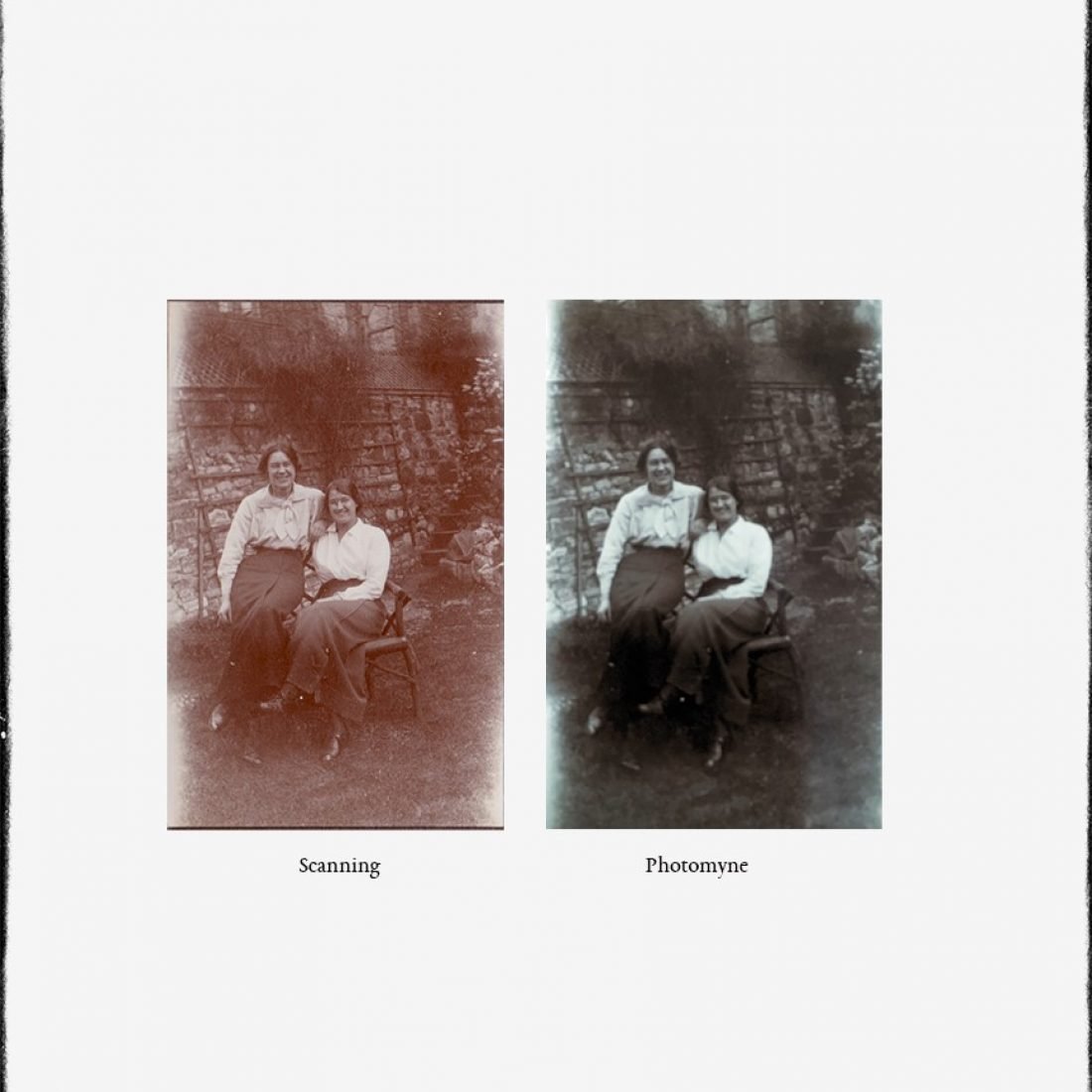
Each method yields a different result
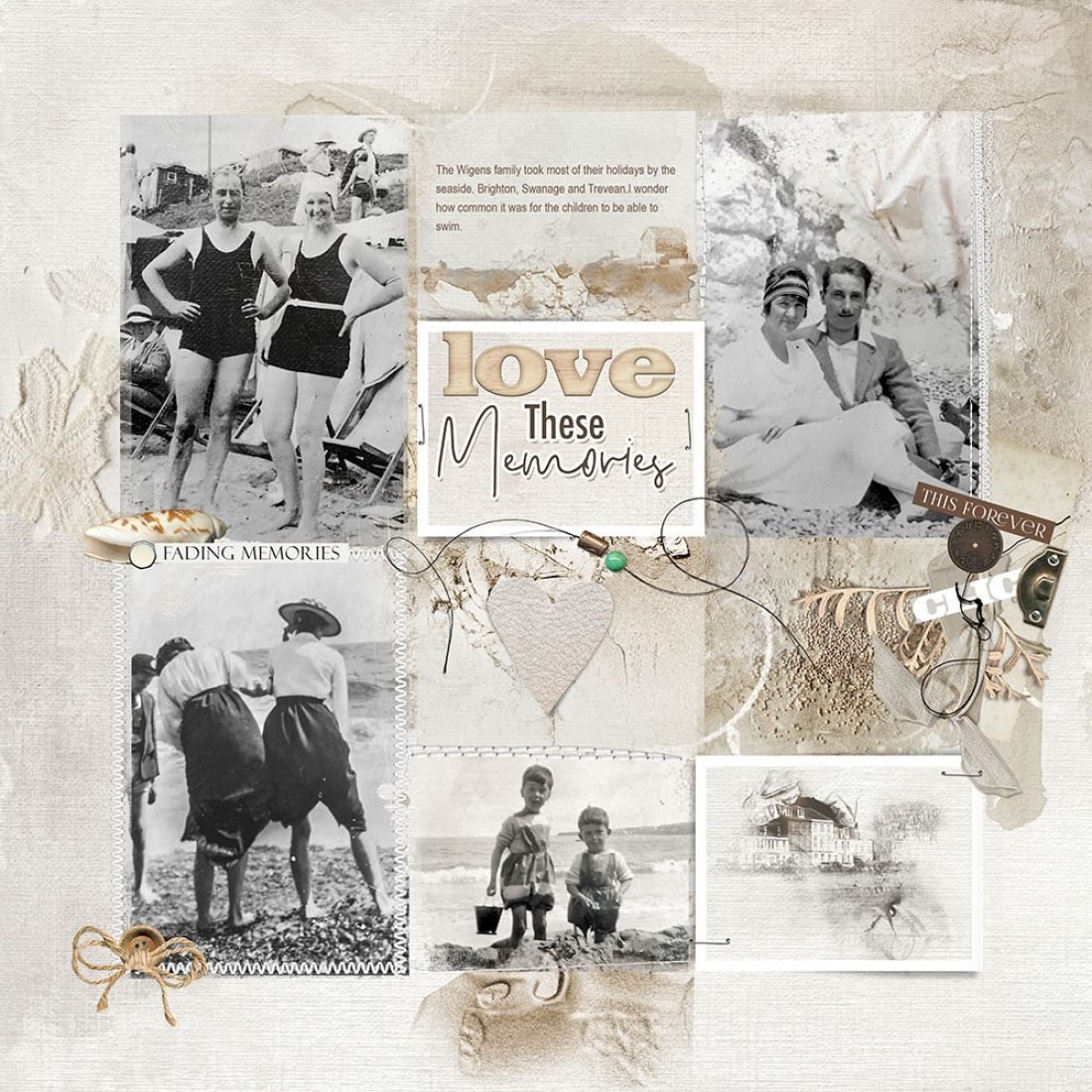
Photomyne was used to digitize the photo:
The smaller photos are ideal for the distressed nature of the FotoInspired template.
Additional Extras
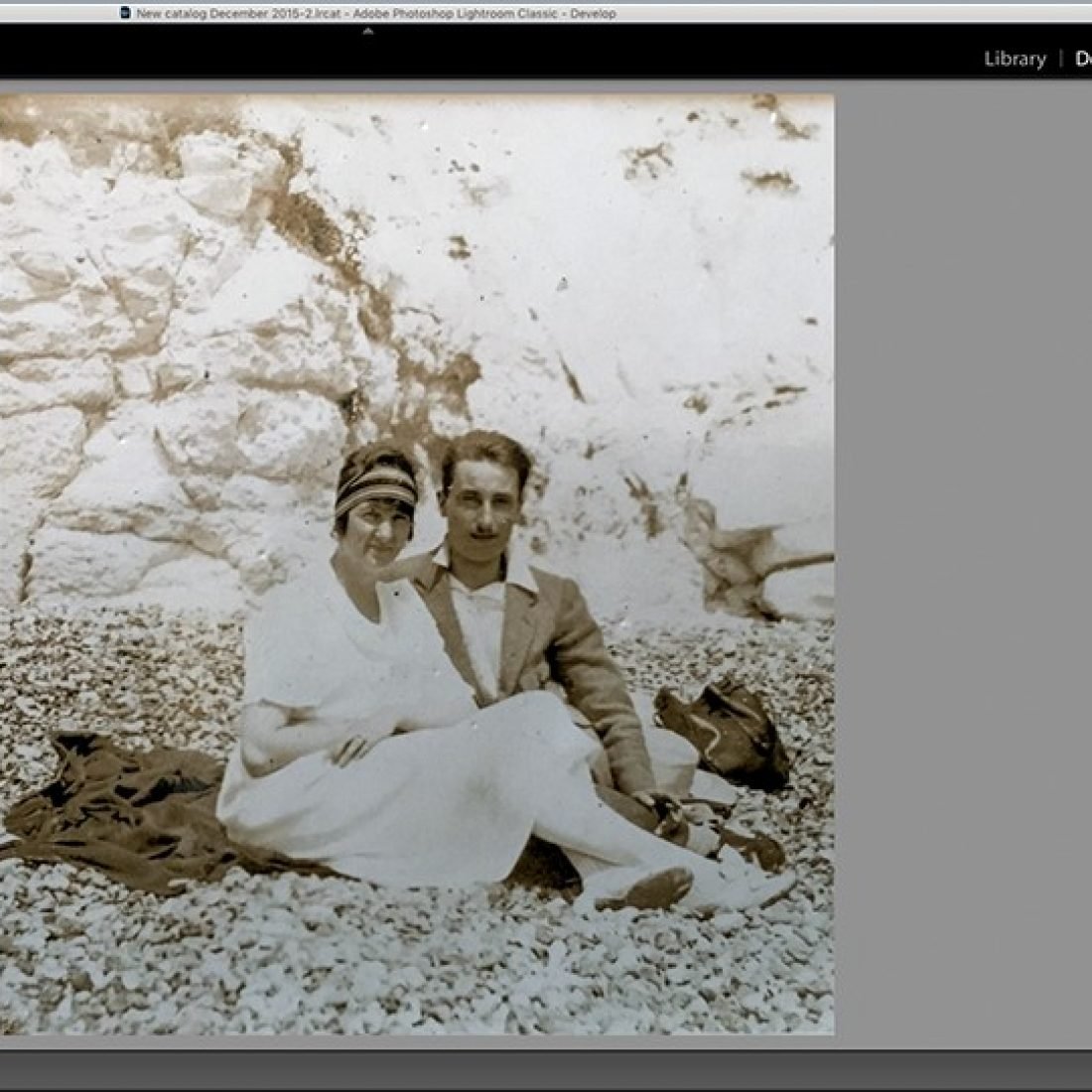
- A collection of beach photographs taken in the 1920’s and 30’s.
- ArtPlay Palette Evanish with it’s neutral colors and texture work well with heritage photos.
- You can reduce the size of the template to enable more room for embellishments and ArtsyTransfers.
- The color of the photographs were processed by using Presets in Adobe Lightroom.
- The photographs were then imported and ‘tweaked’ in Photoshop using a Levels and Curves adjustment layer.
Clipping Images
- Clip digital elements to the masks using the Clipping Mask Function in Adobe Photoshop and Elements.
- See the FREE videos on the [aalogo] Youtube Channel for further guidance.
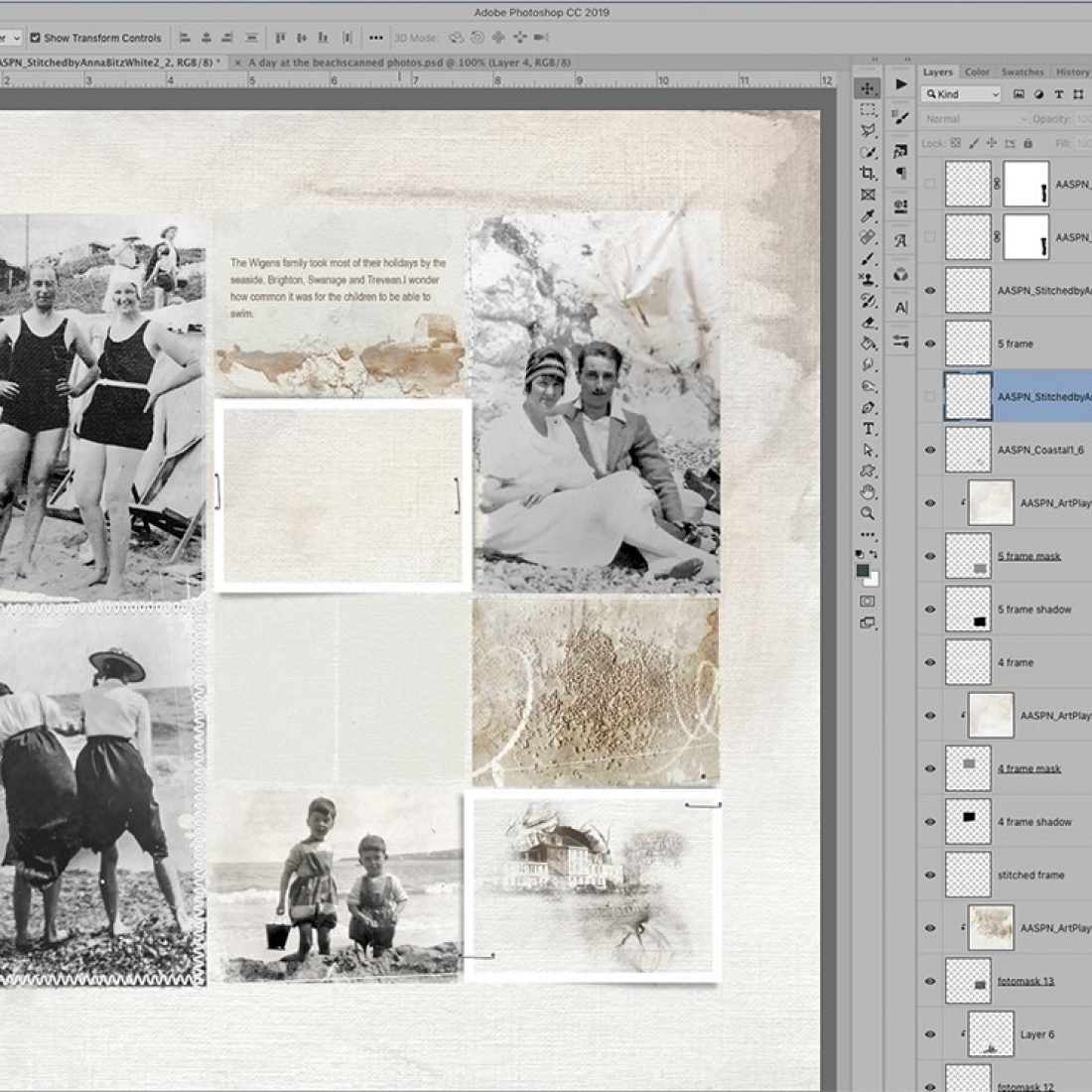
It’s not necessary to add photographs to all the masks
In fact, I find having some frames filled with artsy papers, ArtsyKardz or Transfers adds some ‘white space’ into the design, creating balance and avoiding a layout that appears too cluttered or visually chaotic.
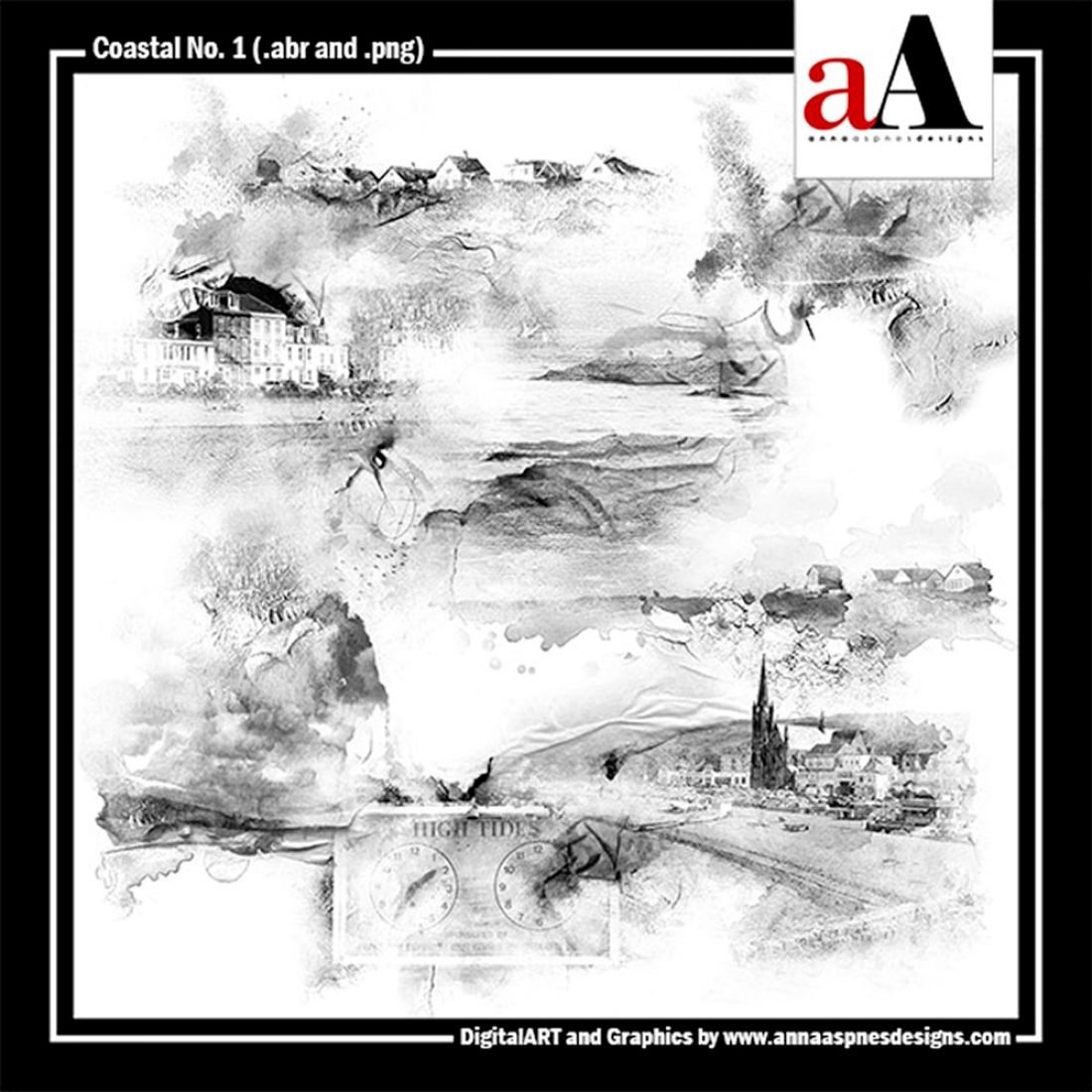
Pictorial style brushes can add a thematic component to your design.
- The are many to choose from in the BrushSets category of the Anna Aspnes Designs store at Oscraps.
- Coastal No. 1 was used in this layout to to support the ‘beach’ theme.
Add dimension and meaning with Embellishment.
- Stitching and MultiMedia embellishments can also be used to enhance and support the story.
- Add a bold title for emphasis or dramatic effect.
- You can also add a variety of Layer Styles, such as Stroke and Drop Shadow, to create a sticker type effect.
- See TitleSmarts for guidance on creating winning titles for your digital artistry and scrapbooking pages.
DigitalART Supplies
- ArtPlay Palette Evanish
- Coastal No. 1
- Multimedia Documents No. 3
- Stitched by Anna Bitz White No. 2
- Straight Line Stitched White No. 3
- ArtPlay Palette Capture ( Love word, labeled word)
- ArtPlay Palette Breakaway (beaded threadz, shell)
- FotoInspired Double Template No. 24
Post your digital artistry and artsy digital scrapbooking pages in The Gallery, and if you liked this FotoInspired Heritage Tutorial, please consider sharing it using the social media buttons below.