
Welcome to my Resources Page!
Bookmark this page because I update it often.
This one-stop guide provides quick access to everything you need for creating digital scrapbook pages and photo artistry with my designs. Whether you’re brand new or a long-time artist, you’ll find my favorite tools, tutorials, and trusted partners here.
Brand New to Digital Art?
START LEARNING
New to Anna Aspnes?
VISIT MY SHOP
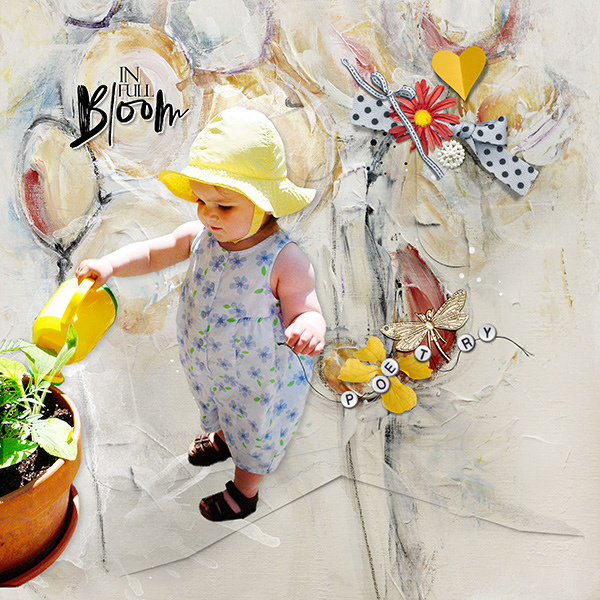
Ready to Shop?
You can find my digital artistry products in two main places: Visit my website, where I offer classes and creative tools, and Oscraps, where all my digital art collections are available for instant download.
Each location serves a different purpose, so I recommend exploring both to get the full experience.
Home Base
AnnaAspnesDesigns.com — for classes, courses, and creative resources that help you get the most from my designs.
Digital Art
Oscraps.com — for ArtPlay Palettes, ValuePacks, overlays, and digital art supplies that bring your photos to life.
Learning Hub
AnnaAspnes.com – Brand New to Digital Scrapbooking? Learn the Basics in my FREE Get Started Course. Includes a free ArtPlay Palette and video walkthrough.
All classes & courses will be moving here in 2026
Learning Hub
Whether you’re new to digital artistry or ready to refine your creative skills, this is where you’ll find everything you need to learn, grow, and stay inspired.
Start with my Getting Started Guide to build a solid foundation, then explore structured Courses and MasterClasses tailored for every skill level.
When you’re ready for fresh ideas or quick tips, browse my Free Tutorials — a growing collection of blog posts and YouTube playlists covering topics like blending, masking, and photo artistry design.
-
Step-by-step post for Photoshop & PSE users.
-
Download links for the free ArtPlay Mini Palette Alto.
-
Link to the “Getting Started” hub page.
- Blog tutorials on blending, masking, and design basics.
- Link to YouTube playlist (if applicable).
-
Getting Started with ArtPlay
-
The FotoBlendz ExperienceAdvanced Digital
-
Artistry
-
Step-by-step post for Photoshop & PSE users.
-
Download links for the free ArtPlay Mini Palette Alto.
-
Link to the “Getting Started” hub page.
- Blog tutorials on blending, masking, and design basics.
- Link to YouTube playlist (if applicable).
-
Getting Started with ArtPlay
-
The FotoBlendz ExperienceAdvanced Digital
-
Artistry
Inspiration
Each project tells a story — explore layouts created with my designs and learn how others use them in their own photo artistry
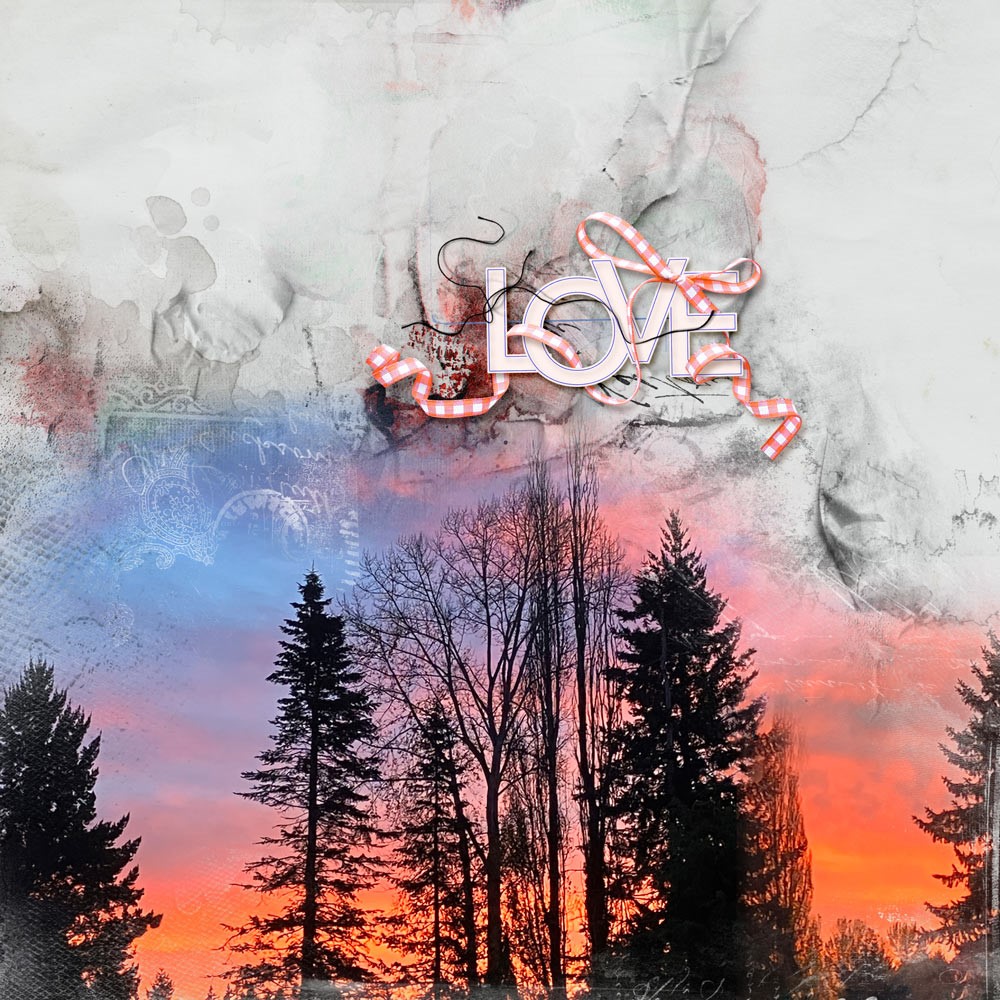
My gallery at Oscraps
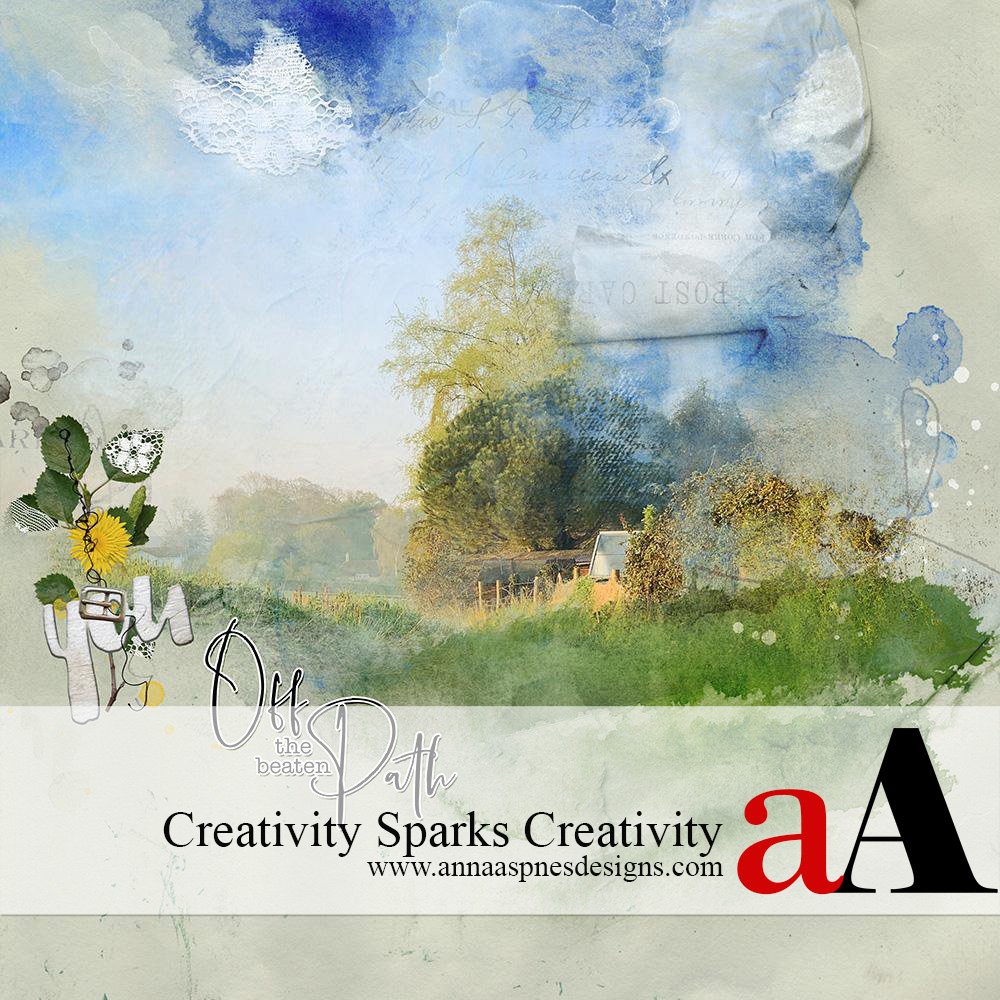
Blog Inspiration Posts
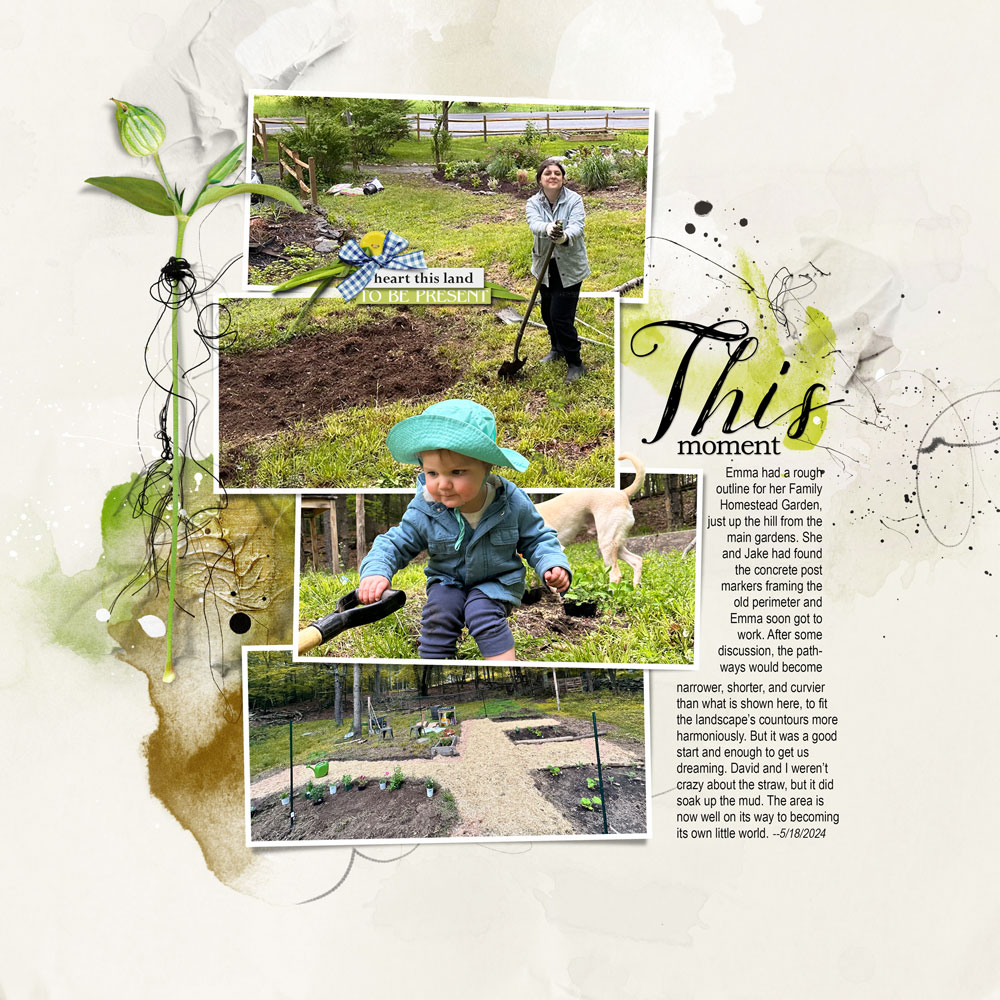
Challenges
Software & Tools
Adobe Photoshop (Photography)
https://www.adobe.com/products/photoshop.html
Adobe Photoshop Elements: https://www.adobe.com/products/photoshop-elements.html
Affinity Studio: FREE for Life
GIMP (free alternative)
Photopea (free with ads)
- Fonts, brushes, textures, stock image sources (Unsplash, RawPixel).
- Optional: include Anna’s go-to color tools like Coolors or Adobe Color.
https://www.adobe.com/products/photoshop.html
Adobe Photoshop Elements: https://www.adobe.com/products/photoshop-elements.html
https://www.gimp.org/downloads
- Fonts, brushes, textures, stock image sources (Unsplash, RawPixel).
- Optional: include Anna’s go-to color tools like Coolors or Adobe Color.
Printing

Persnickety Prints
Professional print service specializing in scrapbook layouts.

Blurb.com

Shutterfly
Photo books and wall art.

Persnickety Prints
Easy template-based books and cards
“Always check color profiles and paper types for best print results.”
Licensing & Terms
My designs are for Personal Use (PU) unless otherwise stated. Please review the full Terms of Use for details on what’s allowed for Commercial Use (CU) or education.
FAQ & Troubleshooting
How to unzip product files
How to install brushes (.abr)
What to do if you can’t find your downloads
Where to get software support
How to contact us
Community & Connection
Sign Up Our Newsletter Now!
Youtube
Instagram
Pinterest
Facebook