
Creative Team Member, Barbara, shares her process for Ghost Shadow with Custom Shapes Tutorial.
Ghost Shadow with Custom Shapes Tutorial
Different ideas come to me while working on a page and I go for it to see what happens.
They don’t always work out and it goes into the trash and I start over again.
However, I do make a note of it so I don’t forget, because the idea might work on another page.
With this layout I wanted to suggest stepping into a portal of discovery when we experience a wondrous Epiphany in our lives.
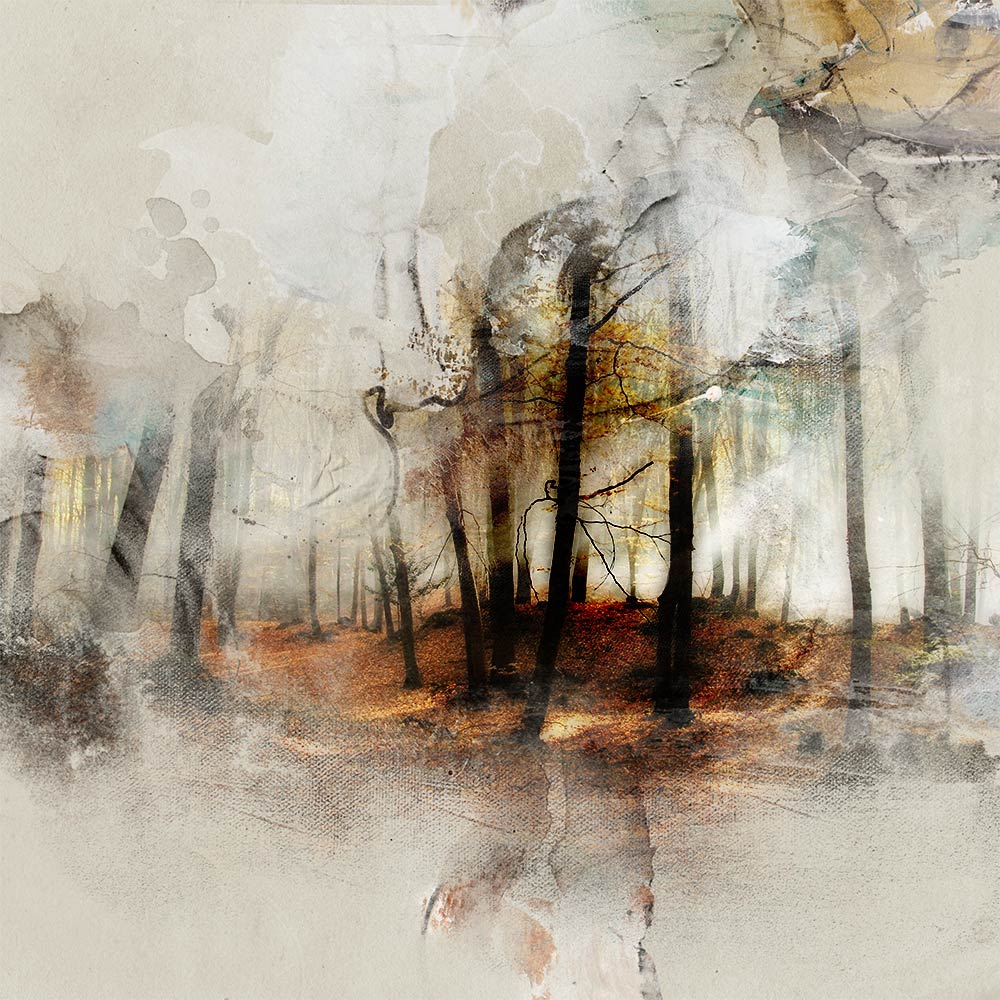
1. Establish a Foundation
The base of my page is Artsy Paper #2 from ArtPlay Palette Epiphany.
- Layer or stack 2 masks from FotoBlendz Overlays No. 11
- Clip copies of the photos to each FotoBlendz using the Clipping Mask function in Adobe Photoshop or Elements.
- Duplicate the top photo Clipping Set and apply a Pin Light Blending Mode
- The Blending Mode of the bottom FotoBlendz mask is left on Normal, and the top mask is set to Linear Burn.
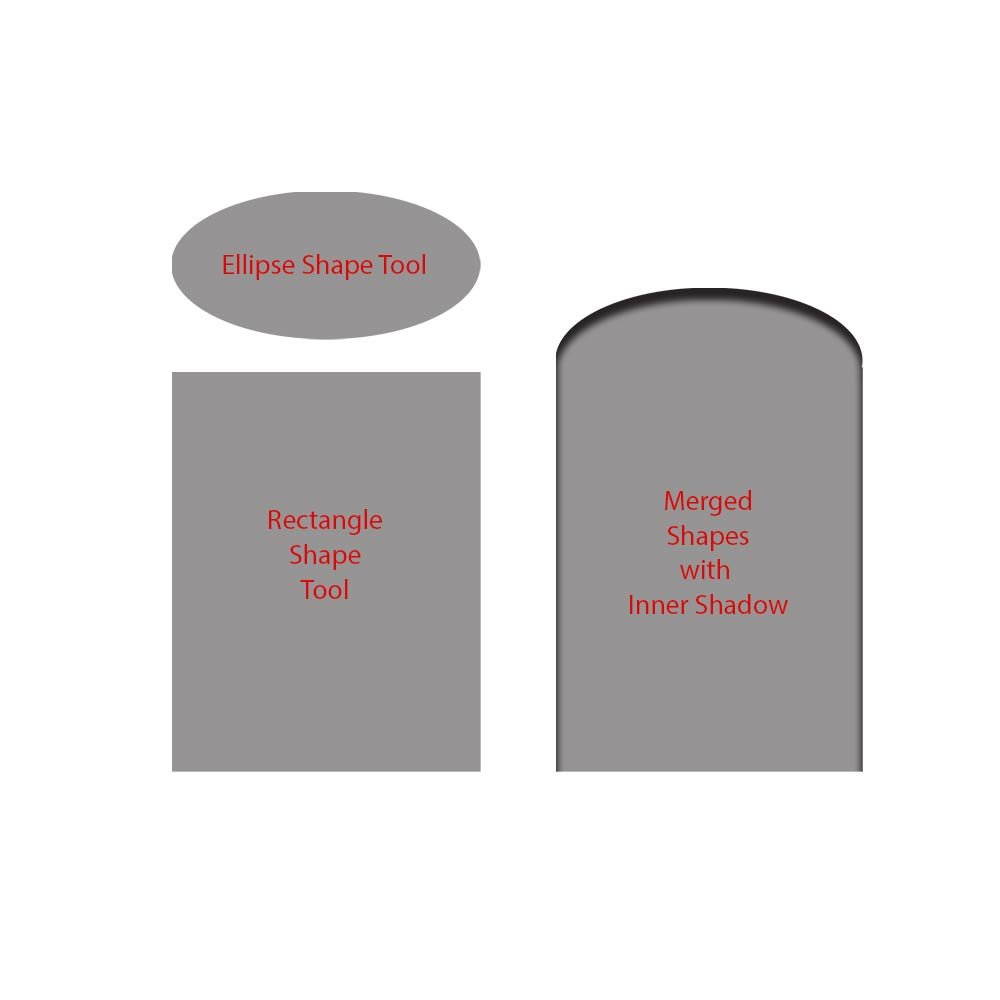
2. Create a Portal
Create a custom shape using 2 of the Shape Tools available in Adobe Photoshop and Elements.
- Create a New File at 12 x 12 inches 300DPI.
- Use the Rectangle Shape Tool to create a rectangle shape at preferred size.
- Create an ellipse shape using the Ellipse Shape Tool that fits the width of the rectangle.
- Merge the 2 layers together by selecting the layers in the Layers Panel and go to Layer> Merge Layers.
- Add a 90º Inner Shadow Layer Style to the merged shape.
- The Distance of the shadow is 35%, Choke 21%, Size 35% and Opacity set at 73%.
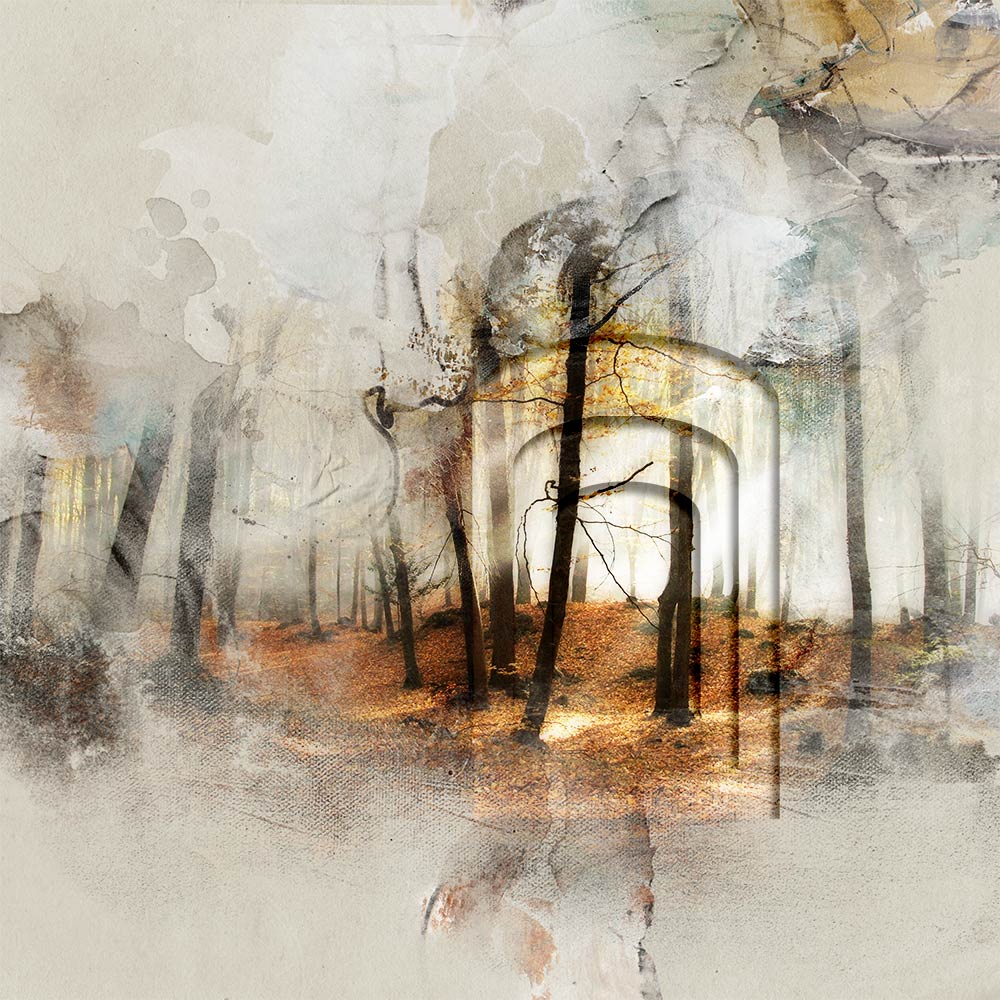
3. Duplicate and Blend
Create the Ghost Shadow Effect.
- Position and resize the shape on the page.
- Duplicate the custom shape 2 more times, and make each copy smaller.
- Clip a copy of the photo to each of the custom shape layers.
- Press the Option (ALT) key while clicking on the thumbnail in the Layers Panel and moving each photo copy above the shape layer.
- Apply a Screen Blending Mode to each of the shape layers, leaving the photo layers on Normal Blending Mode.
- You can also reduce the Opacity of each shape layer to give the impression of depth.
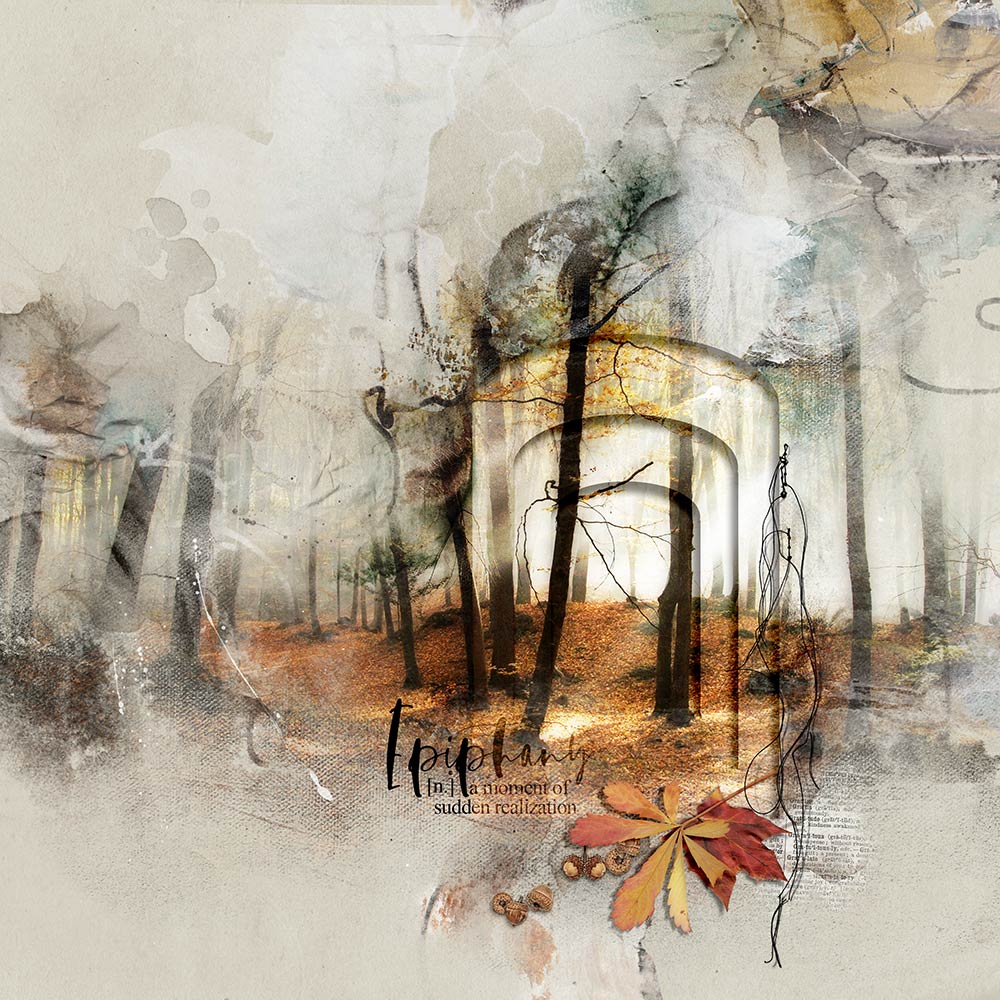 4. Embellishment
Complete your digital artistry layout.
- Add visual interest using Brushes and dimensional elements.
- Try this technique with different shapes, Transfers/Overlays and dimensional elements.
I hope you give it a go yourself – Use your imagination to make it your own.
Post your digital artistry and artsy digital scrapbooking pages in The Gallery. If you liked this Ghost Shadow with Custom Shapes Tutorial, please consider sharing it using the social media buttons below.
really cool!!
I agree. Fabulous tutorial Barbara – Thank you for sharing your talents with us.
Wow, this is COOL! I need to try my hand at making portals! Thanks!
Merci beaucoup pour l’explication de ce tuto très compréhensible ! Merci merci !