
Ghost Shadow with Custom Shapes Tutorial
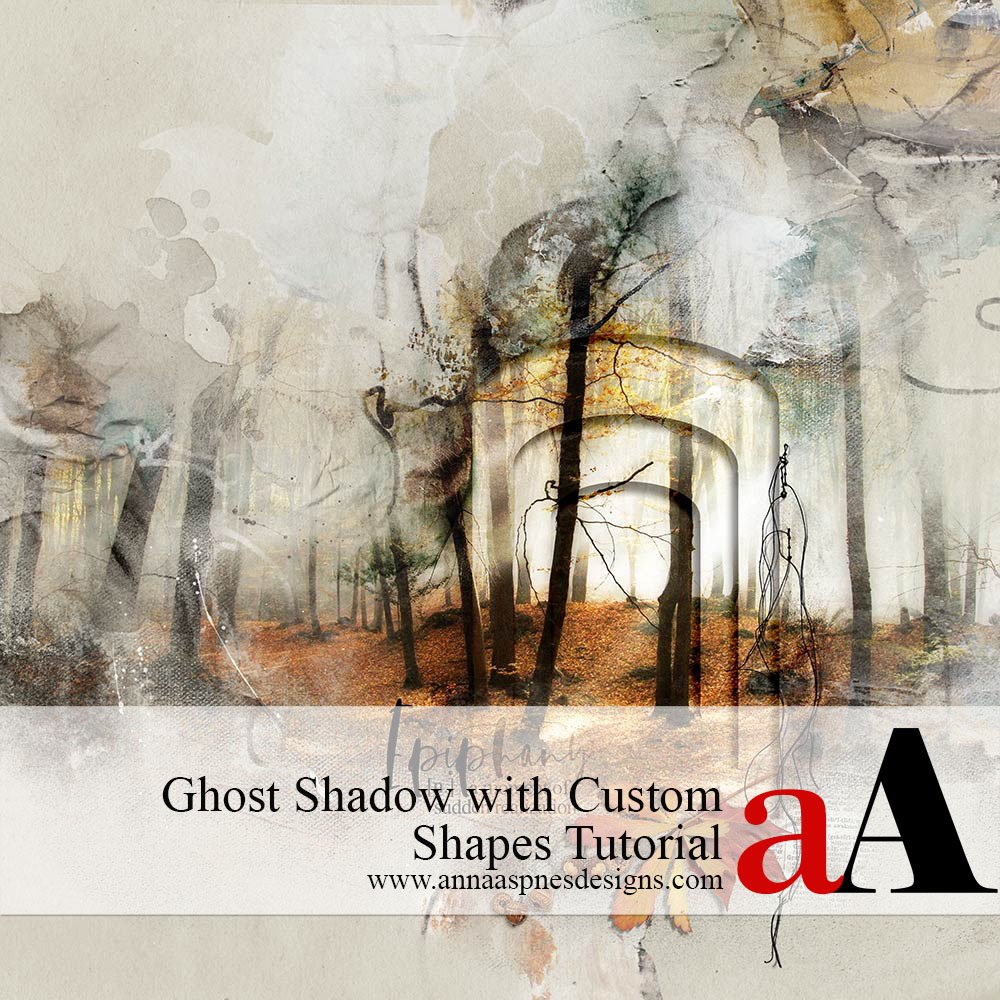
Creative Team Member, Barbara, shares her process for Ghost Shadow with Custom Shapes Tutorial. Ghost Shadow with Custom Shapes Tutorial Different ideas come to me while working on a page and I go for it to see what happens. They don’t always work out and it goes into the trash and I start over again. […]
The Power of Color Adjustments
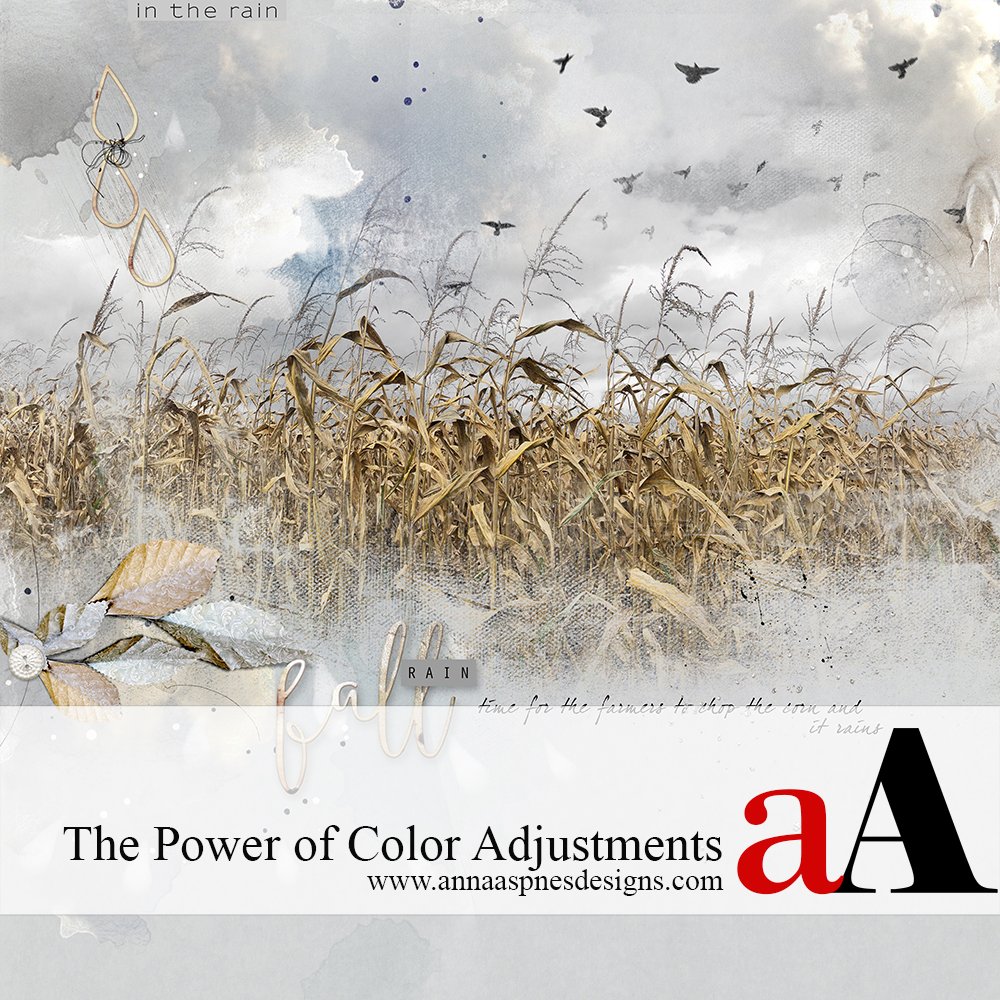
Today, Creative Team Member, Miki, is sharing The Power of Color Adjustments in Adobe Photoshop. The Power of Color Adjustments I’ve often joked that there are more cows than people in the small agricultural community that I live in. And with that many cows, most of the farmed fields are filled with corn to feed the […]
The Best Watercolor Painting Photo Editing Effect

Viv Halliwell, shares The Best Watercolor Painting Photo Editing Effect. The Best Watercolor Painting Photo Editing Effect There are many ways to create a watercolor effect in Photoshop. I have searched for the best results and I believe I have found the best work around, based on Marty at Blue Lightning’s Youtube Tutorial. 1. Select your […]
How to Use Texture and ToolSets in Digital Scrapbooking
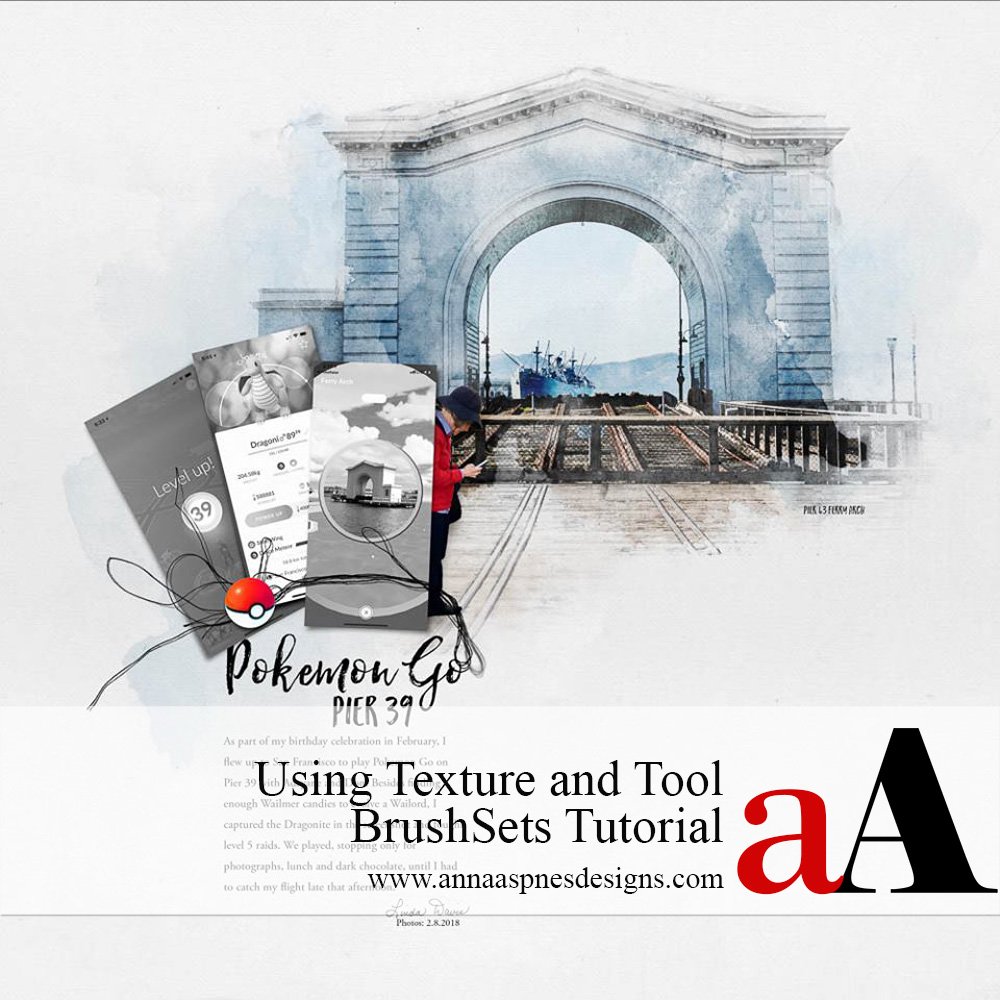
Linda Davis shares How to Use Texture and ToolSets in Digital Scrapbooking. How to Use Texture and ToolSets in Digital Scrapbooking A step by step tutorial in showing how to add texture and dimention using Photoshop brushes in your digital scrapbooking and 1. Photo Skecth Effect Use an app or apply Photoshop filters to create […]
Digital Scrapbook Repetition Tips and Techniques
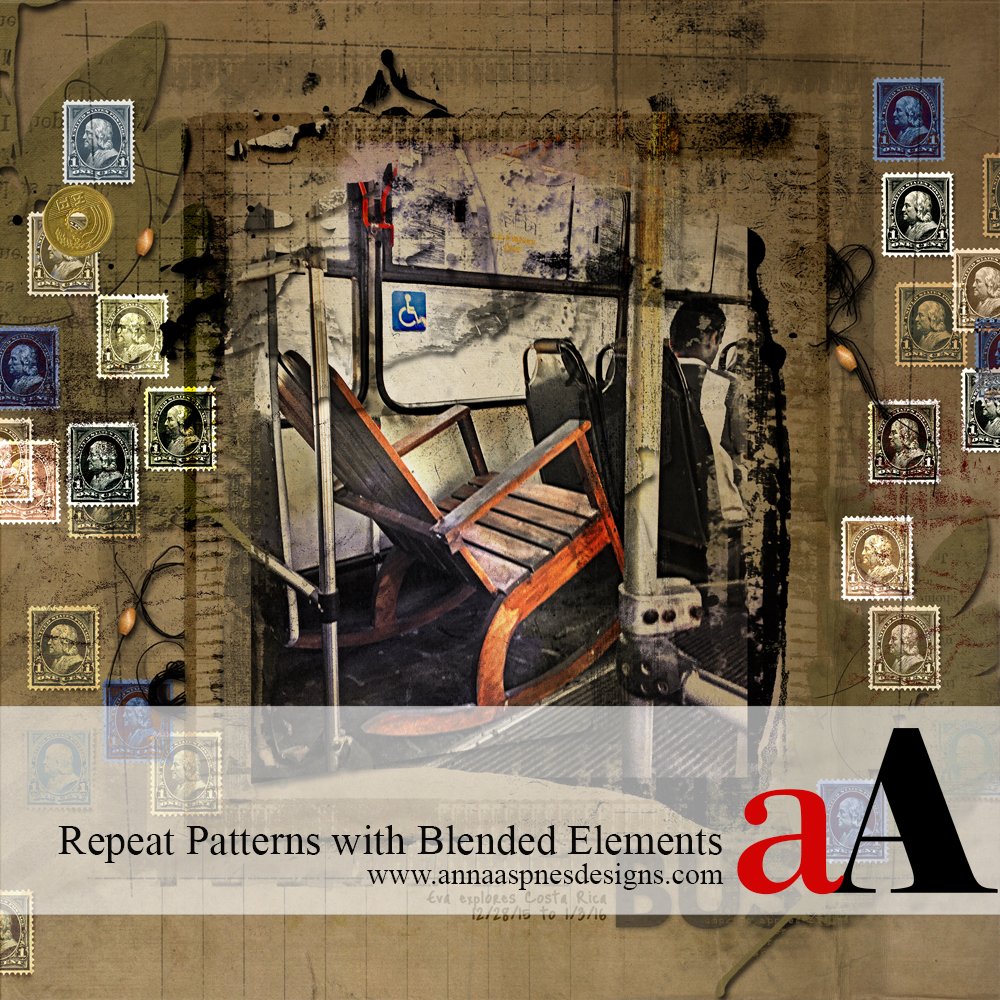
Creative Team Member, Laura, shares her Digital Scrapbook Repetition Tips and Techniques. You can get a lot of design mileage from a single element by duplicating it several times and then varying opacity, color, and contrast through the application of different Blending Modes. My layout had space around the borders, so I chose a postage […]
Transparent Digital Scrapbook Titles using Blending Modes
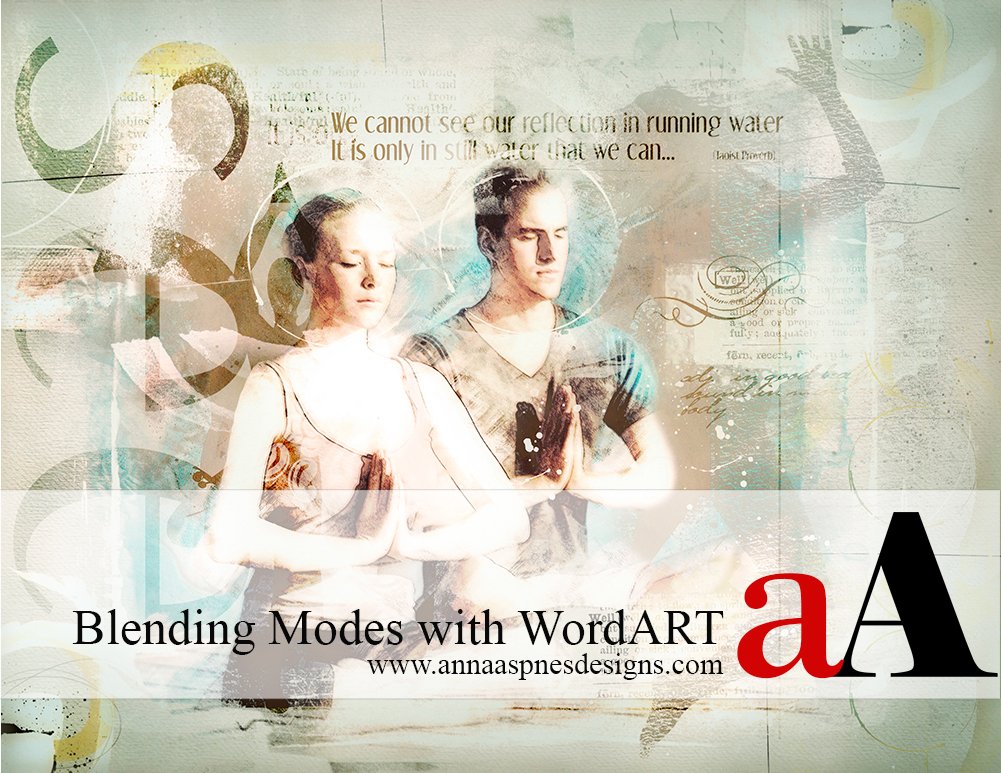
Creative Team Member, Marianne, shares a Transparent Digital Scrapbook Titles using Blending Modes tutorial. You can do a LOT with [aalogo] WordART. Words can be both re-colored and combined with the Blending Modes found in Adobe Photoshop and Elements. I used Blending Mode with WordART from Yoga WordART No. 1. and WordTransfers Living Well No. 1 in the following page. Blending modes enable […]