
Today, Creative Team Member, Nancy Adams, is sharing 7 Ways to Use Corner Slit Frames.
Complete these techniques in PhotoShop Elements.
7 Ways to Use Corner Slit Frames
- Corner Slit Frames offer multiple options for displaying your photos, memorabilia, and design
elements. - Creative play with the components of the Corner Slit Frames will add unity and variety to
your digital techniques and your artistry. - The Corner Slit Frames include a psd file and png files of each layer.
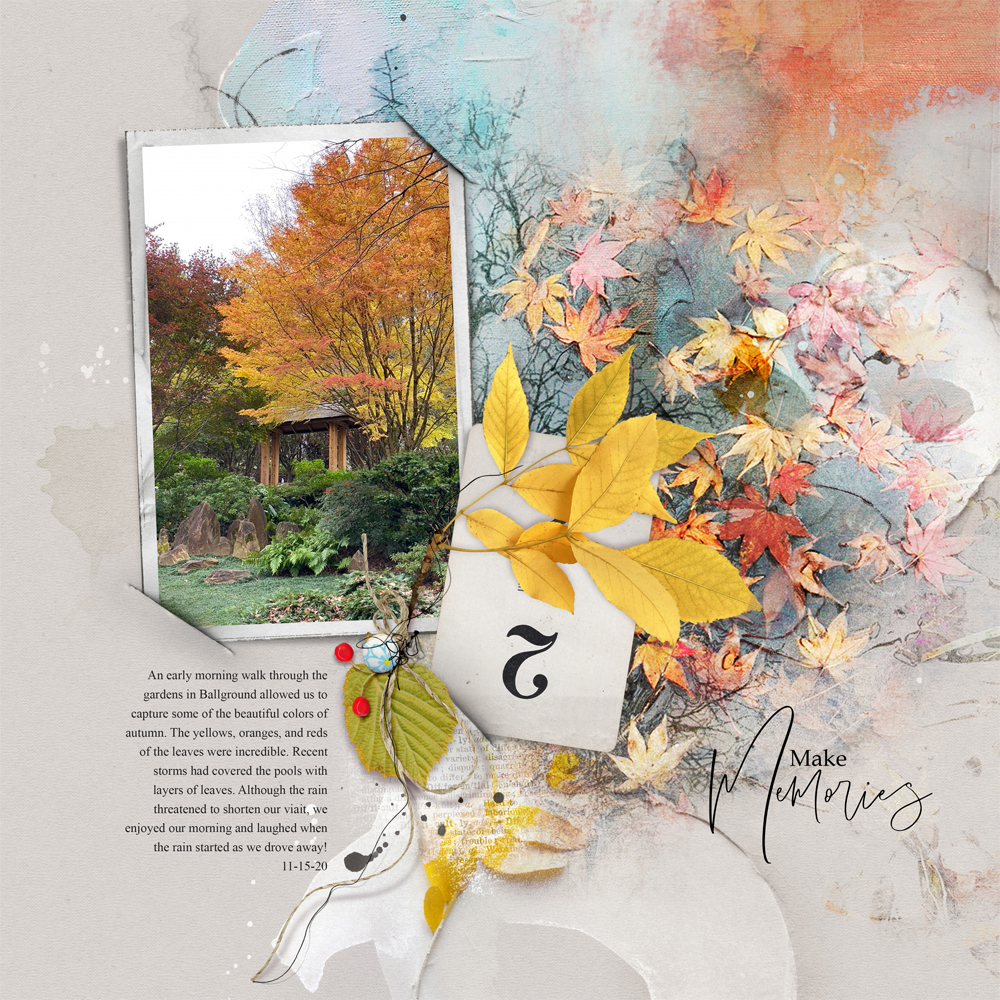
1. Display Multiple Images
Use the frames to showcase photos and memorabilia in your artsy digital scrapbooking layout designs.
- Clip a photo to the mask layer of a ‘Corner Slit Frame‘ by placing the image over the mask layer in the Layers Panel.
- Then go to Layer> Create Clipping Mask.
- You can also ‘tuck’ memorabilia such as digital elements and scanned ephemera into the digital ‘Corner Slits’ for an easy display.
- Apply a Layer Mask to the element and use a Hard Round Brush
- with the Paint Brush Tool where the image overlaps the ‘Corner Slits’ to conceal for realistic effect.
2. Create a Photo Collage
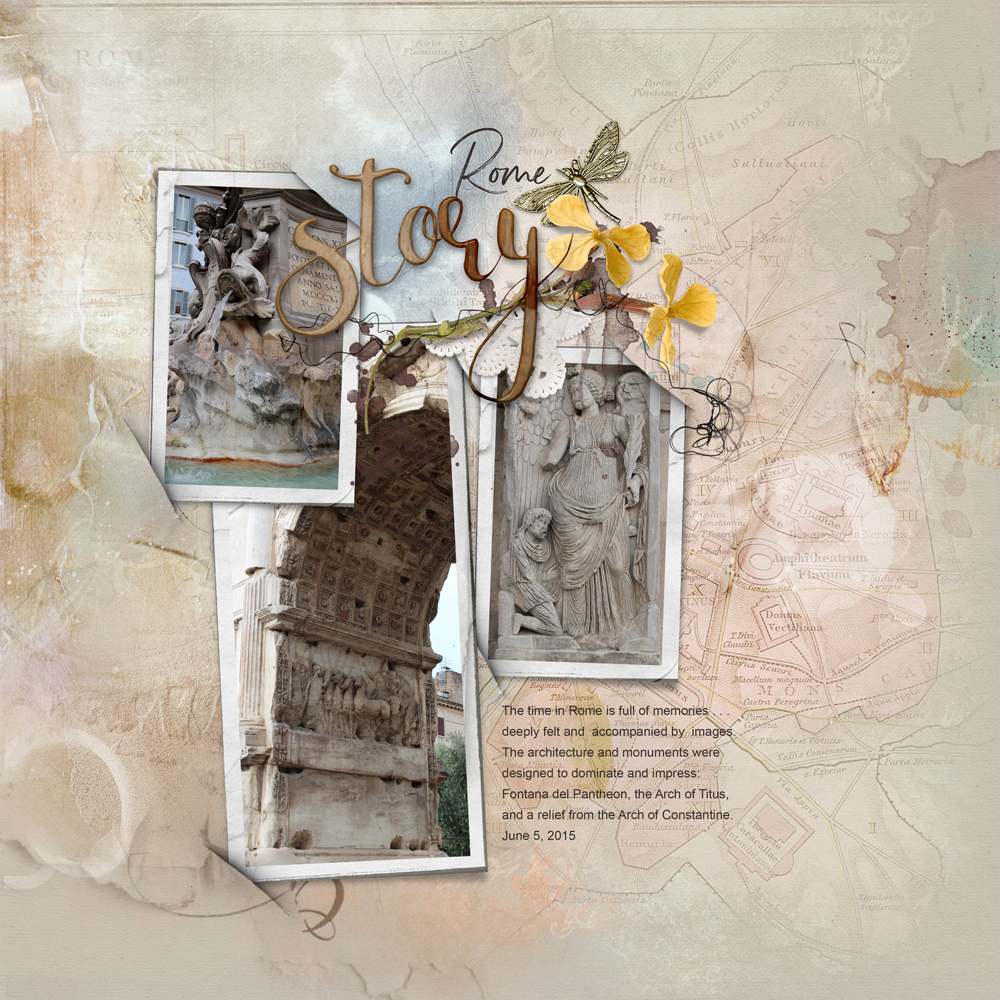
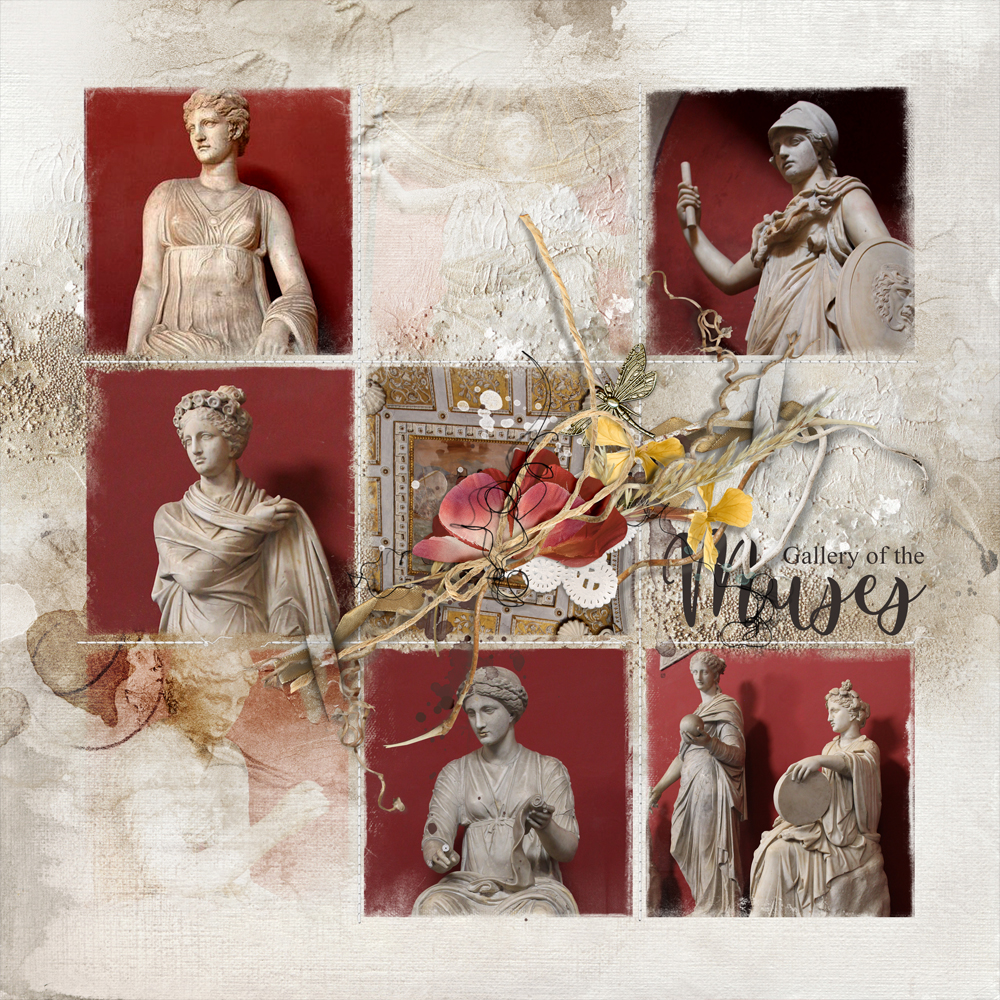
Overlap and arrange multiple Corner Slit Frames to create a photo collage foundation in your digital scrapbooking page.
- Place 2 or more frames on your layout design.
- Vary the ROTATION of each frame to up-level the visual interest.
- This approach is great for quickly and easily adding LOTS of photo captures to your photo artistry layouts.
Note. Apply your photos to the masks in the ‘Corner Slit Frames’ BEFORE placing them in the document.
3. Incorporate FotoBlendz
Blend a photo across multiple frames to elevate visual interest in your artsy digital scrapbooking.
- Arrange 2 or more ‘Corner Slit Frame’ elements on your artsy layout foundation.
- Select and place the photo of choice to the edges span ALL the masks in the frames.
- Clip the photo to the first mask, duplicate and then move the ‘copy’ layer on top of the next mask in the Layers Panel.
- Repeat the Layer> Create Clipping Mask process until all mask layers have been filled.
- See this Photo Extension Template Tutorial for further guidance.
- Place a FotoBlendz clipping mask on top of the ‘Corner Slit Frame’ elements.
- Clip a photo to the FotoBlendz mask layer to create a dramatic focal point in your photo artistry.

4. Use as Page Corners
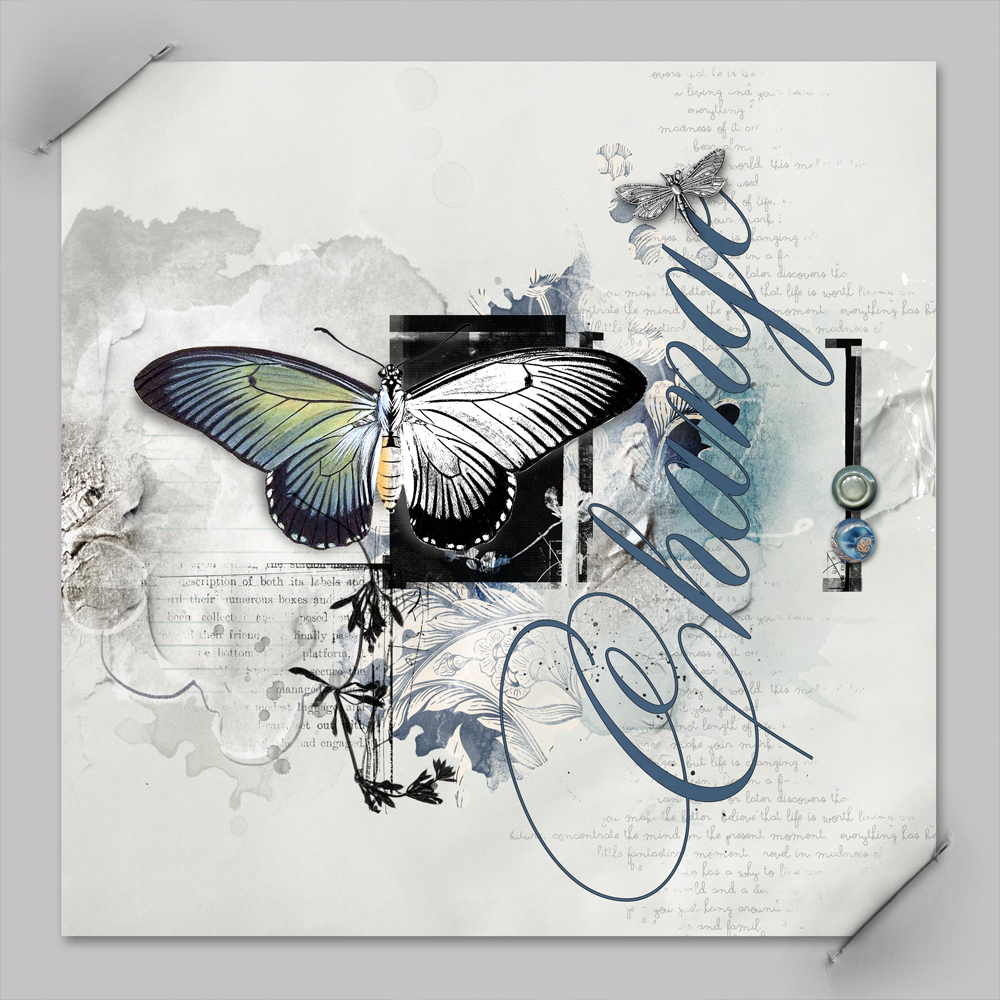
Frame a layout design on a Solid Paper Background using the Corner Slits.
- Add dimension to a framed layout using the ‘Corner Slit’ elements from the Frames.
- This technique provides the appearance that the corners of your digital scrapbooking layout have been tucked into slits in a digital Solid Background Paper.
- Place your layout on a Solid Background and resize to about 10 inches or as preferred size.
- Open the .png format version of the files of the ‘Corner Slit’ layers.
- Rotate and position the corner slits around and over the corners of your photo artistry page design.
- Apply a Layer Mask to your layout layer and use a Hard Round Brush with the Paint Brush Tool to remove the area of the layout that extends beyond the ‘Corner Slit.’
Note. Try this approach with a full-size photo or composite layer.
5. Hold LabeledWords
Modify to the Corner Slits for Title or Journaling Strips.
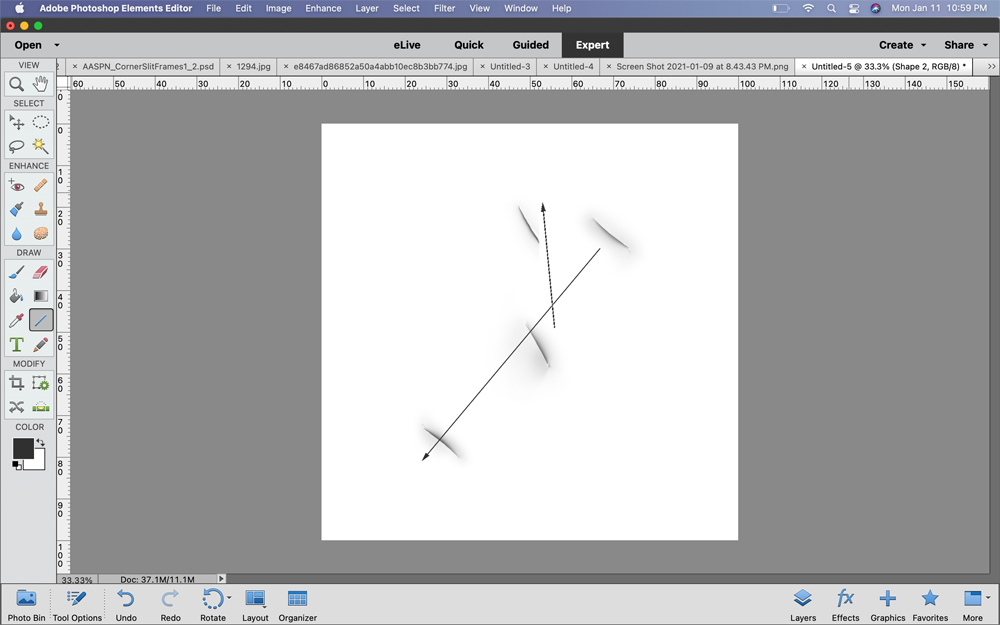
- Duplicate, rotate, resize and reposition the ‘Corner Slit’ layers to create a dimensional place holder for
title or journaling strips. - This image shows the .psd version of Corner Slit Frames 2_4 file with ONLY the ‘Corner Slit’ layers visible in the Layers Panel.
- Turn off the visibility of a layer by clicking on the ‘eye’ icon to the left of each thumbnail.
- Drag the ‘Corner Slit’ layers to the New Layer icon in the Layers Panel.
- You can also use the ‘Short Cut’ by pressing the CTRL/CMD + J buttons on your keyboard.
- Use the Move Tool from the Tools Panel to reposition the layers.
- Use the Transform Controls to rotate the layers as preferred.
- Use a Layer Mask and the Brushto remove the parts of the elements that extend beyond the ‘Corner Slits.’
Tip. See the Useful Techniques Video on the Resources page for further guidance.
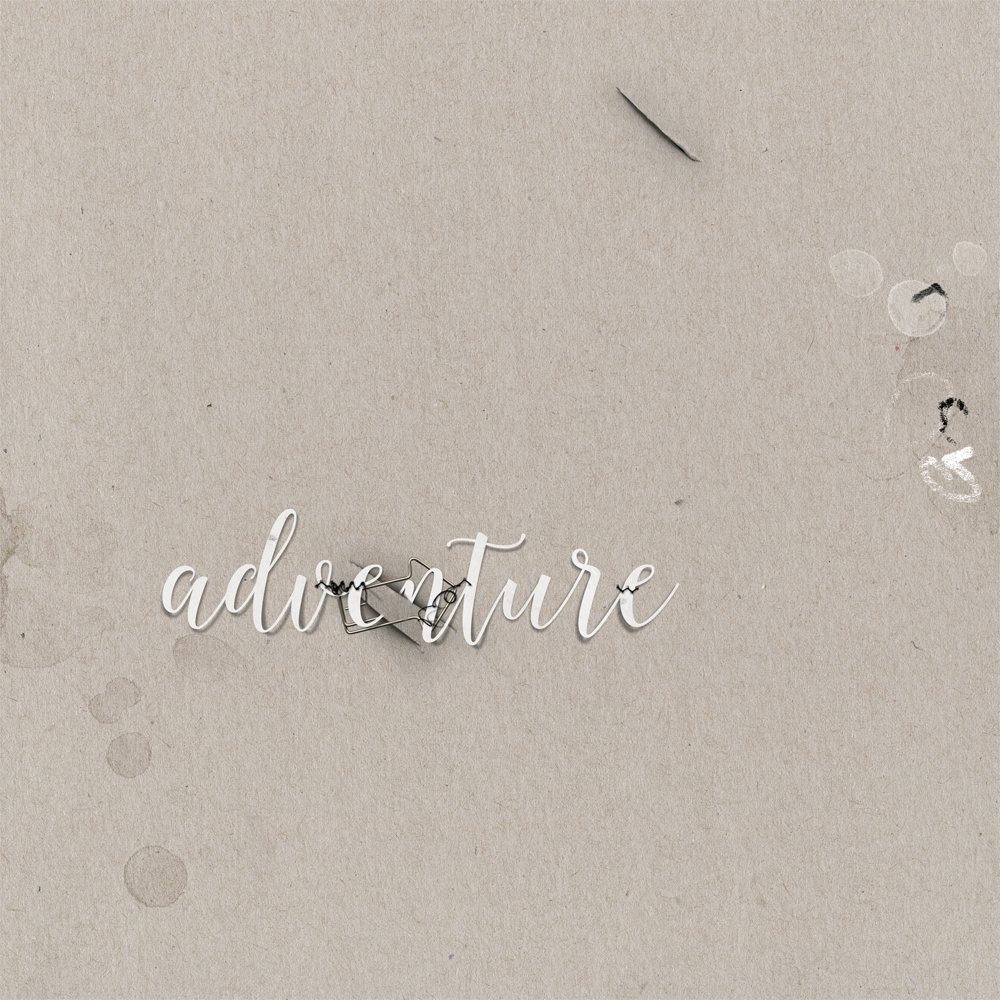
6. Adhere Element Clusters
Use the ‘Corner Slits’ to tuck elements in a cluster into your layout design.
- Repeats step from #5.
7. Create Decorative Weaving
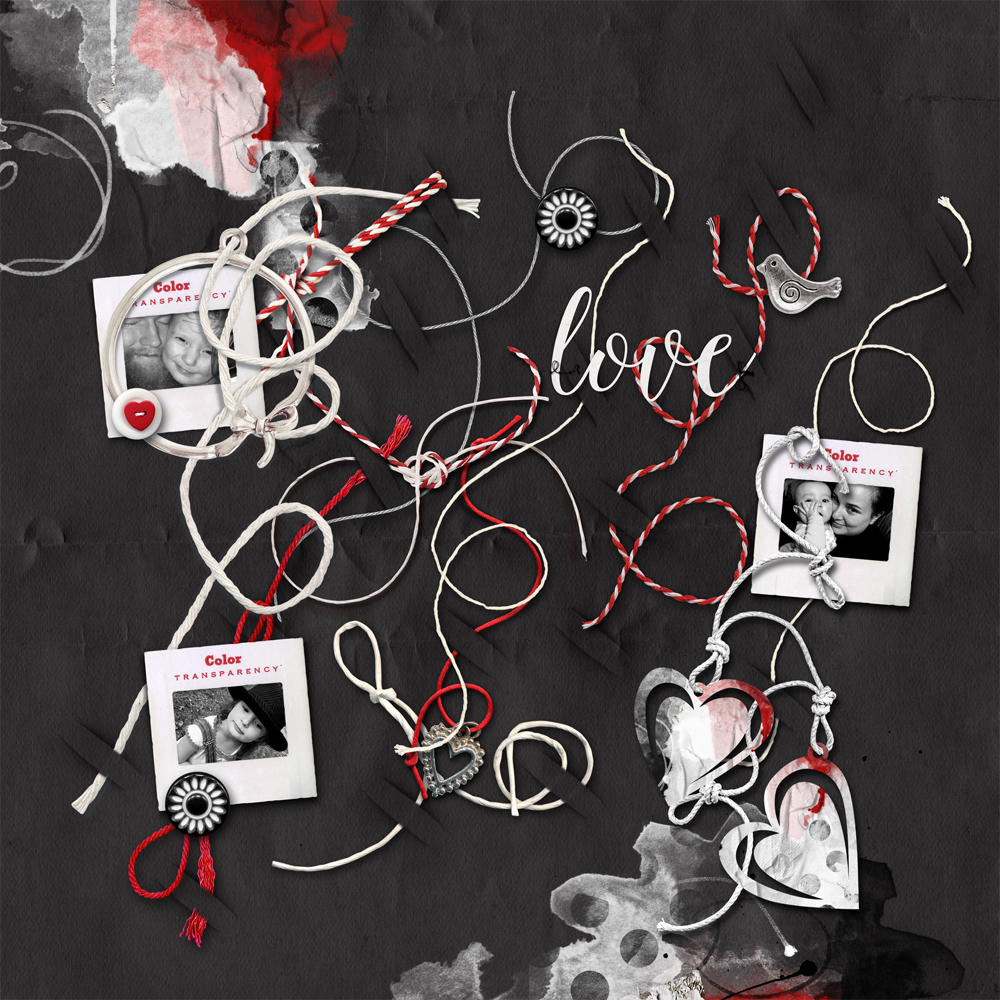
Weave strings and ribbons in and out of your digital scrapbooking layout foundation.
- Modify the ‘Corner Slit’ layers of the frame as outlined in previous steps.
- Position them over ribbon and string elements to create the impression of a woven effect.
- Layer the elements over the ‘Corner Slit’ elements and use a Layer Mask and the Brush to adjust as needed.
Special Offer
Save 40% on BOTH sets of Corner Slit Frames.
- CornerSlit Frames No. 1
- CornerSlit Frames No. 2
- Valid through 11 March 2021
Summary
Use the ‘Corner Slit Frames’ individually or as a whole.
- Quickly and easily showcase your photos in your photo artistry.
- Adhere elements and words to your digital scrapbooking designs.
- Elevate visual interest via dimension and Texture.
See also:
- Design Principles and Element Properties
- 5 Ways to Create a Focal Point Using Frames
- Fernweh to UrbanThreadz FotoBlendz Frames Video
And if you liked this 7 Ways to Use the Corner Slit Frames, show us how you use them by posting your artsy digital scrapbooking pages to the AnnaGallery.
Thanks so much for all these ideas on the corner slits! I never thought of doing most of these, but now I will!
I know! Nancy is genius! Happy you enjoyed.