
Creative Team Member, Trish, shares a Artsy Paper Enlight App Tutorial to get your next layout started.
Artsy Paper Enlight App Tutorial
Our garden has the most beautiful Wisteria vine along the side brick fence.
Each year I watch as it sheds it leaves, lays dormant for a couple of months and then gradually starts to display its pods. They gradually bloom into beautiful bunches of lavender Wisteria and smell divine.
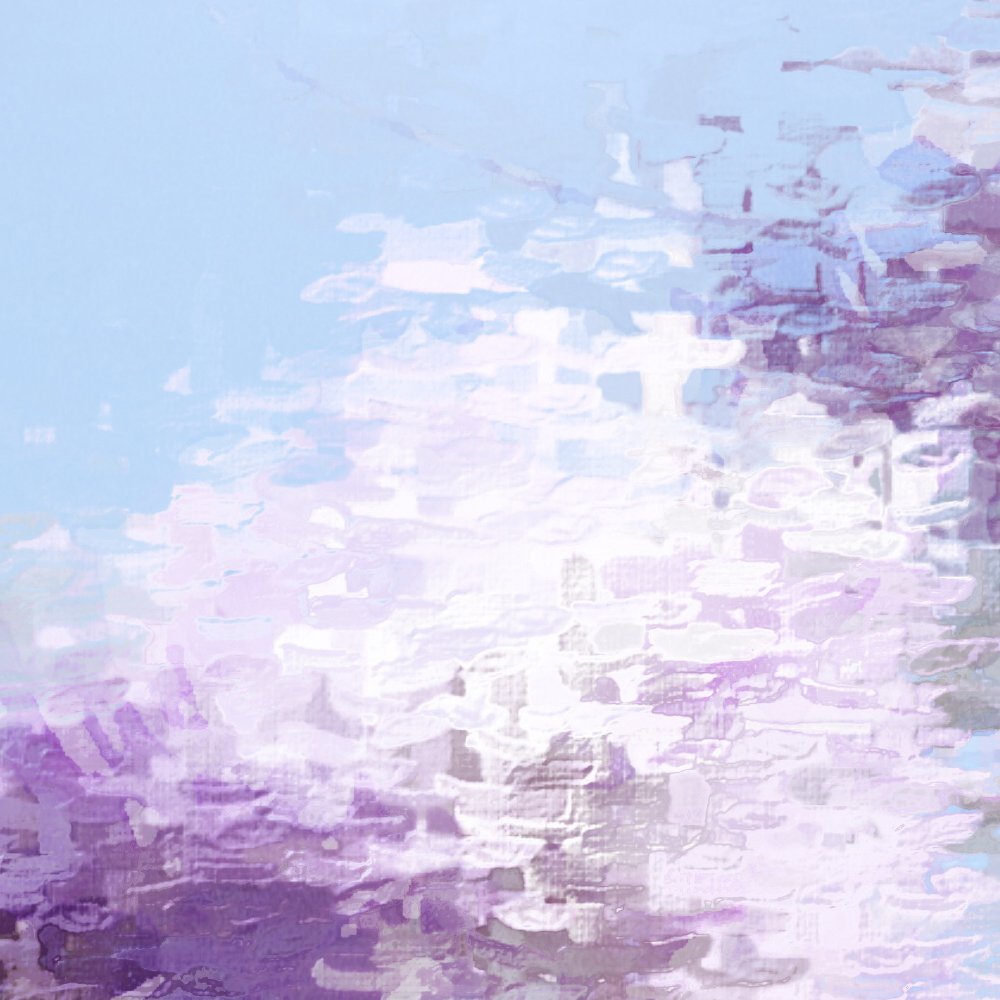

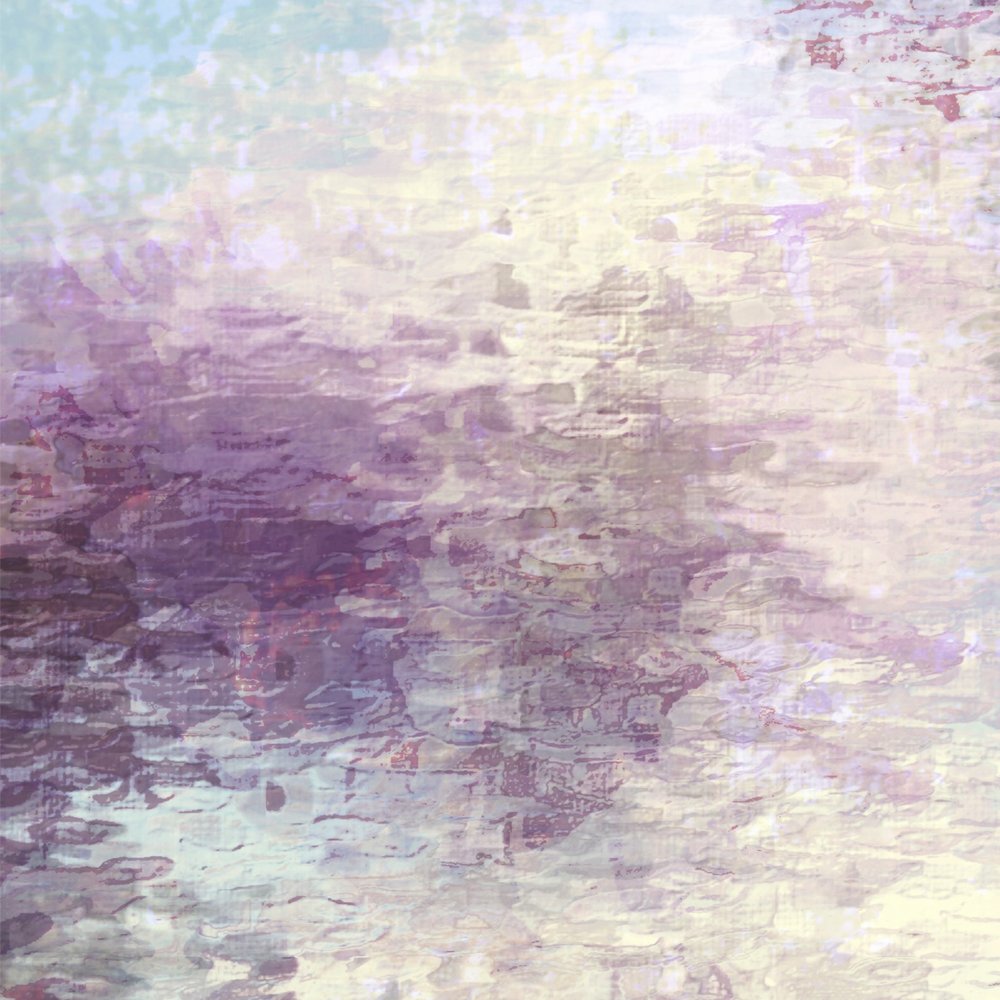
1. Artsy Photo Effects
Create an artsy photo effect using phone apps.
- Select several photos and manipulate a variety of images using your phone.
- I used the iPhone app Enlight and selected the Zinnia Pre-set to yield a stretched background effect for each of the images.
2. Establish Foundation
Use the photos as the background for your digital scrapbooking or artistry layout.
- Create a New Layout at 12 X 12 inches, 300 DPI resolution.
- Move the images onto your background and enlarge to fill the canvas.*
- Apply Blending Modes to any of the layers as preferred.
*I don’t mind the pixelation, and loss in resolution – A perfect reproduction of the image was not a primary goal of mine in the artistry.
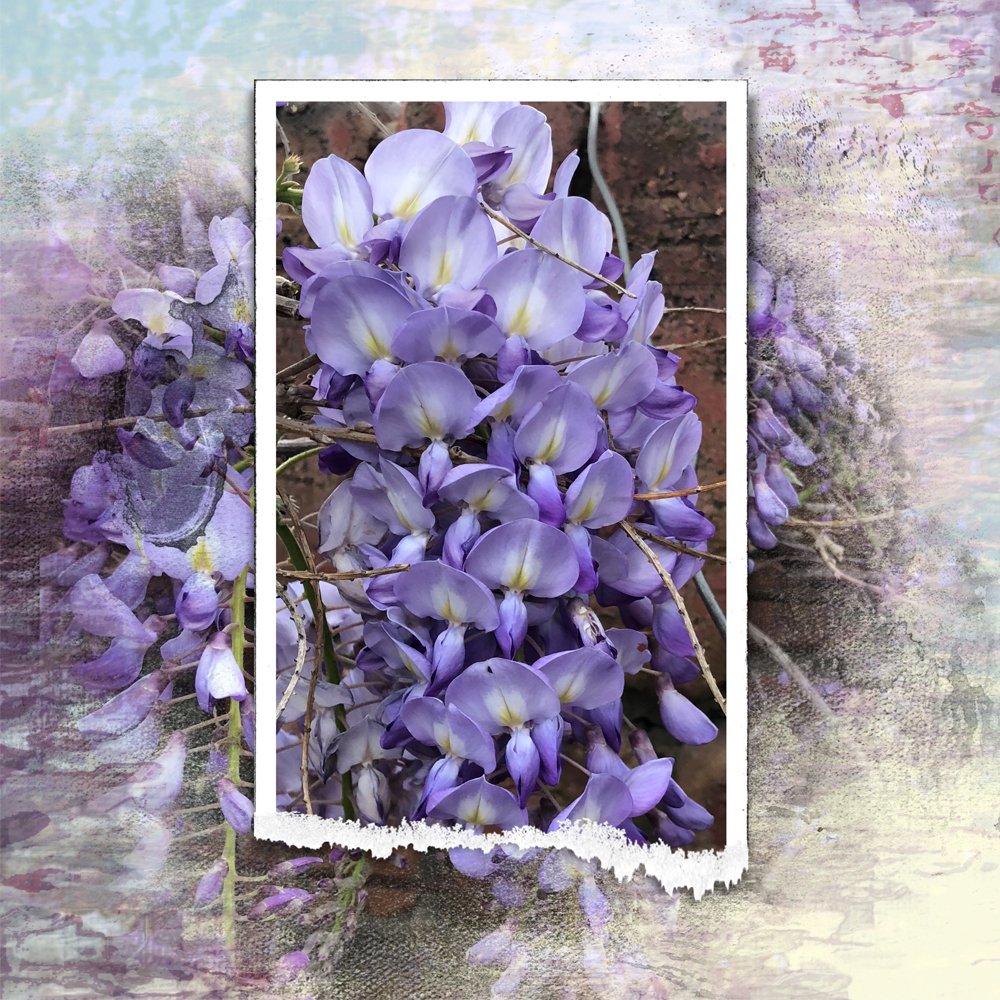
3. Focal Image
Add a framed image to your layout.
- Clip a photo, of similar subject to your background, to the mask layer of a layered frame.
- Notice how the colors of the focal image co-ordinate with your artsy background.
- I used a frame from Torn FotoFrames No. 2.
4. Supporting Blending Image
Mat your framed focal image with blended photo.
- Place a FotoBlendz Clipping Mask between the background layer and the framed photo Clipping Set.
- I used a mask from Brumal FotoBlendz No. 1.
- Clip another photo to the FotoBlendz mask layer using the clipping mask function.
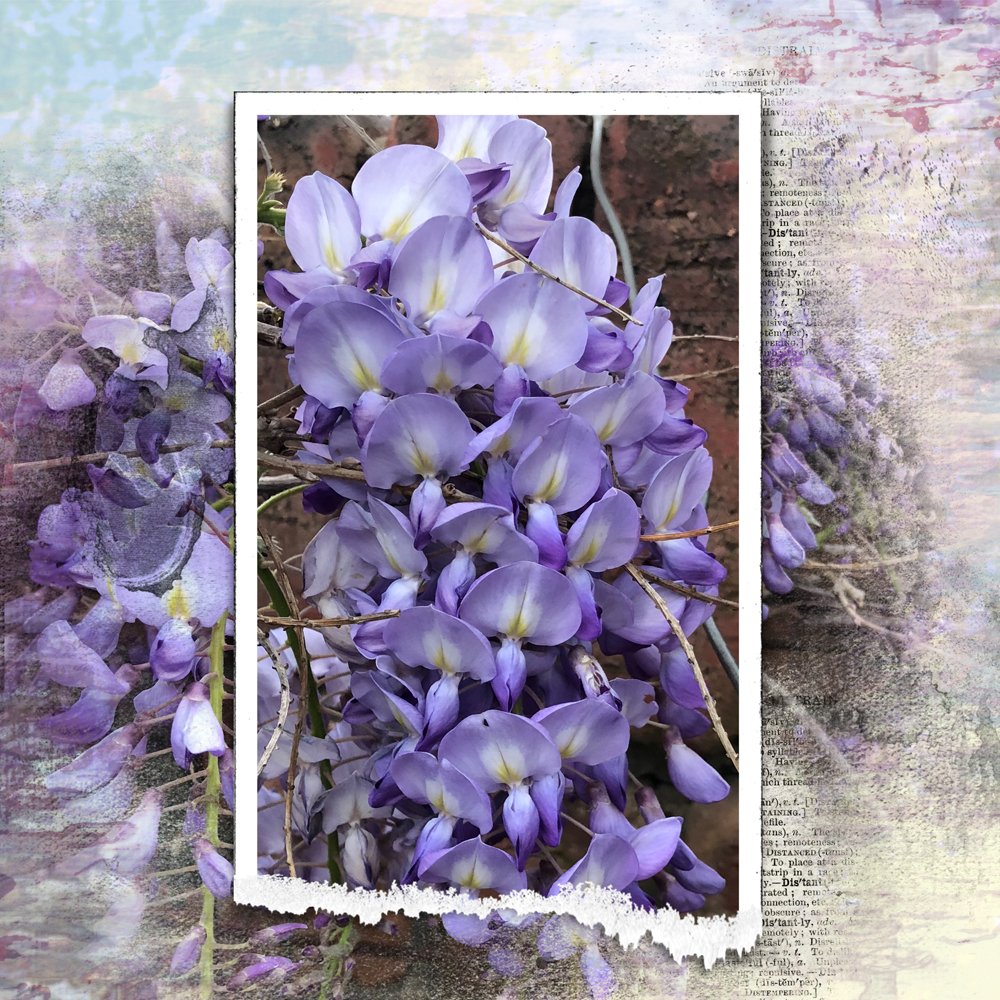
5. Embellish with Words
Add visual interest to your layout by adding WordTransfers.
- All of the WordART Mix sets include up to 3 WordTransfers.
- Open and place these elements on your layout using the Move Tool from the Tools panel.
- I used WordTransfers from Adventure WordART Mix No. 2 placing them behind the frame in two spots to complete the artistry.
- You could also apply Blending Modes to the WordTransfers to yield a more transparent effect.
Post your digital artistry and artsy digital scrapbooking pages in The Gallery, and if you liked this 5 Step Artsy Layout Tutorial, please consider sharing it using the social media buttons below.
Trish, the APP results are just beautiful! I love the variety of softness and abstract. Thank you so much, Anna and Trish for sharing this tutorial.