
Creative Team Member, Viv Halliwell, shares her Adobe Create Action WaterColor Effect Tutorial.
Adobe Create Action WaterColor Effect
Download and install the Adobe Create magazine free watercolour Action to use with this tutorial.
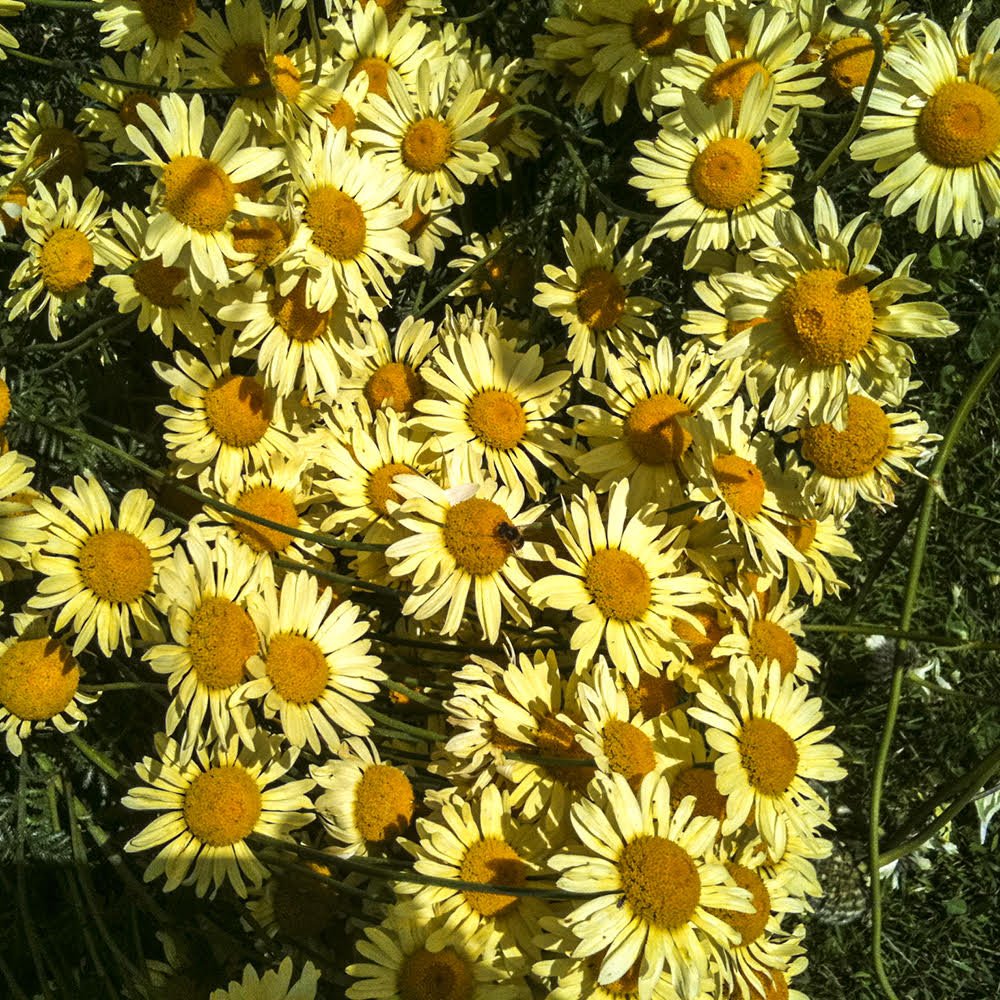
Select a Photo
I chose a bright contrasty photo as my base, then cropped it to a square format.
It’s advisable to do this as the effect will look much better on a square layout, mainly because there are paper layers and a white base to contend with in the action and I wanted a quick win!
- Resize you photo to 12×12 inch at 300 dpi.
- Run the free action on your photo.
- Follow the guidelines here on how to run the action and customize the results.
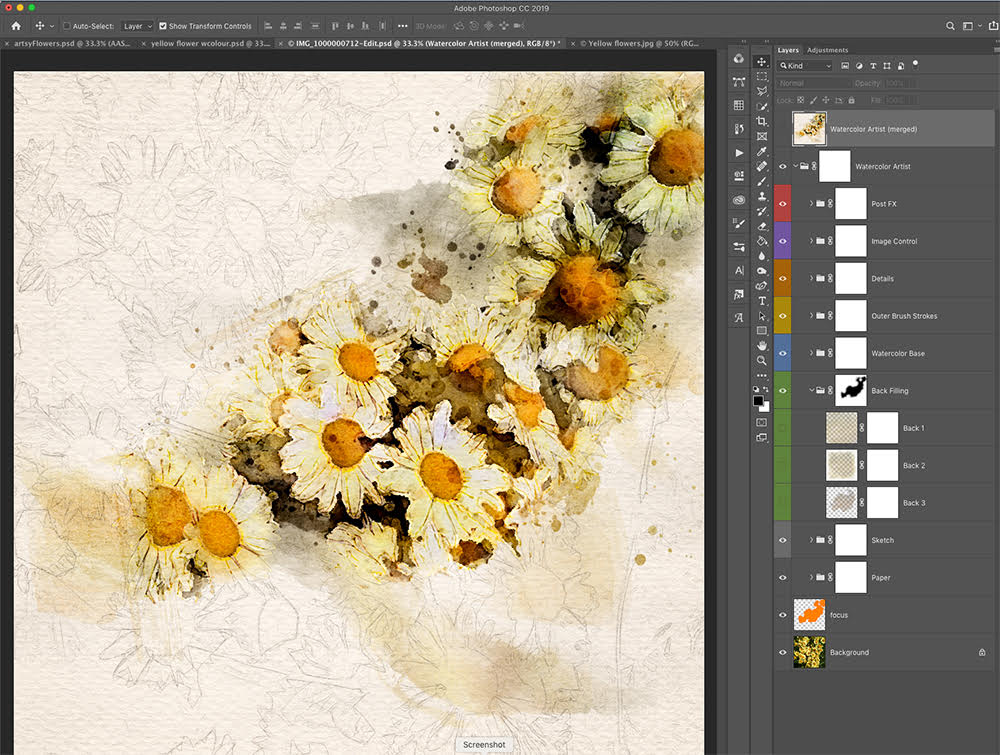
Merge the Layers
After the action had finished rendering I preferred to create a merged layer whilst still keeping the original layers.
-
Select the layers you want to merge, then press Ctrl+Alt+E (Win) / Command+Option+E (Mac).
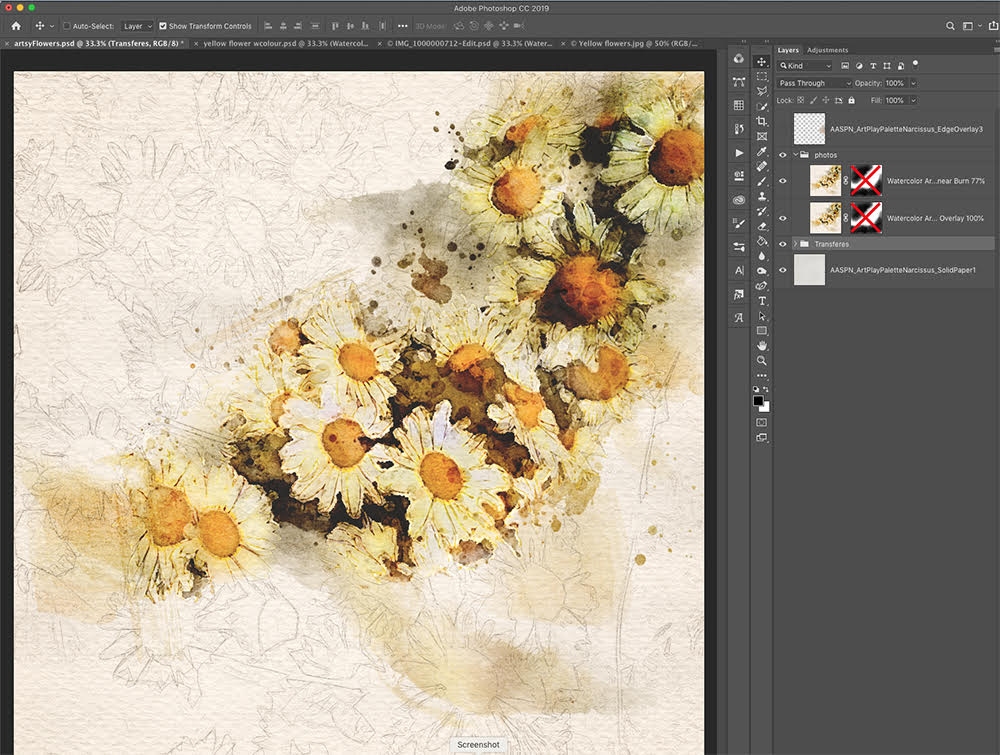
Create Your Layout Foundation
Choose a coordinating ArtPlay Palette and supporting elements.
-
Turn off all the layers except for the newly merged layer.
- Open a coordinating solid paper.
-
Drag the merged layer onto the paper.
Note: I chose a paper from ArtPlay Palette Narcissus.
Blend & Embellish
-
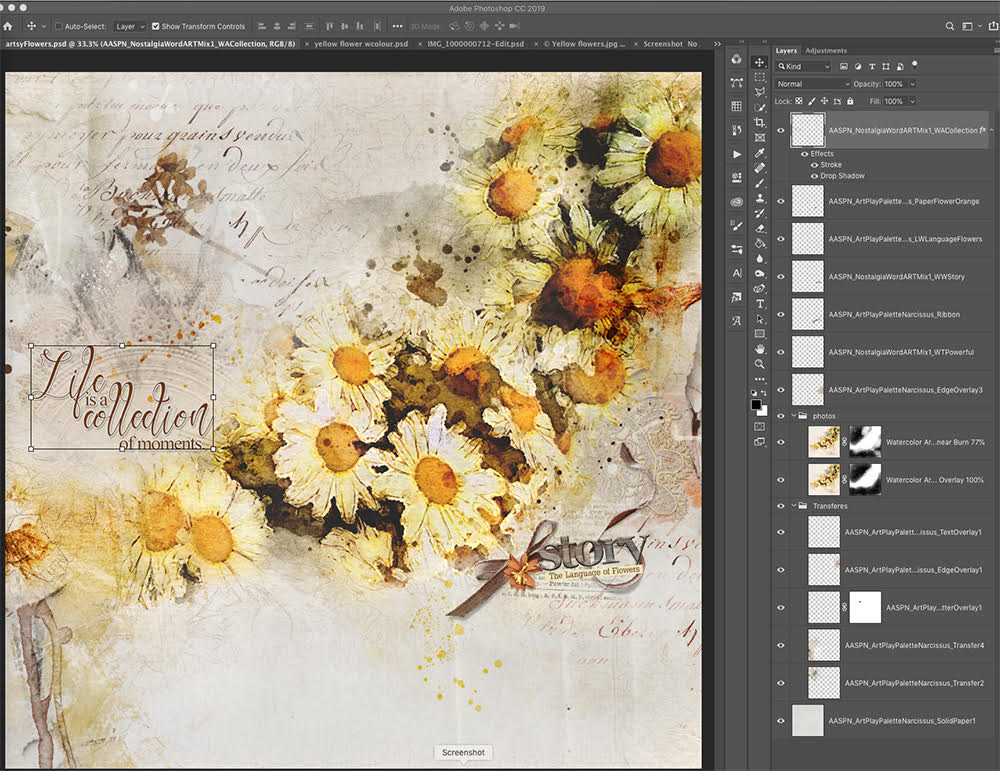
To erase some of the sketched flowers, I used a blending brush from AnnaBlendz Artsy No. 8 to brush (erase) out most of the sketch then applied the Overlay Blending Mode.
-
I duplicated the layer added a Linear Burn Blending Mode at 77%.
-
By clicking on the mask of the first photograph layer I used the option (alt) key and dragged the duplicated mask layer onto the duplicated photograph.
-
Finally I added Transfers, Overlays, WordART and Embellishments from the Narcissus Collection.
Note: Below are the supplies used in this layout.
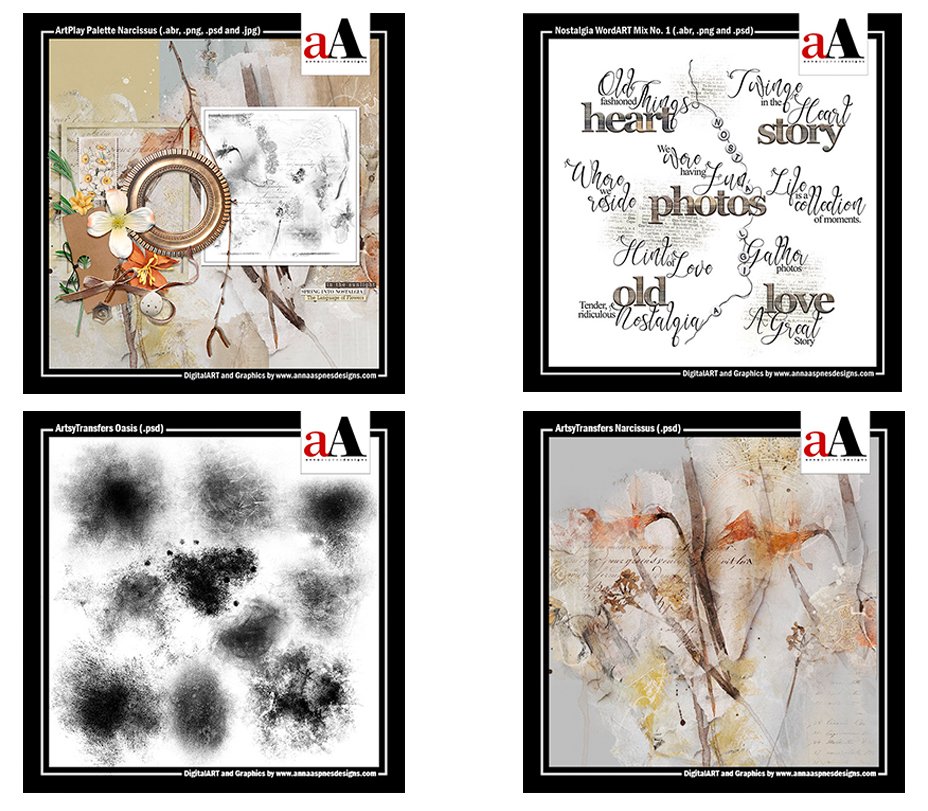
Post your digital artistry and artsy digital scrapbooking pages in The Gallery, and if you liked this Adobe Create Action WaterColor Effect tutorial, please consider sharing it using the social media buttons below.
Fabulous tutorial Viv! And thank you for the link to the action.
Lovely results, Viv! Looking forward to trying this…thanks for the guidance!
Thanks for the great tutorial! I’m spending my Saturday afternoon playing around with the action.
Have fun Angie. I just downloaded the action too.
This is wonderful. Thank you
Enjoy Mary and thank you for the feedback.
This is a great tutorial, Viv, but I can’t try it yet. Two questions: #1, Do I have to work in Creative Cloud to obtain the free action? It appears from Adobe’s website that is the case. Does that mean a subscription is necessary? (that’s actually #1-a!) #2, Does it work with with Photoshop Elements? I have PSE 18 and work on a MacBook Pro. Thanks!
Hi Kay, it appears that the action is available for Photoshop only and does not work on Photoshop Elements. I apologize for any inconvenience.
Viv thank you for your tutorial, I took a little time to understand everything, but it’s great, I love to see my computer “work all alone” I learned something new. ( cyanne )