
Today, I’m sharing 10 Ways to Use Scenic Album Templates in your photo artistry and digital scrapbooking.
10 Ways to Use Scenic Album Templates
Introduction
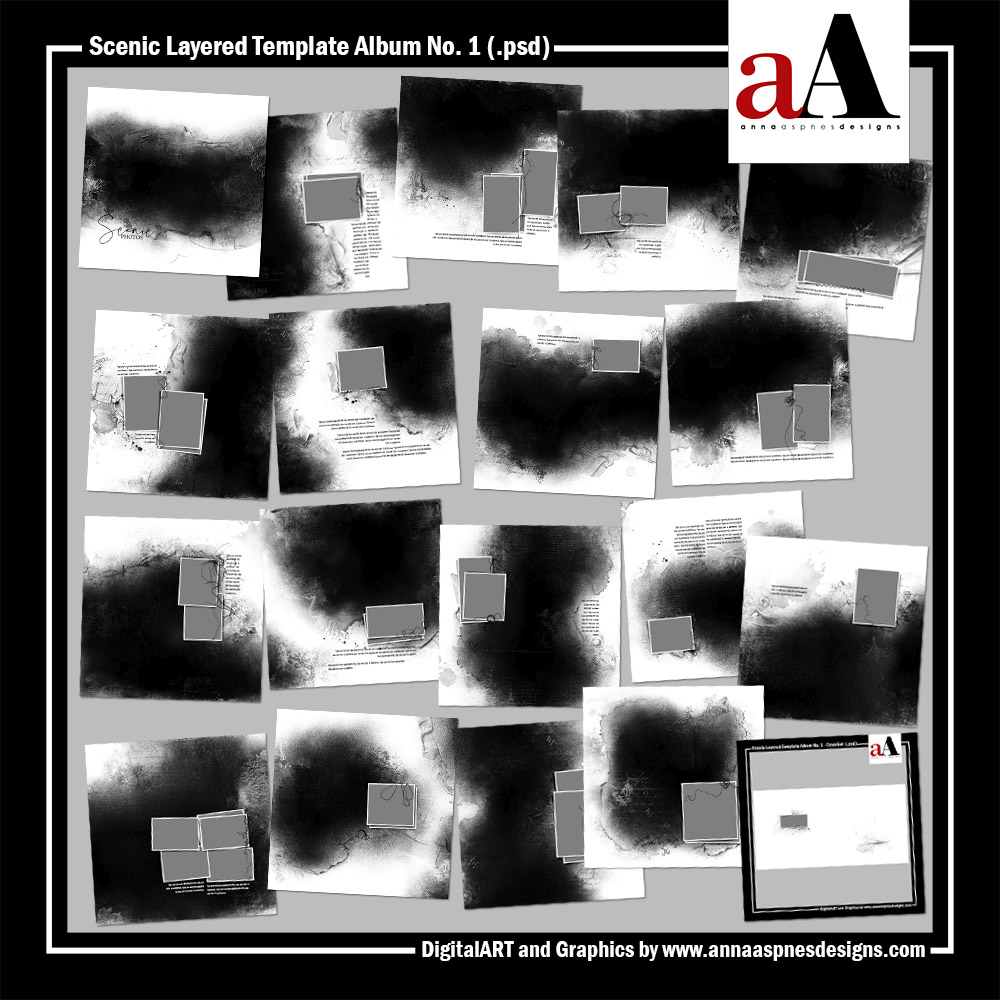
Use Scenic Layered Template Album No. 1 to share your photography.
- There are 20- 12 X 12 Layered Templates in this collection
- Plus a BONUS ‘Cover Set’ for photo book printing.
- Templates are delivered in .psd format for Photoshop and Elements.
- May be used individually but are designed to be used as double page spreads.
Each template includes:
- A large FotoBlendz clipping mask.
- At least one frame.
- UrbanThreadz stitching.
- Suggested text box placement.
Ideas for Use
1. Blend Multiple Layers
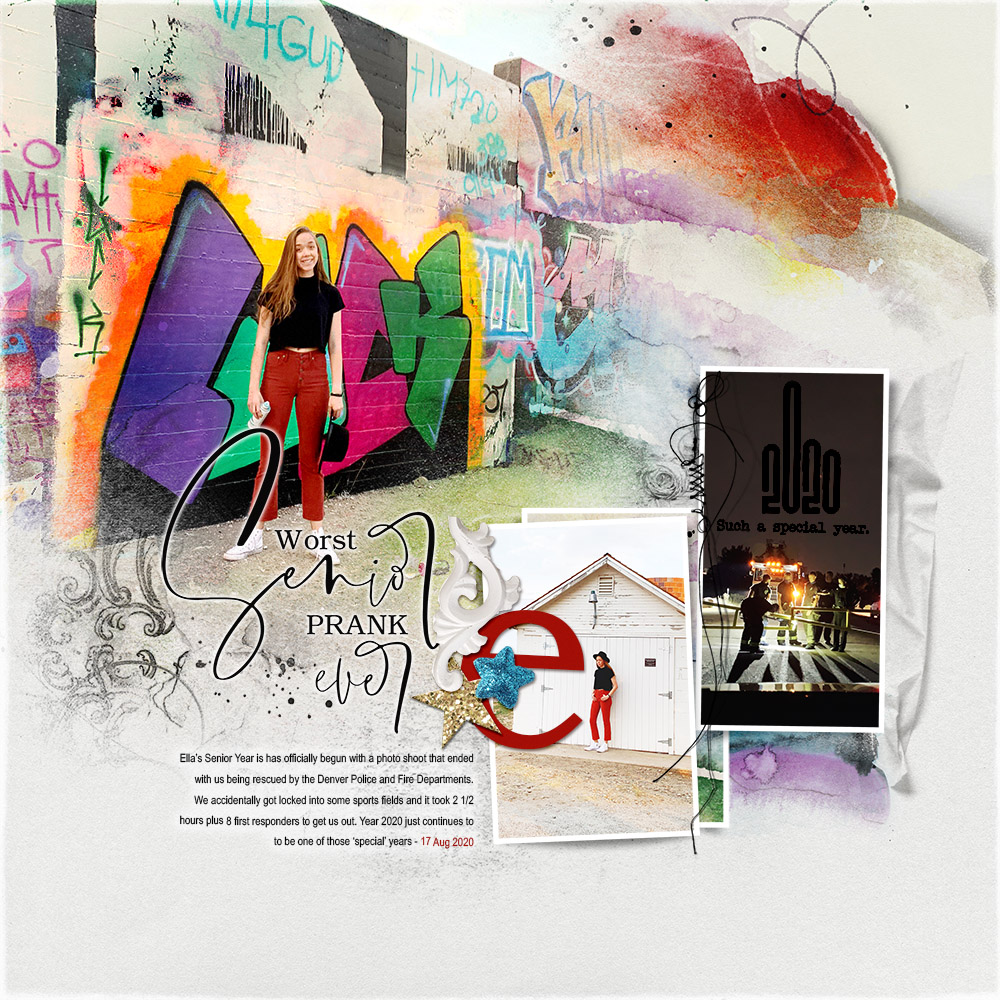
Create a composite to clip to the large template clipping mask.
- Extend your photo with an Artsy Paper.
- Blend 2 or more images using Blending Modes.
- Mask your images using a Layer Mask and Brushes.
See also:
2. Create Seamless Spreads
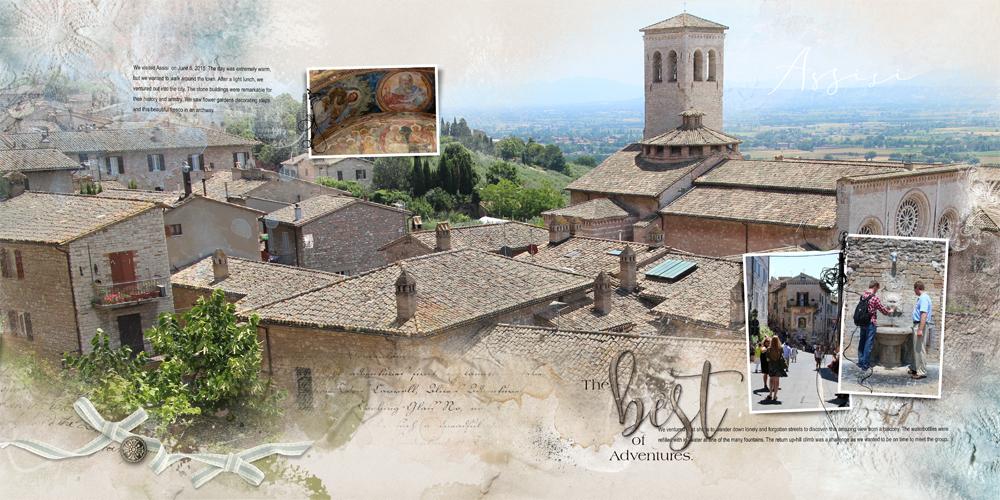
Extend your photos without interruption from one page to another.
- See the end of this Using Template Collections video for guidance on creating Double Page Spreads.
- Photoshop Users can also use this Template Doubler Action and SAVE 20% using coupon wz_aafans for a LIMITED TIME.
- This double page approach is PERFECT for lay-flat photo book printing.
See also:
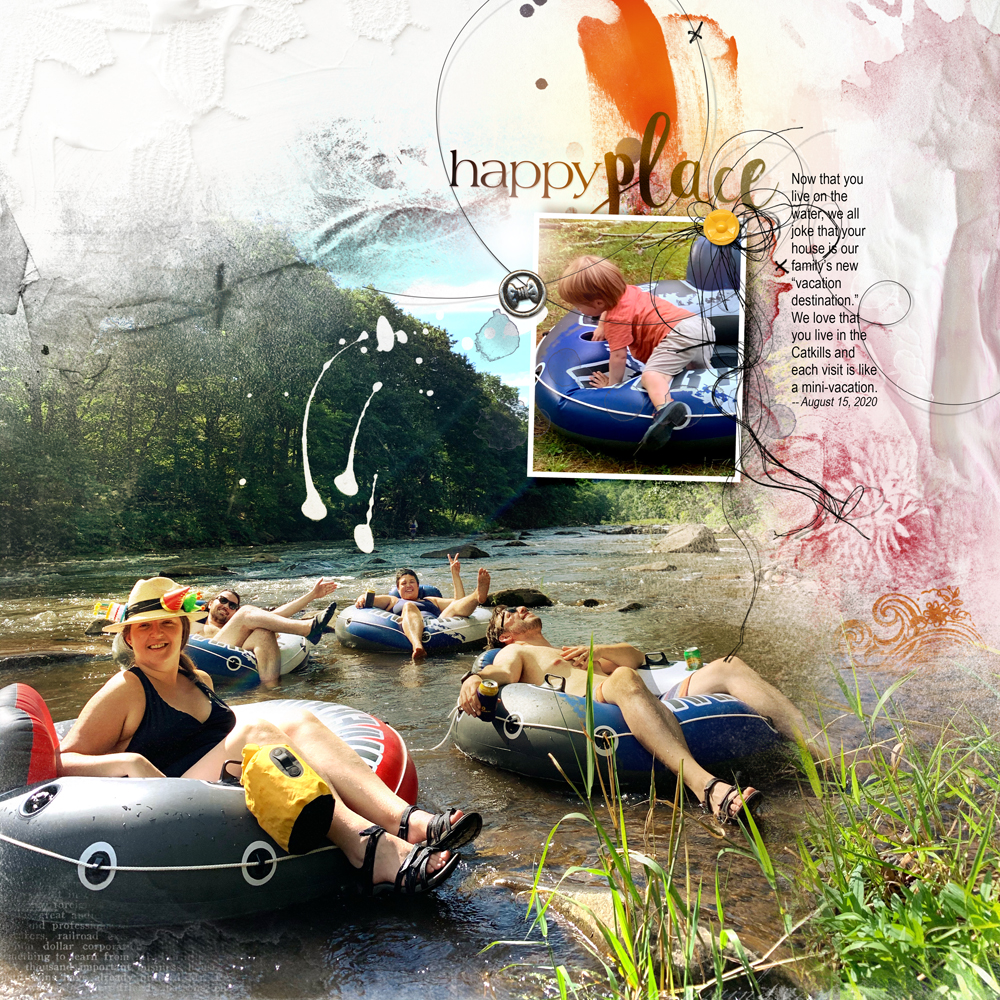
3. Recolor Layers
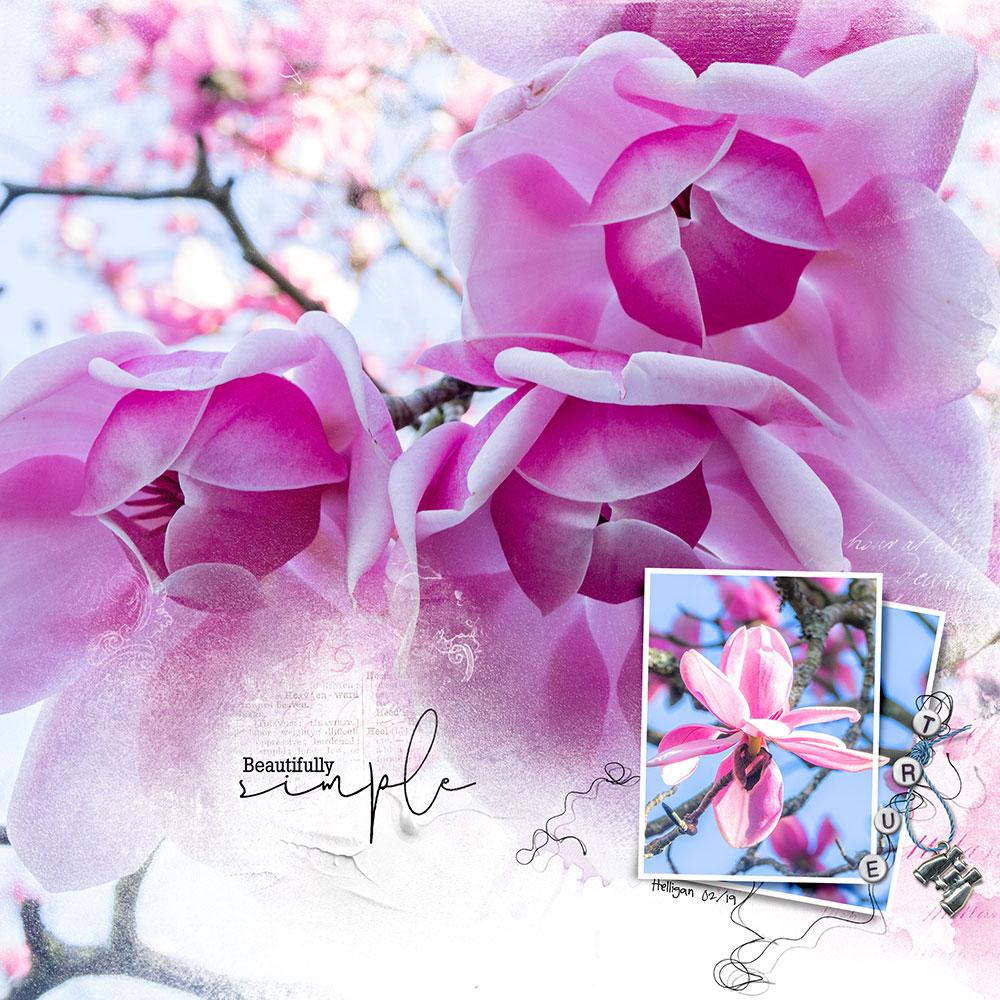
Assist the blending of your photos by recoloring one or more of the supporting layers.
- Choose colors that mirror the COLORS of your photo.
- Recoloring these layers EXTENDS the image and enhances the blending.
- Note that you can also create TENSION with opposing colors.
See also:
- Complete recoloring guidance in Useful Techniques for Photoshop and Elements video.
4. More Brushes
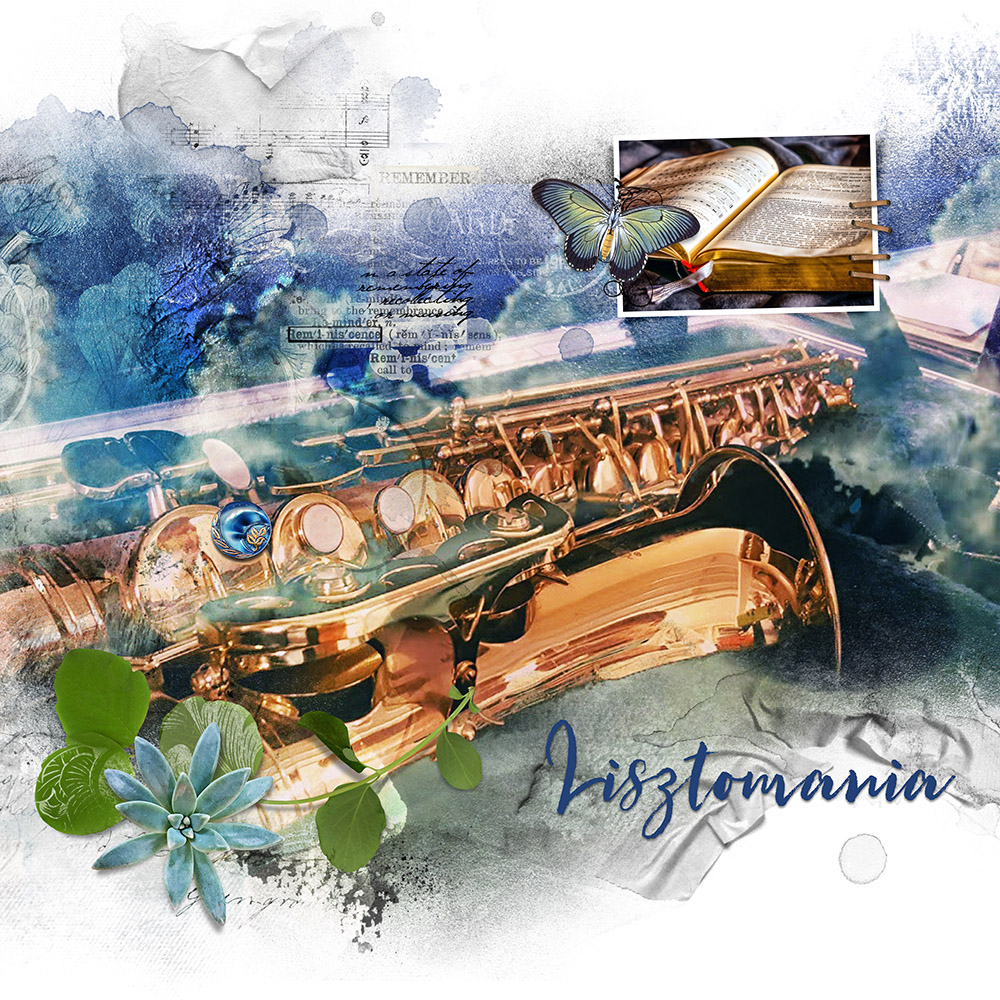
Enhance the visual interest of your digital scrapbooking or photo artistry layout design with additional brushes
- Stamp the Brushes of your choice around the edge of your blended photo to build up the layers.
- Choose brushes that support your THEME and apply to your design in the coordinating colors.
- Change the Blending Mode of the layers to change the COLOR and LIGHT properties.
See also:
5. Matte with Transfers
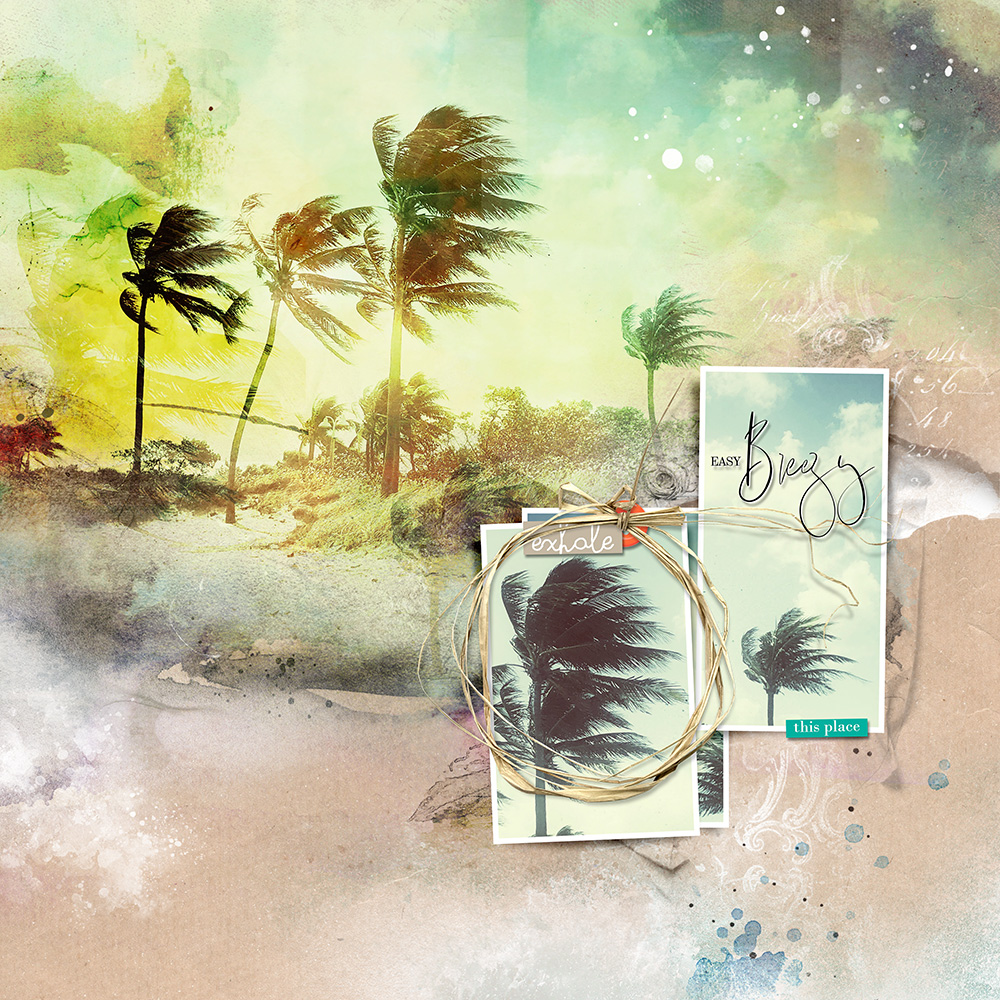
Embellish the large FotoBlendz with Transfers and Overlays
- You can find these digital assets in ArtPlay Palettes or ArtsyTransfers.
- These elements will enhance the supporting recolored FotoBlendz layers and add Visual Interest to your design.
- Place the elements BELOW the FotoBlendz layer and arrange so they ‘peek out’ from behind your blended image.
See also:
6. Enact Alignment
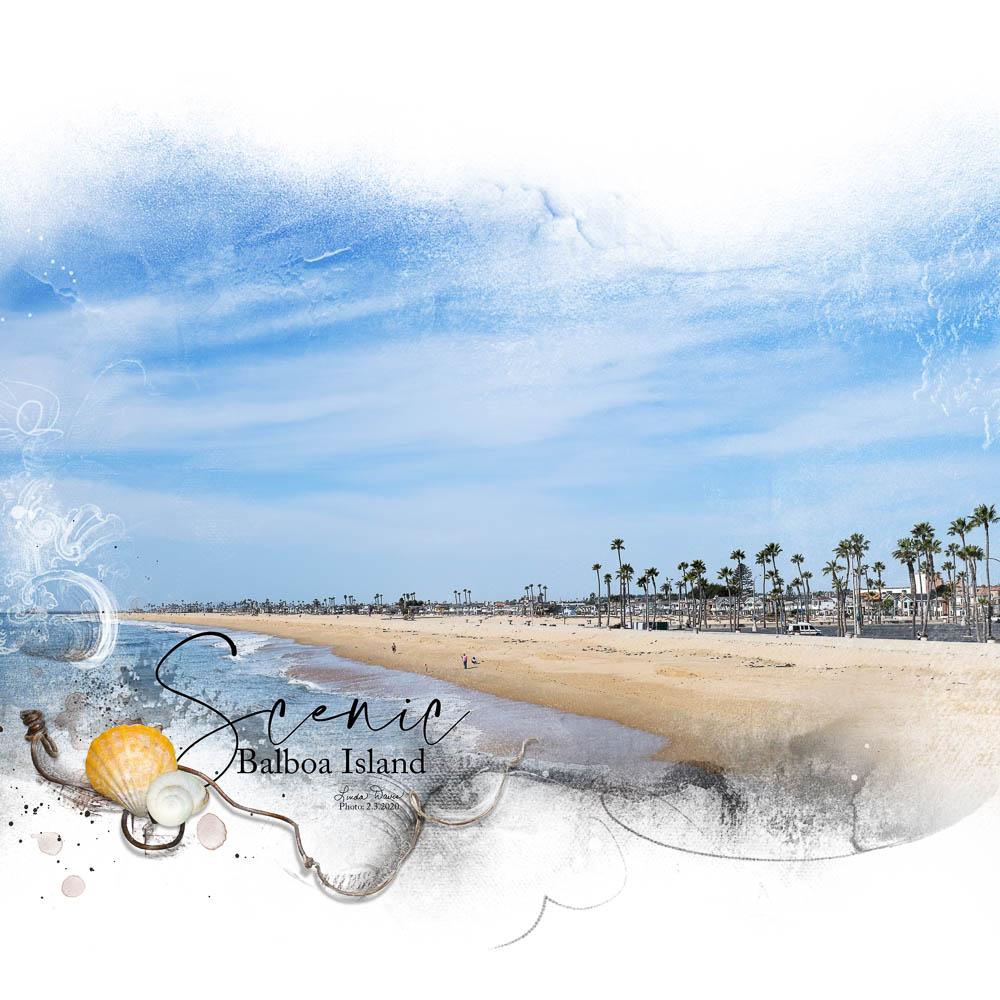
Place your selection of elements in line with the blended edge of your image.
- Choose or create embellishment CLUSTERS that are long and narrow to lead the eye.
- Use digital elements such as stemmed flowers, leaves, branches or Stitching as a FOUNDATION to your element group.
- Notice how the branch element in Linda’s layout ALIGNS with the underlying artistry.
See also:
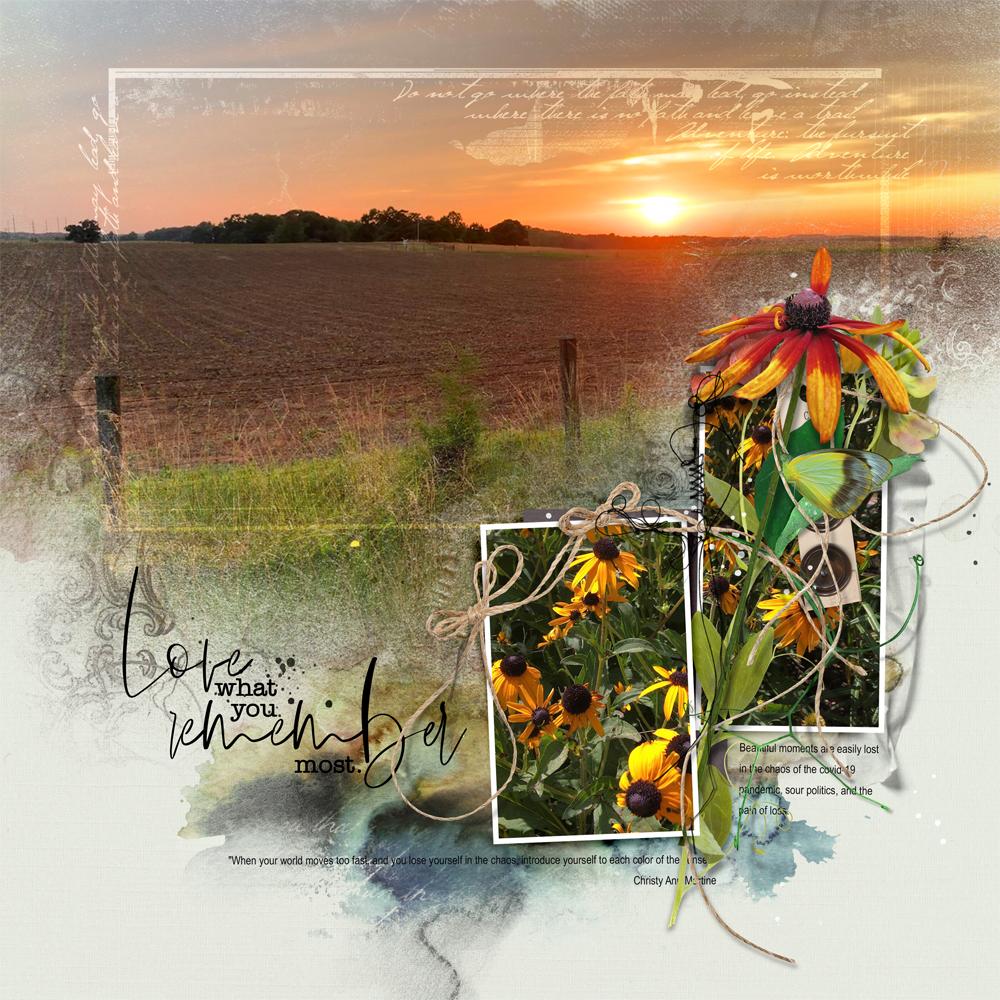
7. Draw Focus
Add a frame to draw the viewers eye to a specific area of your photo.
- Frame which allow for Opacity adjustments will work best for this technique.
- You can also RESIZE or MODIFY an Overlay to best suit your photos.
- Recolor and change the Blending Mode of the layer as preferred.
See also:
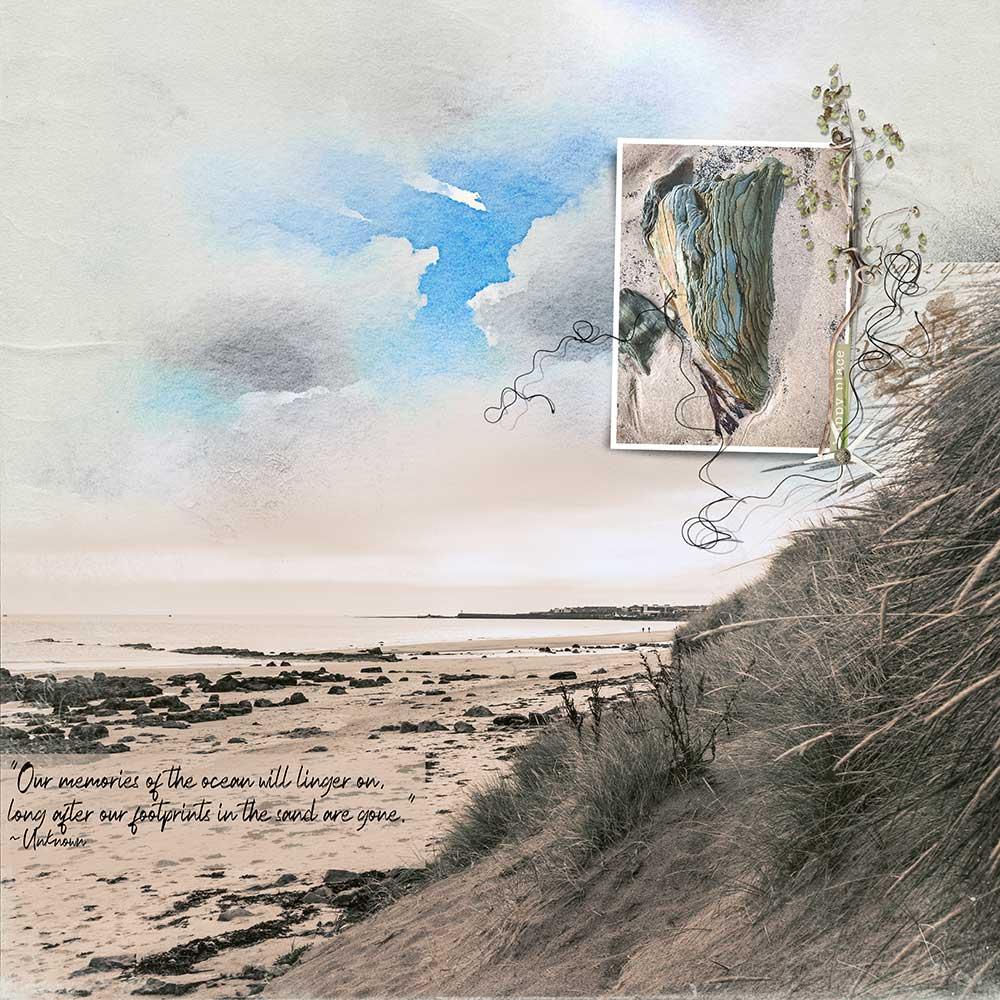
8. Color Play
Embrace the simplicity of these templates by adding visual interest using color.
- Desaturate your images or add a Sepia effect to your focal image.
- Add areas of TENSION using splashes of color through the addition of DigitalART supplies.
- Notice how the ‘sky’ transfer enhances this composition.
See also:
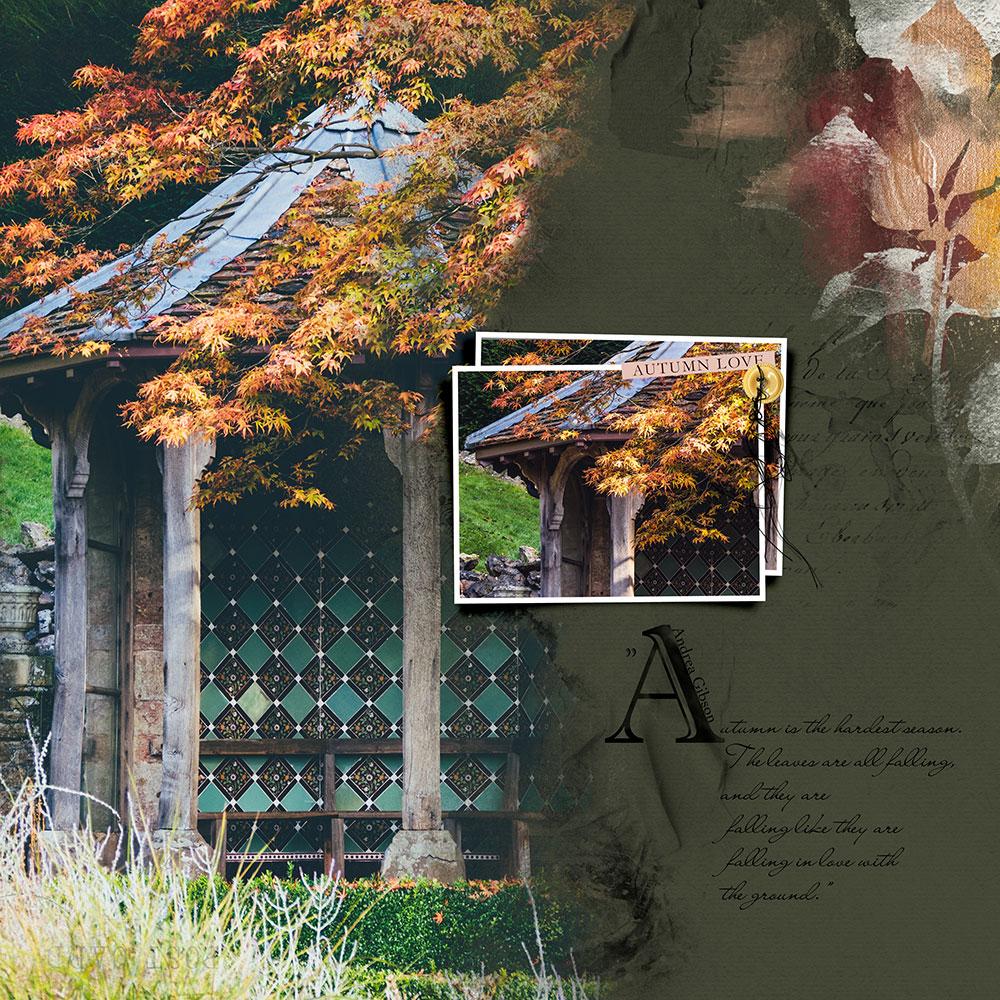
9. Go Dark
Select a dark background ONLY if your photo is comprised of darker colors.
- Dark colors for darker colored images ensure a MORE seamless blended result.
- Choose a color that COORDINATES with those in your focal photo.
- Notice how the use of the dark background accentuates the LIGHTER colors in the photo.
See also:
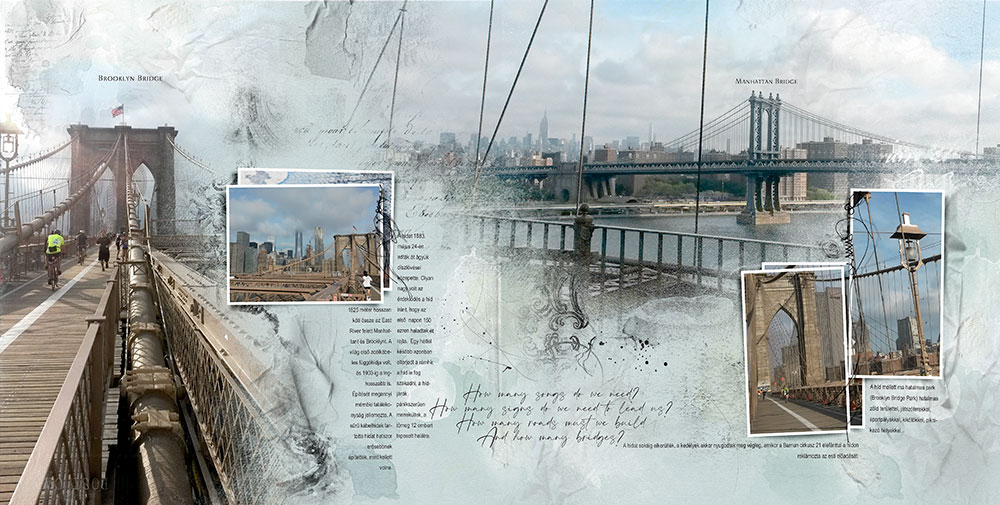
10. Lean Neutral
Choose backgrounds with less saturated color.
- Add interest with a slight HUE to add interest to your neutral background selections.
- The HUE should coordinate with your photos to keep the FOCUS on the images.
- Use the SATURATION slider in Hue/Saturation to adjust your background colors.
See also:
Summary
Scenic Templates are a quick and easy way to create a photo book project.
- SELECT your photos and CLIP to the various masks in the templates.
- Feel free to MODIFICATIONS to any of the Scenic Template layers as preferred.
- Enhance with background and DigitalART elements to EMBELLISH your digital scrapbooking or photo artistry design.
- Add WORDS in the form of titles and story to complete each page.
Want More Photo Artistry and Digital Scrapbooking Inspiration?
Find more 10 Ways to Use Scenic Album Templates in the AnnaGallery, the AnnaTeam Layouts board on Pinterest.
We invite you to post your pages and share your digital scrapbooking and artistry to uplift and inspire.
Thank you Anna for the idea to download your lesson as a PDF. Many times I don’t get a chance to really use and follow your lessons until a later date. By then it is a chore to find the lesson again.
Happy you like it Leslie!