
ArtsyKardz Vintage Photo Transformation

Creative Team Member, Ulla-May, shares her ArtsyKardz vintage photo transformation tutorial conducted in Adobe Photoshop seeing as there is no new release this week. Note that this tutorial can also be completed in Adobe Photoshop Elements. ArtsyKardz Vintage Photo Transformation Create Layout Foundation. Choose a FotoBlendz clipping mask and place it on a background paper. I chose a […]
Customize WordART Titles with Digital Scrapbook Supplies
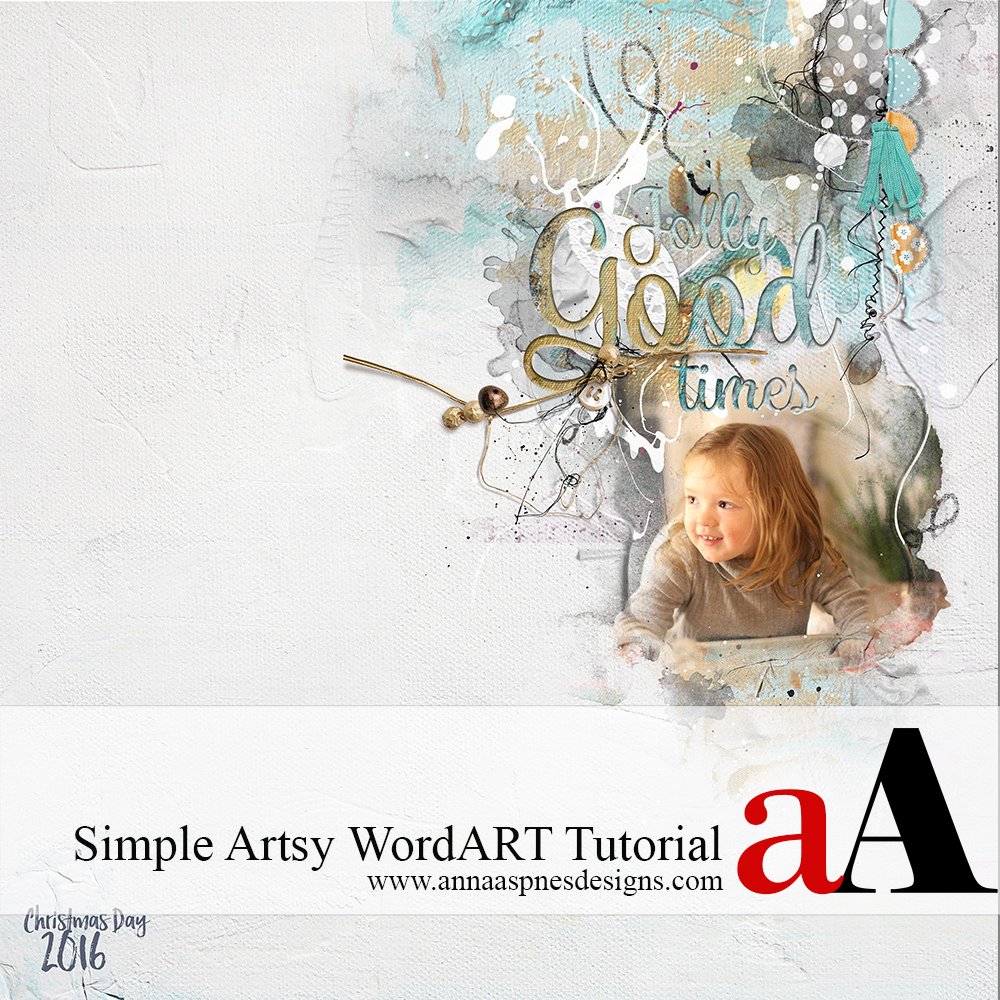
Fiona, is sharing her Customize WordART Titles with Digital Scrapbook Supplies in Adobe Photoshop. This tutorial can also be completed using Adobe Photoshop Elements. Customize WordART Titles with Digital Scrapbook Supplies Clip an Artsy Paper to a WordART; this is a simple technique that can be used to give WordART dimension. 1. Choose a Title. […]
Digital Scrapbook Cutout Title Tutorial
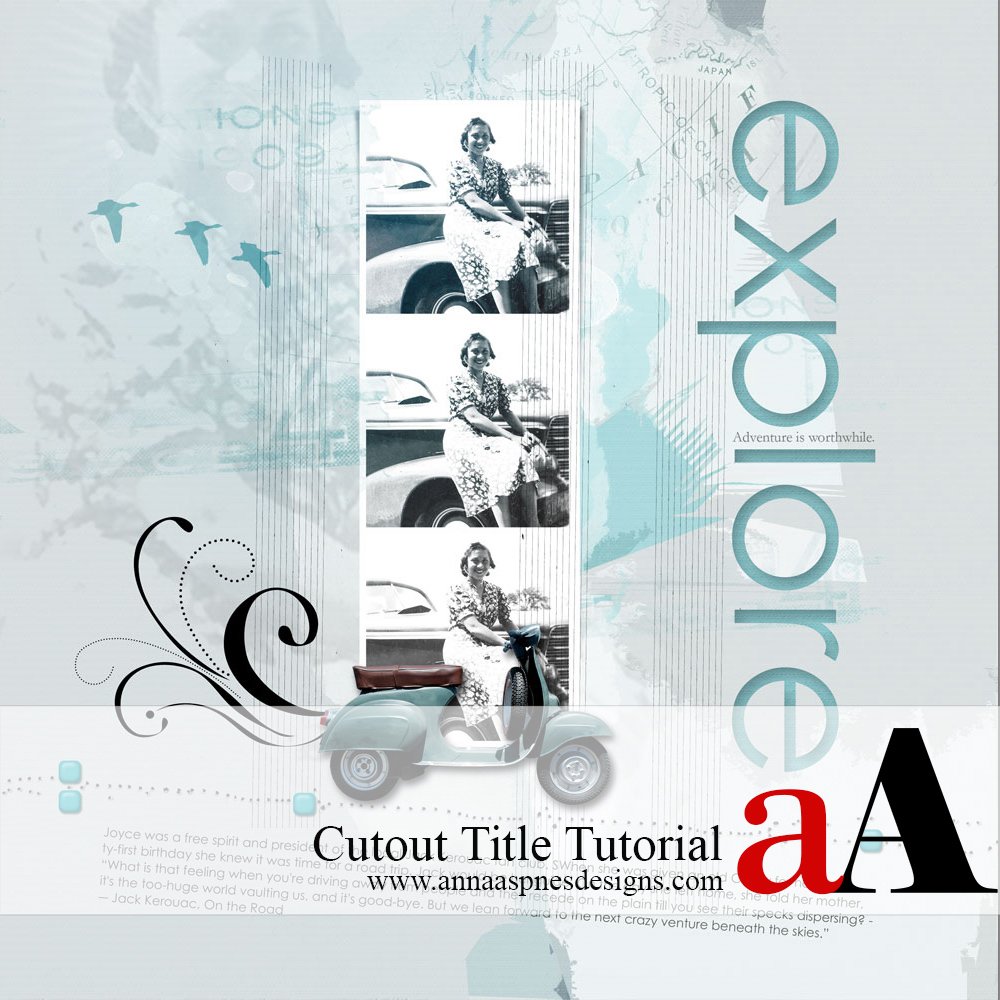
Adryane shares her Digital Scrapbook Cutout Title Tutorial in Adobe Photoshop. This tutorial can also be completed using Adobe Photoshop Elements. Digital Scrapbook Cutout Title Tutorial 1. Design Your Page. Design the main parts of your page, including photos and elements that you are not likely to move. For example, it’s best not to include […]
Basic Digital Scrapbook Design Principles Tutorial
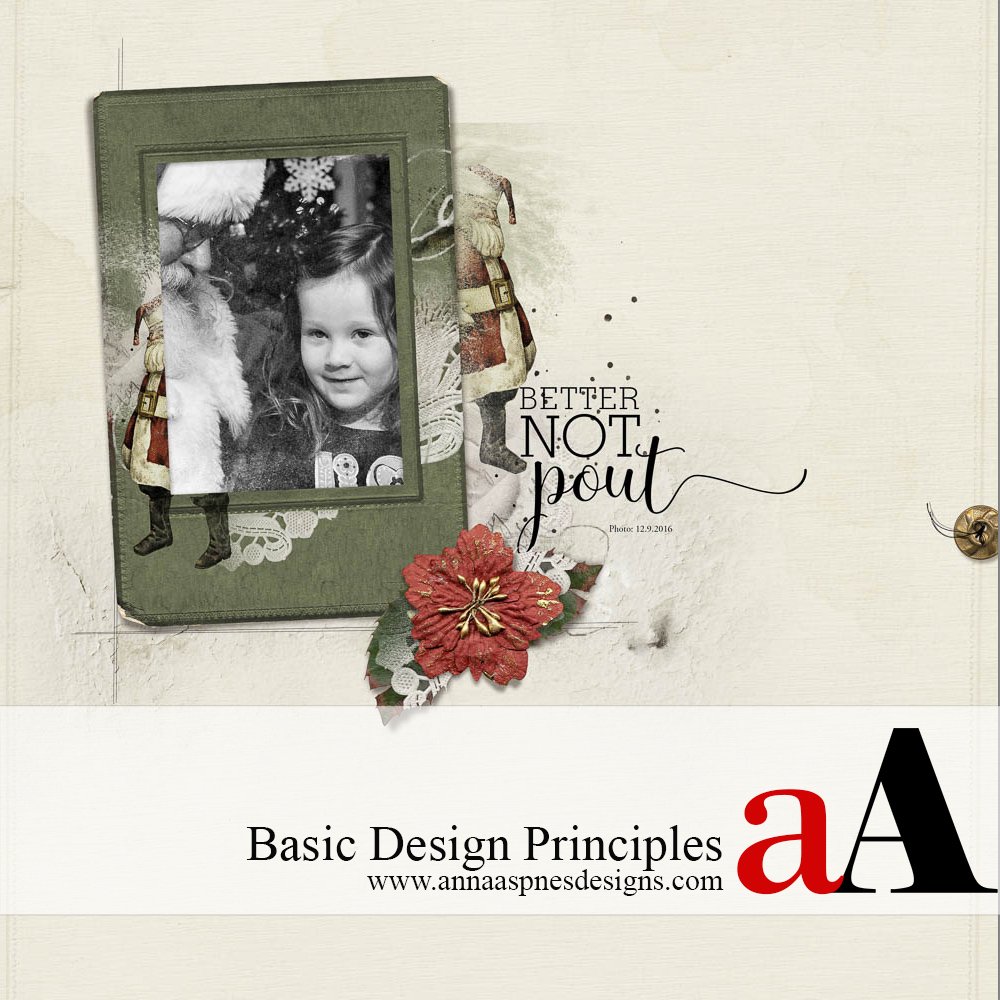
Linda Davis shares a Basic Digital Scrapbook Design Principles Tutorial in Adobe Photoshop. Basic Digital Scrapbook Design Principles Tutorial 1. Asymmetrical Alignment. I clipped my photo to the frame’s clipping mask and changed it to black and white with a gradient map adjustment layer. I placed my granddaughter’s eyes on the intersection of the guide lines […]
6 Ways to Artsy Family Tree Digital Scrapbook Pages
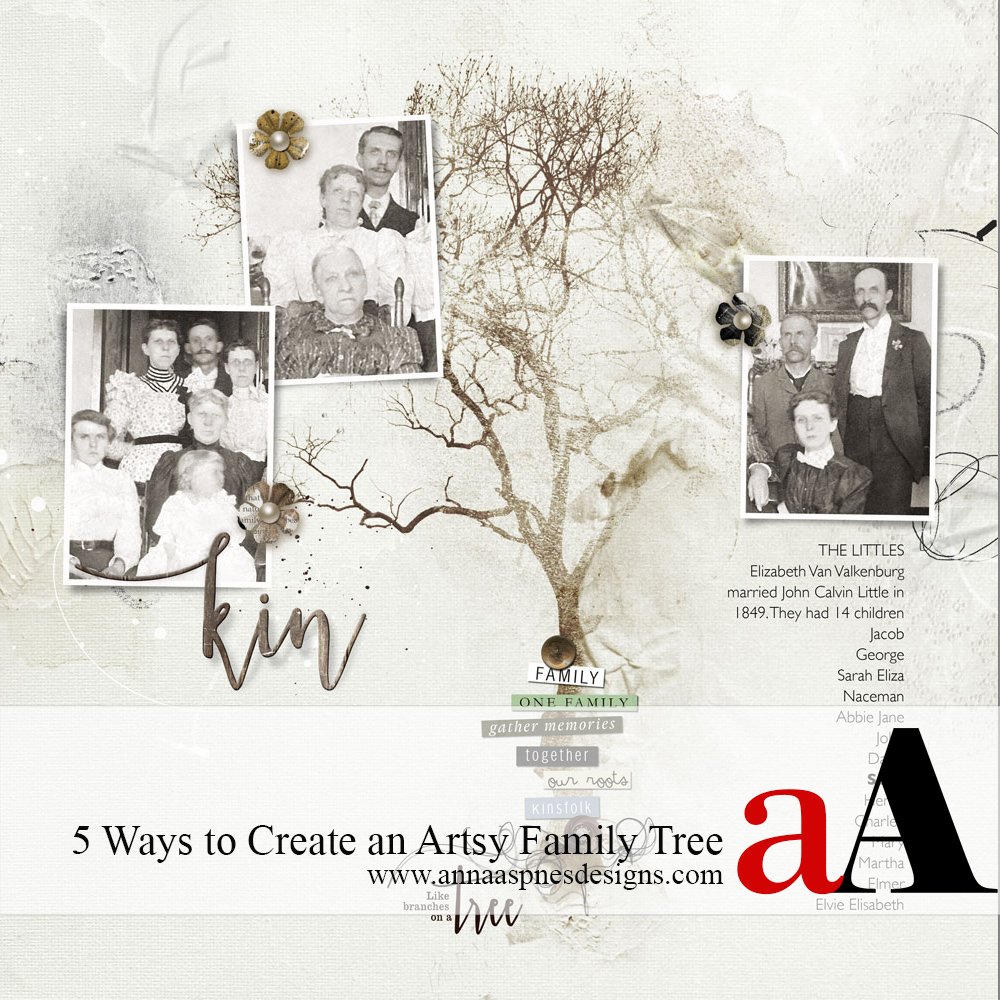
Today, Creative Team Member, Miki is sharing 6 Ways to Artsy Family Tree Digital Scrapbook Pages. 6 Ways to Artsy Family Tree Digital Scrapbook Pages I first became interested in family history in my early teens. My paternal grandmother and maternal grandfather both emigrated to the United States in 1913 and passed through Ellis Island. […]
Custom Shapes Stitched Digital Scrapbook Tutorial
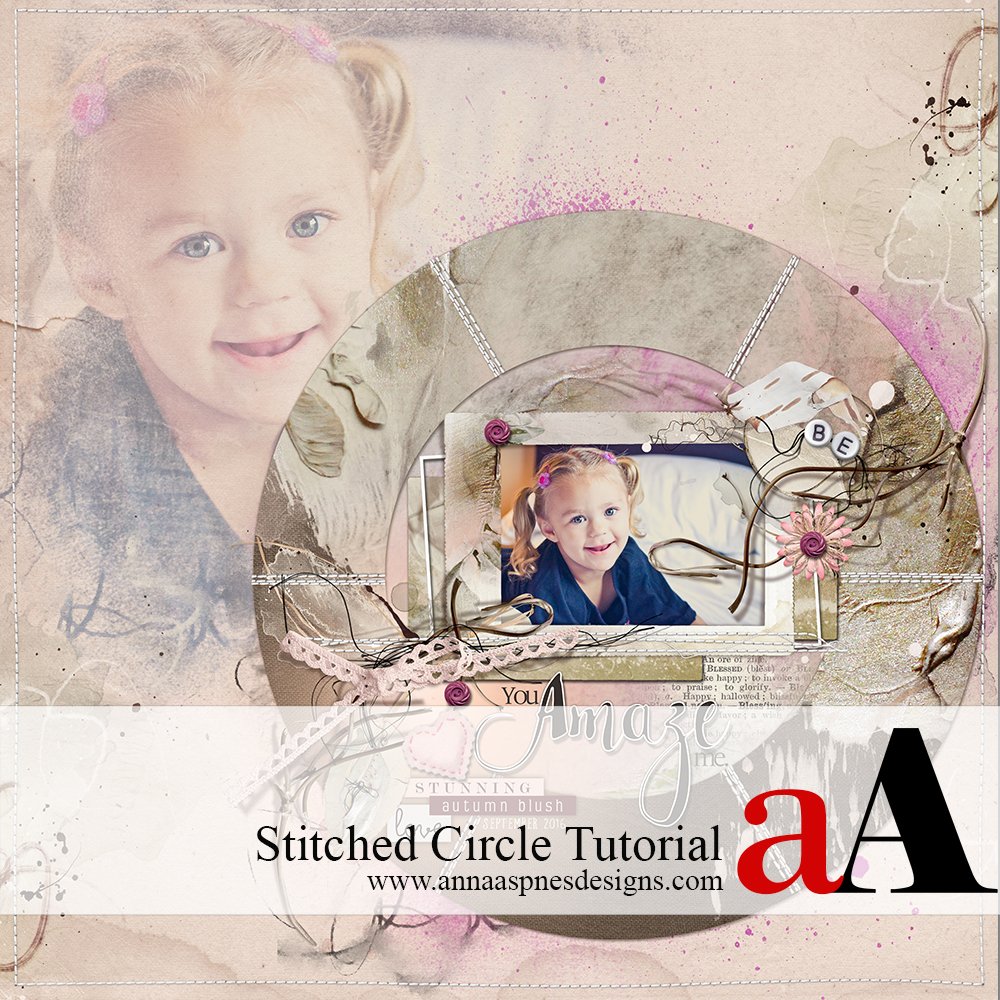
Amy shares Custom Shapes Stitched Digital Scrapbook Tutorial in Adobe Photoshop. This tutorial can also be completed using Photoshop Elements. Custom Shapes Stitched Digital Scrapbook Tutorial 1. Load Custom Shapes. Click on the Shapes Tool and selecting Custom Shapes. Use the drop down menu and choose “Shapes“. 2. Fill the Shape. Clip an Artsy Paper to the […]
Easy Artsy Digital Scrapbooking Video Tutorial
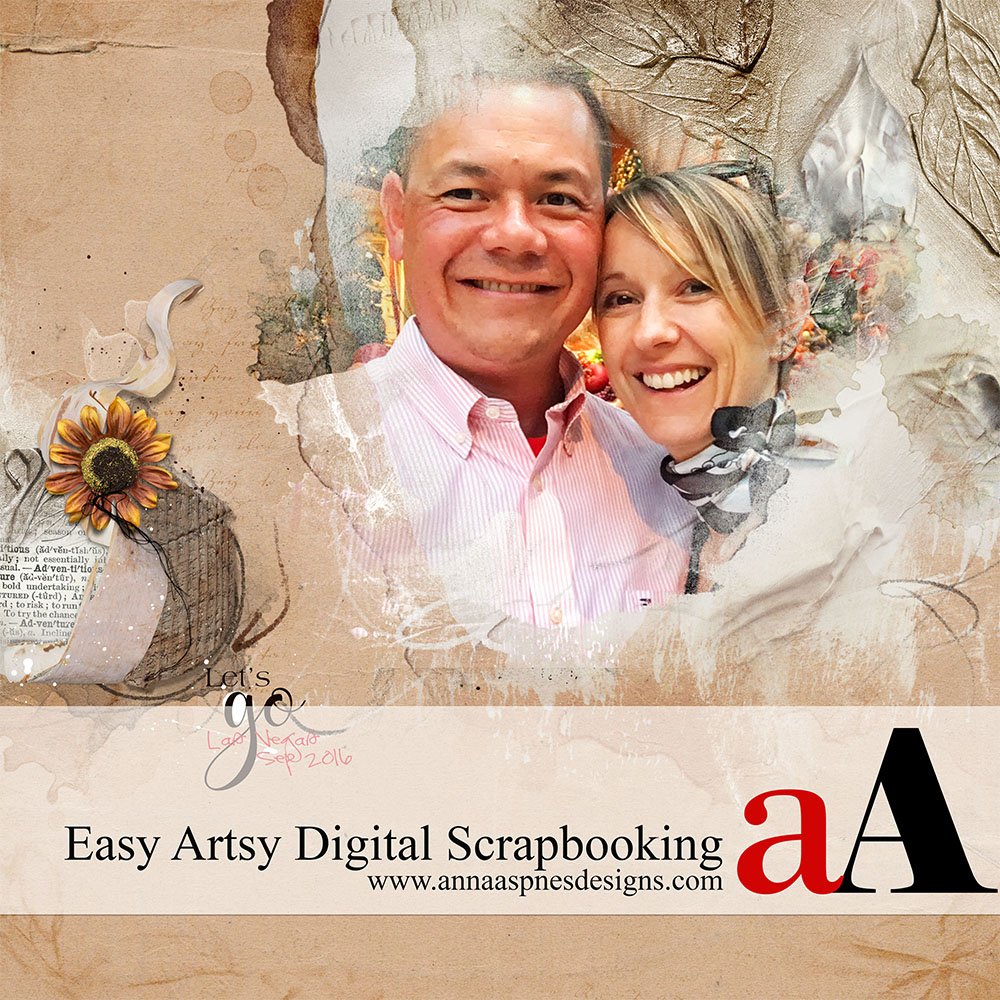
Watch this new easy artsy digital scrapbooking video tutorial on the [aalogo] Youtube channel. Easy Artsy Digital Scrapbooking Video Tutorial Yesterday I found some time to record an Easy Artsy Digital Scrapbooking Video Tutorial which shows you how I create a quick digital scrapbooking layout in Adobe Photoshop CC using Anna Aspnes Designs DigitalART product […]
Blurred Digital Scrapbook Elements Tutorial
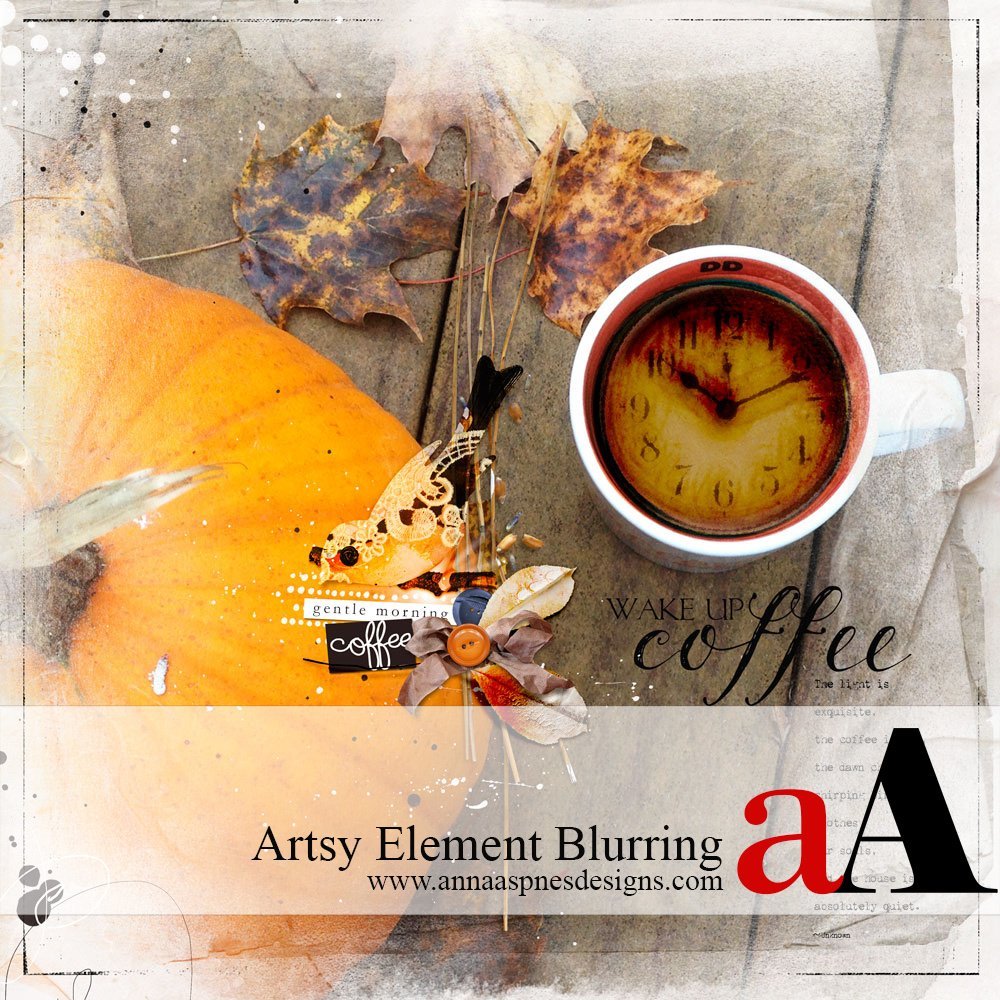
Creative Team Member Miki shares Blurred Digital Scrapbook Elements Tutorial for Adobe Photoshop. Blurred Digital Scrapbook Elements Tutorial 1. Create a Foundation Establish the foundation for your digital scrapbooking or photo artistry layout design. Create a New File at 12 x 12 inches and 300 PPI resolution. Open and drag your digital paper onto the layout using […]
Using Graphics Pen Tablets in Digital Scrapbooking

New Creative Team Member, Trudy, shares her techniques for Using Graphics Pen Tablets in Digital Scrapbooking with Adobe Photoshop. Using Graphics Pen Tablets in Digital Scrapbooking Do you Bamboo? I am not a tech professional by any means, but I admit that I cannot create digital art without my Wacom Bamboo Pen Tablet. Note that the Wacom Bamboo Pen […]
Resize Digital Scrapbook Templates to 8 1/2 X 11 Inches
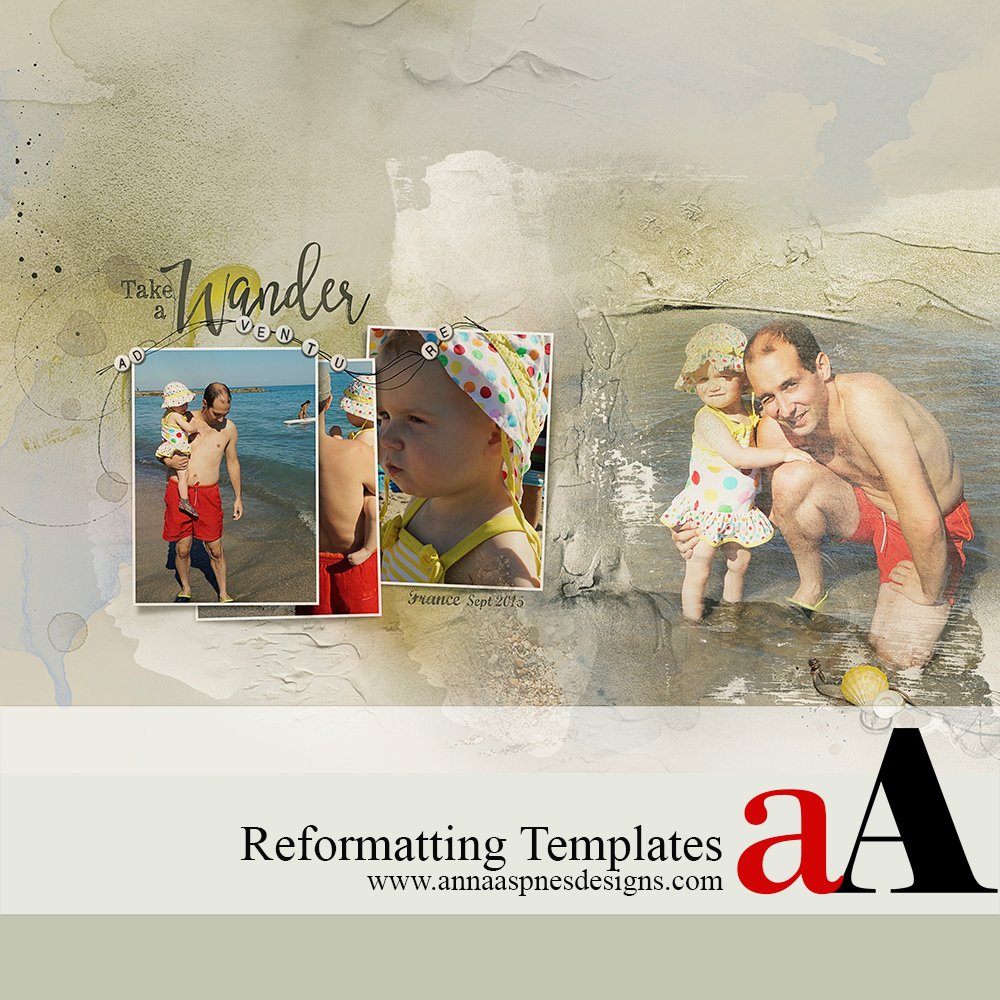
Creative Team Member, Marianne, shares Resize Digital Scrapbook Templates to 8 1/2 X 11 Inches tutorial for Adobe Photoshop. Resize Digital Scrapbook Templates to 8 1/2 X 11 Inches 1. Select Template. Open a template from the Artsy Templates digital product range. For this layout, I chose Artsy Layered Template No. 231. 2. Create New Layout. […]
Simple Digital Scrapbook Template Adjustments
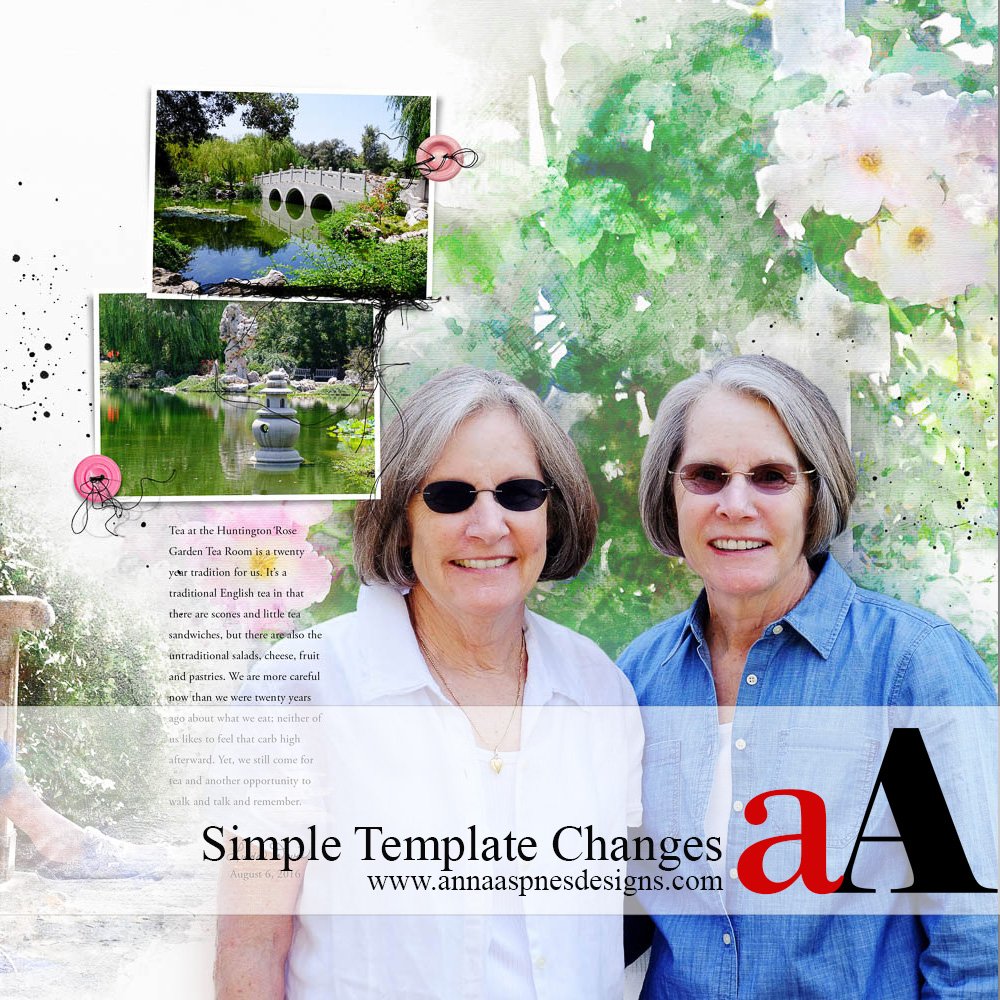
Creative Team Member, Linda, shares Simple Digital Scrapbook Template Adjustments using a watercolor treatment on background photos to create contrast with smaller framed photos. Simple Digital Scrapbook Template Adjustments Experimenting with Anna’s products can be as simple as switching out one mask for another. Or it can mean giving all the background photos on a double page spread […]
How To Use a Digital Scrapbook Template Tutorial
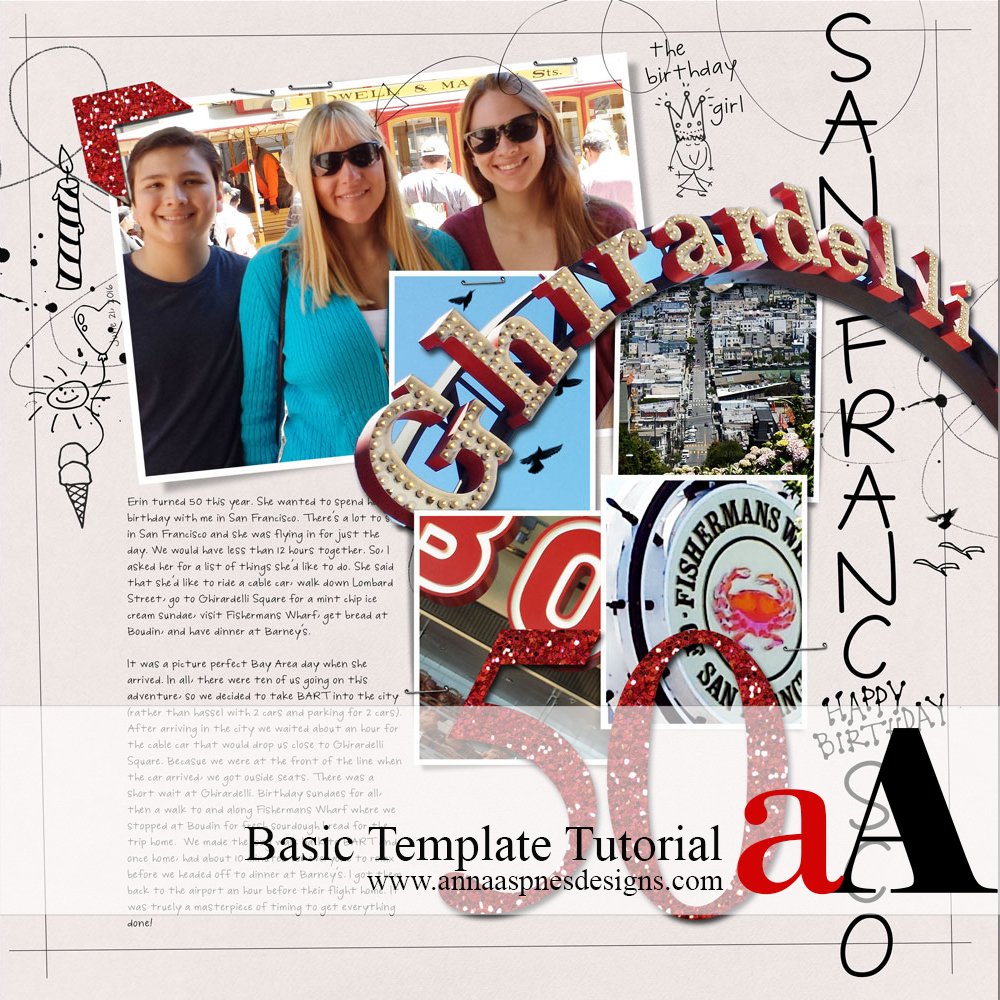
Creative Team Member, Adryane shares How To Use a Digital Scrapbook Template Tutorial in Adobe Photoshop. How To Use a Digital Scrapbook Template Tutorial Artsy Layered Templates are quick and easy way to create a digital scrapbook page. Avoids overwhelm of beginning with a blank page. A premade design gives you a head start on […]
Digital Scrapbook Frame Layering Effect
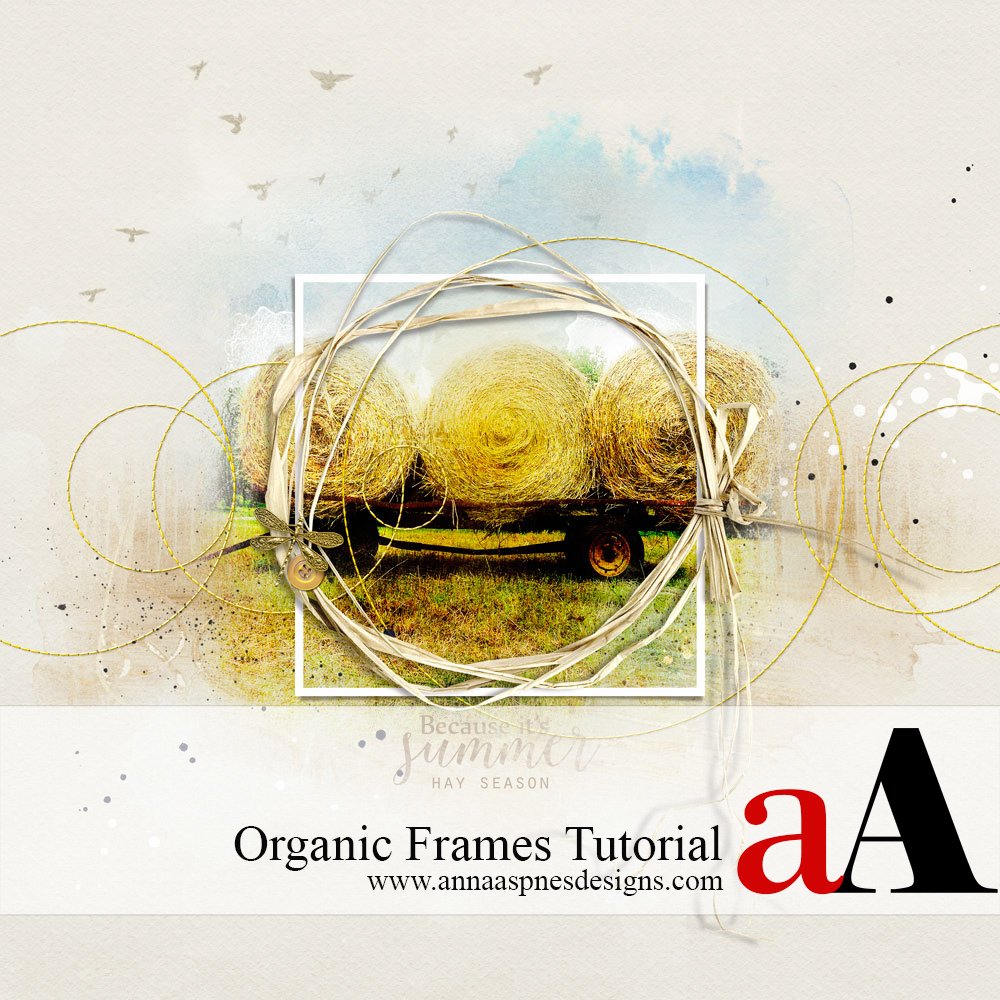
Creative Team Member, Miki, shares Digital Scrapbook Frame Layering Effect in Adobe Photoshop or Elements. 1. Create a Foundation.Create a new 12 x 12 page at 300 dpi. Open and drag your paper onto the layout. Solid paper 1 from Artplay Palette Summery was used for this page. Select the image you want to use and place […]
Using Framed Masks in Digital Scrapbooking Tutorial
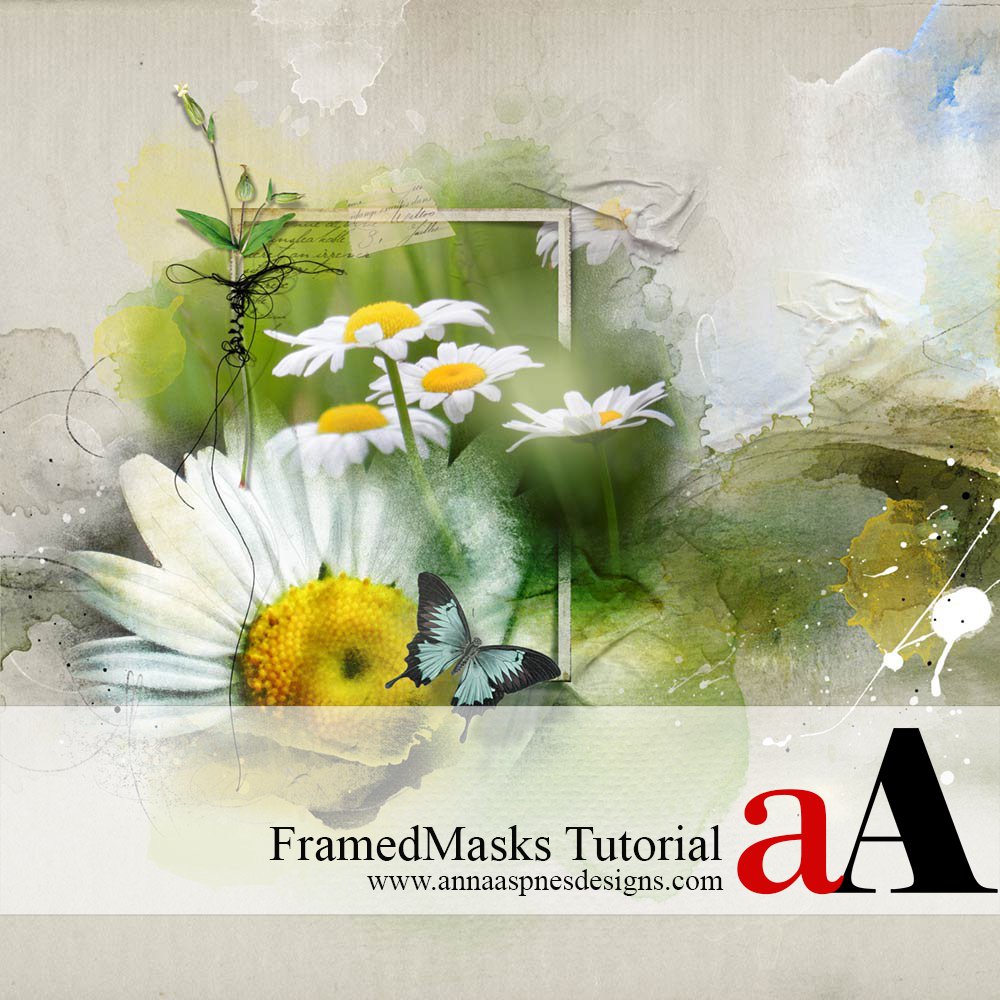
Creative Team Member, Barbara, shares Using Framed Masks in Digital Scrapbooking Tutorial in Adobe Photoshop or Elements. I wanted to create a dreamy, summery layout with one of my favorite flowers, daisies, layering them on masks and adding a little frame. Using Framed Masks in Digital Scrapbooking Tutorial makes you want to play with masks and […]
Ghost Frames in Digital Scrapbooking

Creative Team Member, Miki, shares a tutorial on Ghost Frames in Digital Scrapbooking in Adobe Photoshop. Ghost Frames in Digital Scrapbooking 1. Create A Foundation. Create a new 12 x 12 layout at 300 dpi by going to File> New> Open and drag the digital paper of your choice onto the layout using the Move Tool from the […]
Out-of-Bounds Framed Photo Extraction Effect
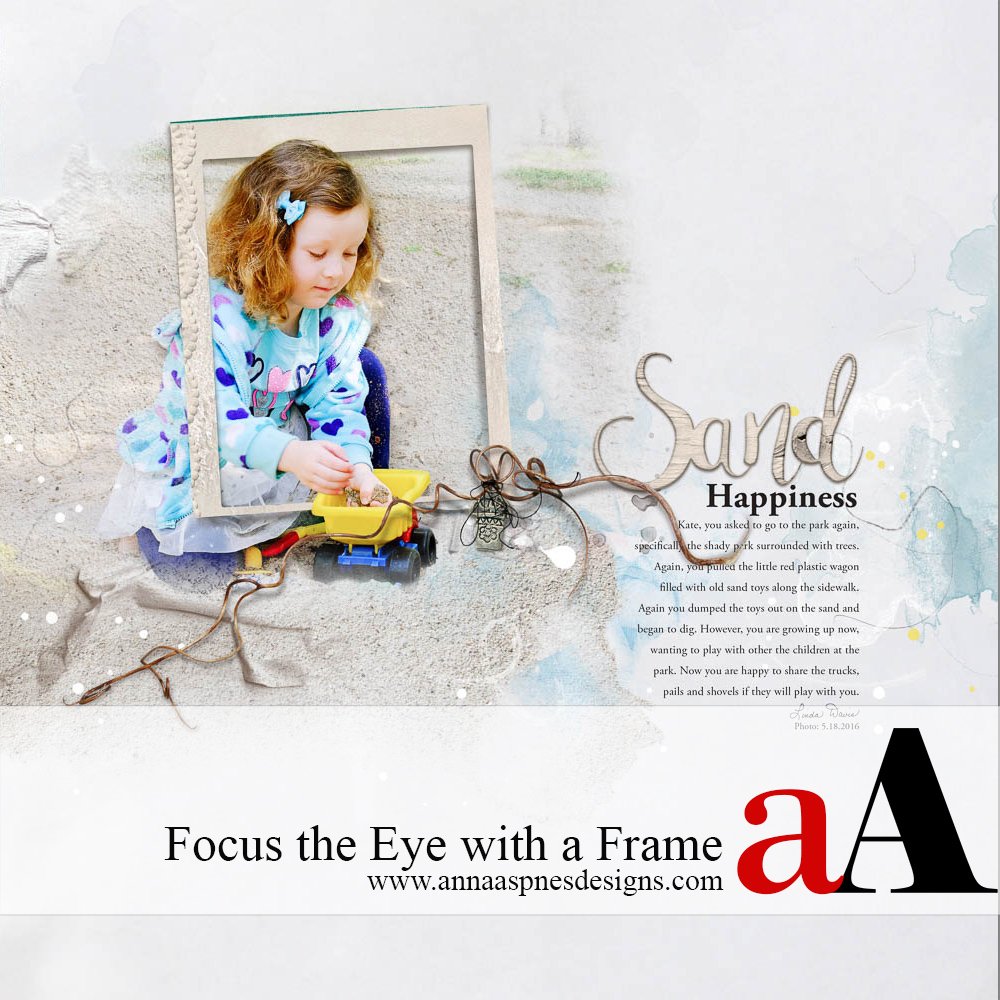
Creative Team Member, Linda Davis, shares a Out-of-Bounds Framed Photo Extraction Effect in Adobe Photoshop. Framing helps focus the eye on what is important on a page, in this case my granddaughter as she played in the sand with the toy truck. Below are highlights of the steps that I followed to create this page as I […]
Blended Frames Digital Scrapbook Tutorial
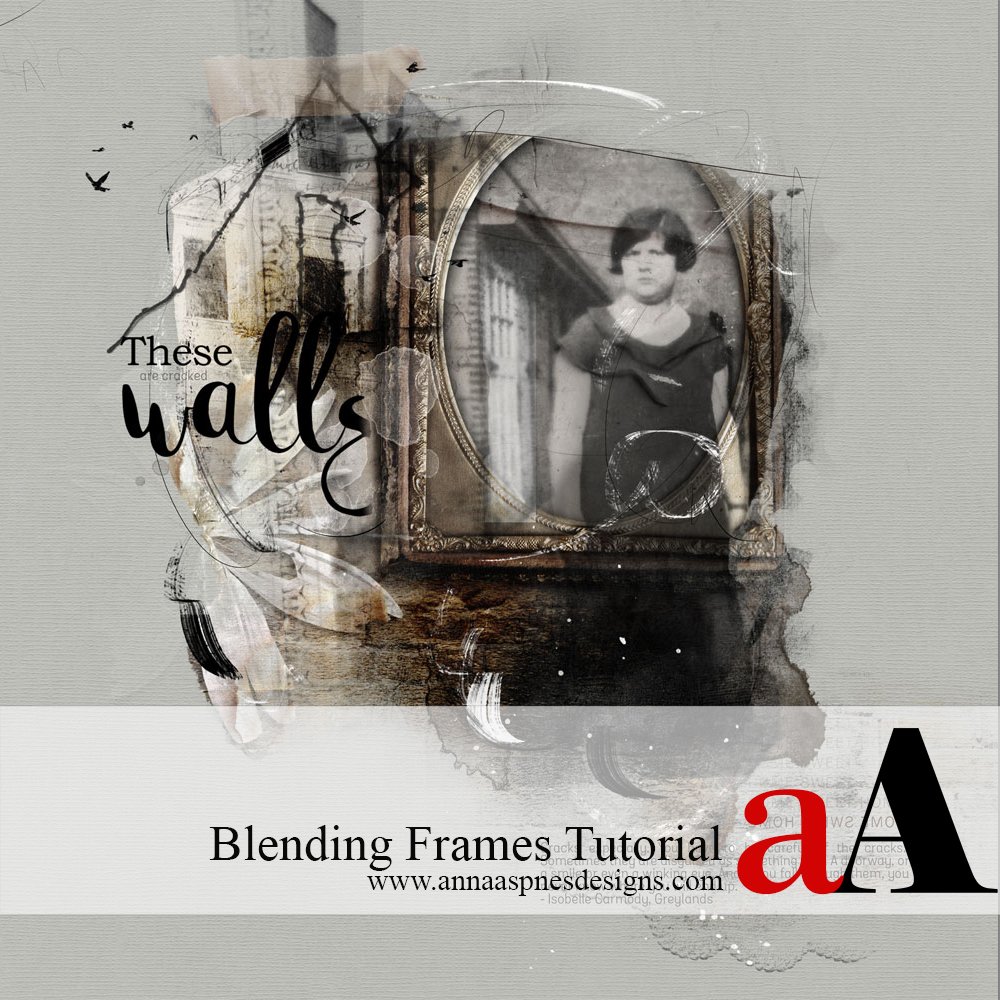
Creative Team Member, Adryane, shares a Blended Frames Digital Scrapbook Tutorial in Adobe Photoshop. Frames are an easy and natural way of highlighting the subjects on our pages. With the variety of frames available—traditional, artsy, ornate, vintage, acrylic, wood—the most difficult decision may be which one (or ones because combining frames adds visual interest) to […]
Stitched Custom Shapes in Digital Scrapbooking

Creative Team Member, Miki, shares how to create Stitched Custom Shapes in Digital Scrapbooking. Note that you can create other UrbanStitchez custom designs and shapes using the [aalogo] Stitching product range. Stitched Custom Shapes in Digital Scrapbooking 1. Create a Foundation. Create a new 12 x 12 layout at 300 dpi by going to File> New. Open […]
Digital Scrapbook Recoloring with Blending Modes
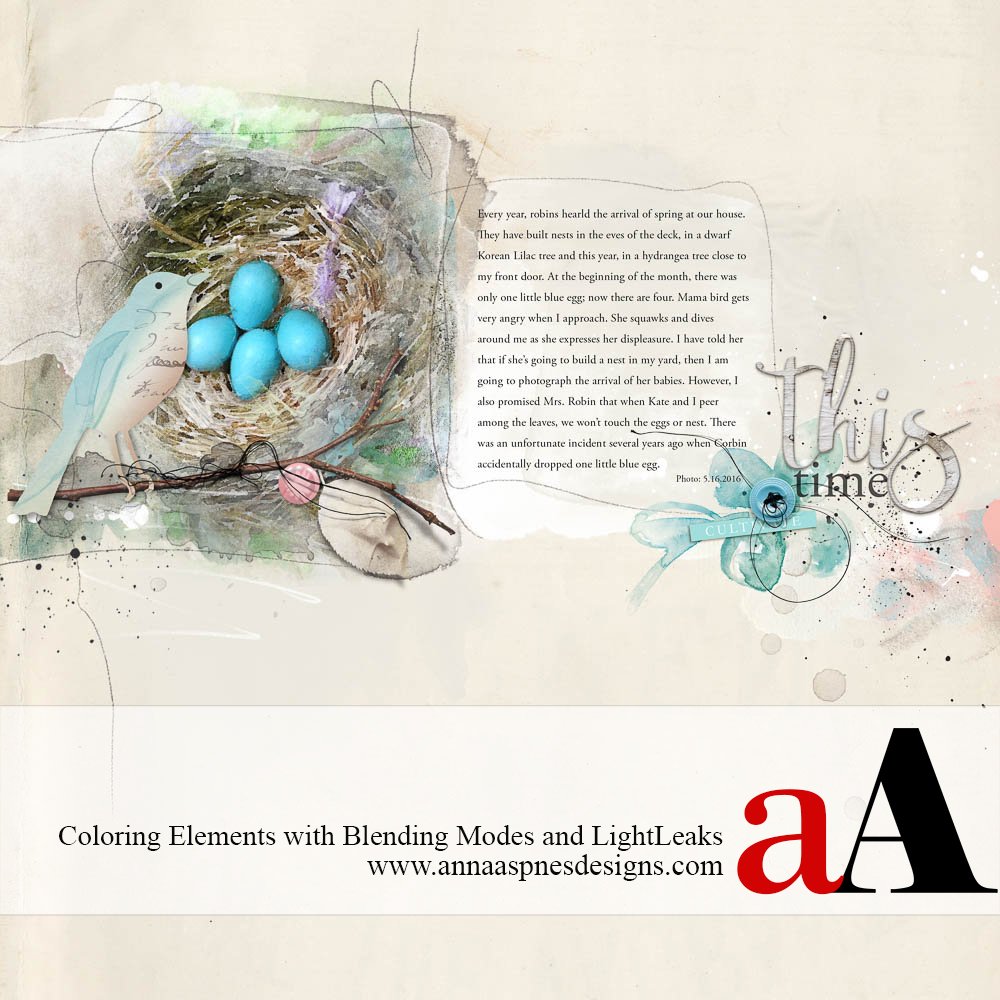
Creative Team Member, Linda Davis, shares her Digital Scrapbook Recoloring with Blending Modes tutorial. She demonstrates this digital coloring with Blending Modes technique with digital scrapbooking embellishments, but note that her process could be applied to any layer in Adobe Photoshop or Elements. Earlier this month, Linda shared a tutorial for using the Levels Adjustment Layer Plus Blending […]
Digital Scrapbook Repetition Tips and Techniques
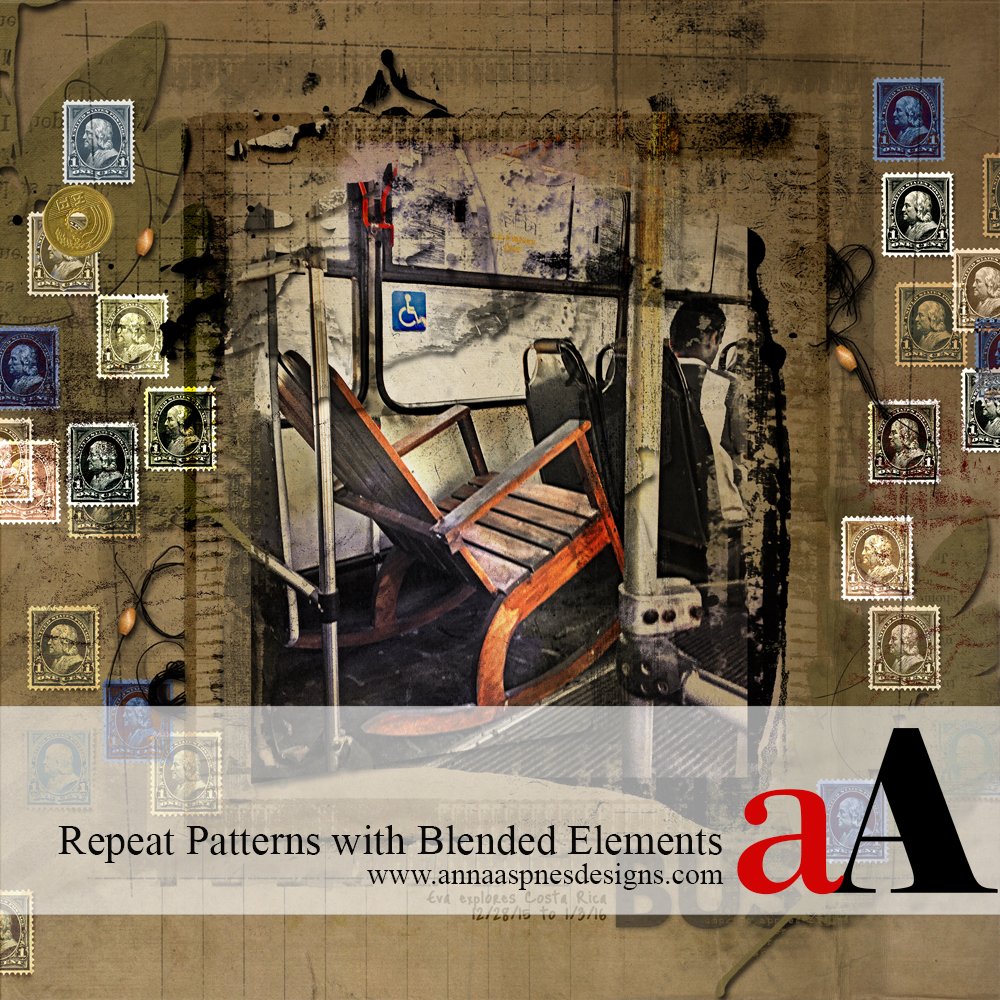
Creative Team Member, Laura, shares her Digital Scrapbook Repetition Tips and Techniques. You can get a lot of design mileage from a single element by duplicating it several times and then varying opacity, color, and contrast through the application of different Blending Modes. My layout had space around the borders, so I chose a postage […]
Transparent Digital Scrapbook Titles using Blending Modes
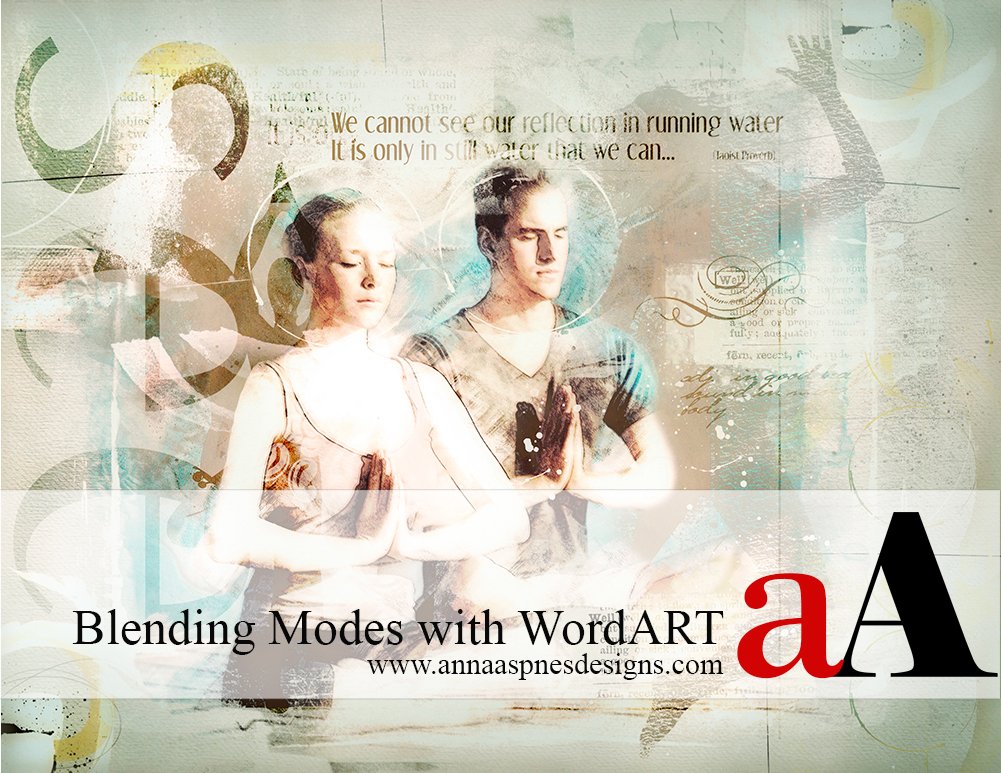
Creative Team Member, Marianne, shares a Transparent Digital Scrapbook Titles using Blending Modes tutorial. You can do a LOT with [aalogo] WordART. Words can be both re-colored and combined with the Blending Modes found in Adobe Photoshop and Elements. I used Blending Mode with WordART from Yoga WordART No. 1. and WordTransfers Living Well No. 1 in the following page. Blending modes enable […]