
Digital Scrapbook Frame Layering Effect
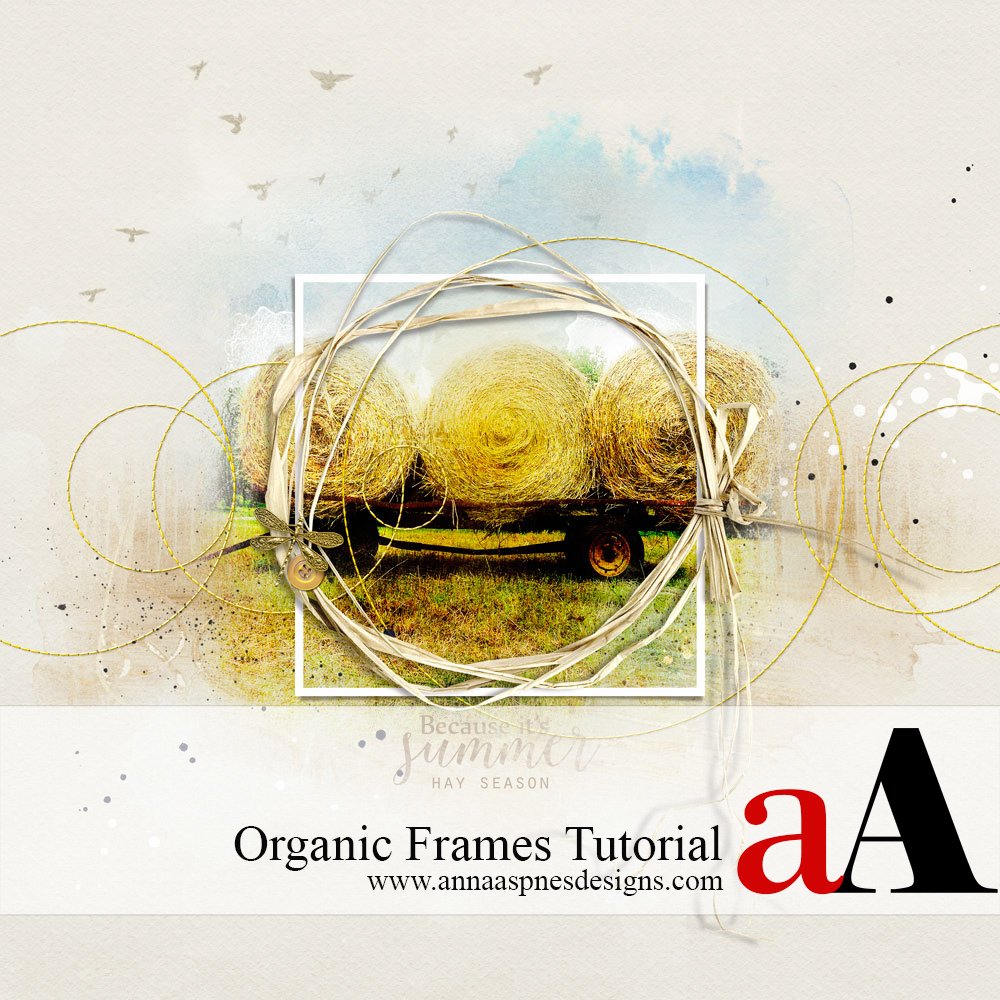
Creative Team Member, Miki, shares Digital Scrapbook Frame Layering Effect in Adobe Photoshop or Elements. 1. Create a Foundation.Create a new 12 x 12 page at 300 dpi. Open and drag your paper onto the layout. Solid paper 1 from Artplay Palette Summery was used for this page. Select the image you want to use and place […]
Using Framed Masks in Digital Scrapbooking Tutorial
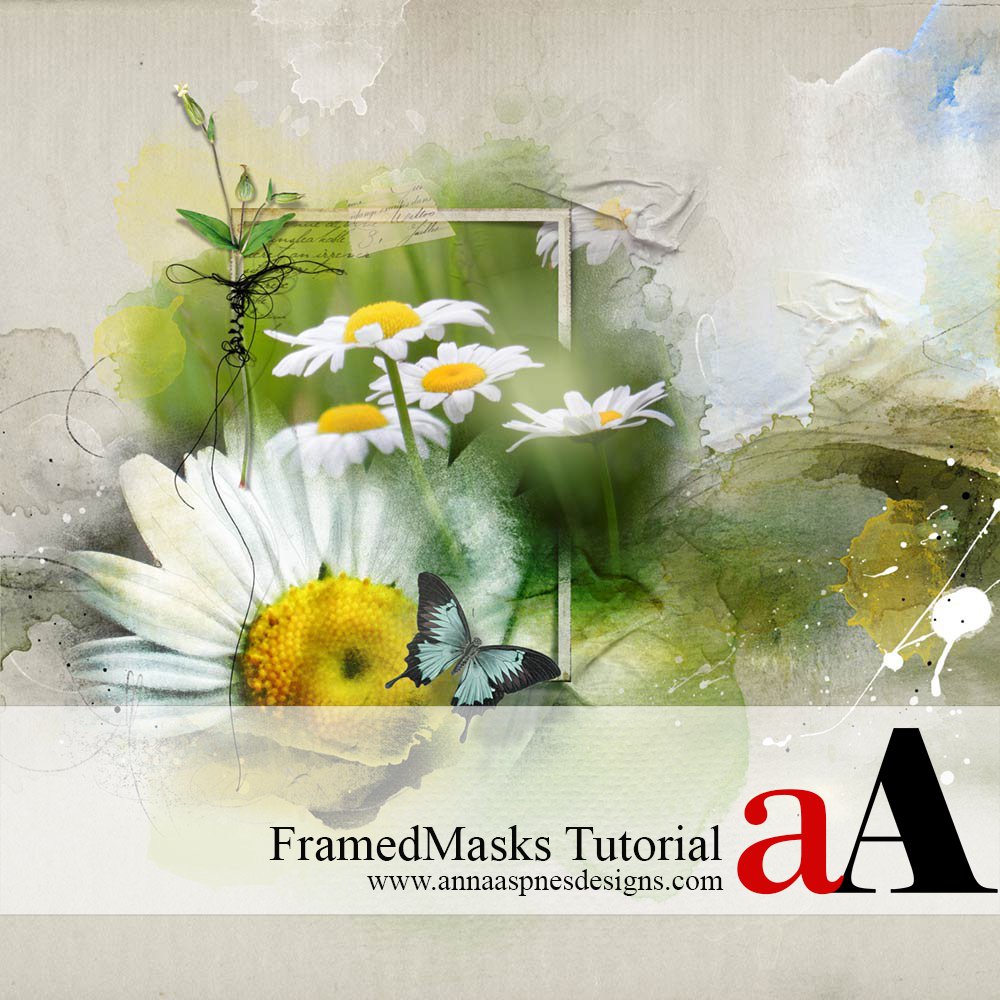
Creative Team Member, Barbara, shares Using Framed Masks in Digital Scrapbooking Tutorial in Adobe Photoshop or Elements. I wanted to create a dreamy, summery layout with one of my favorite flowers, daisies, layering them on masks and adding a little frame. Using Framed Masks in Digital Scrapbooking Tutorial makes you want to play with masks and […]
Ghost Frames in Digital Scrapbooking
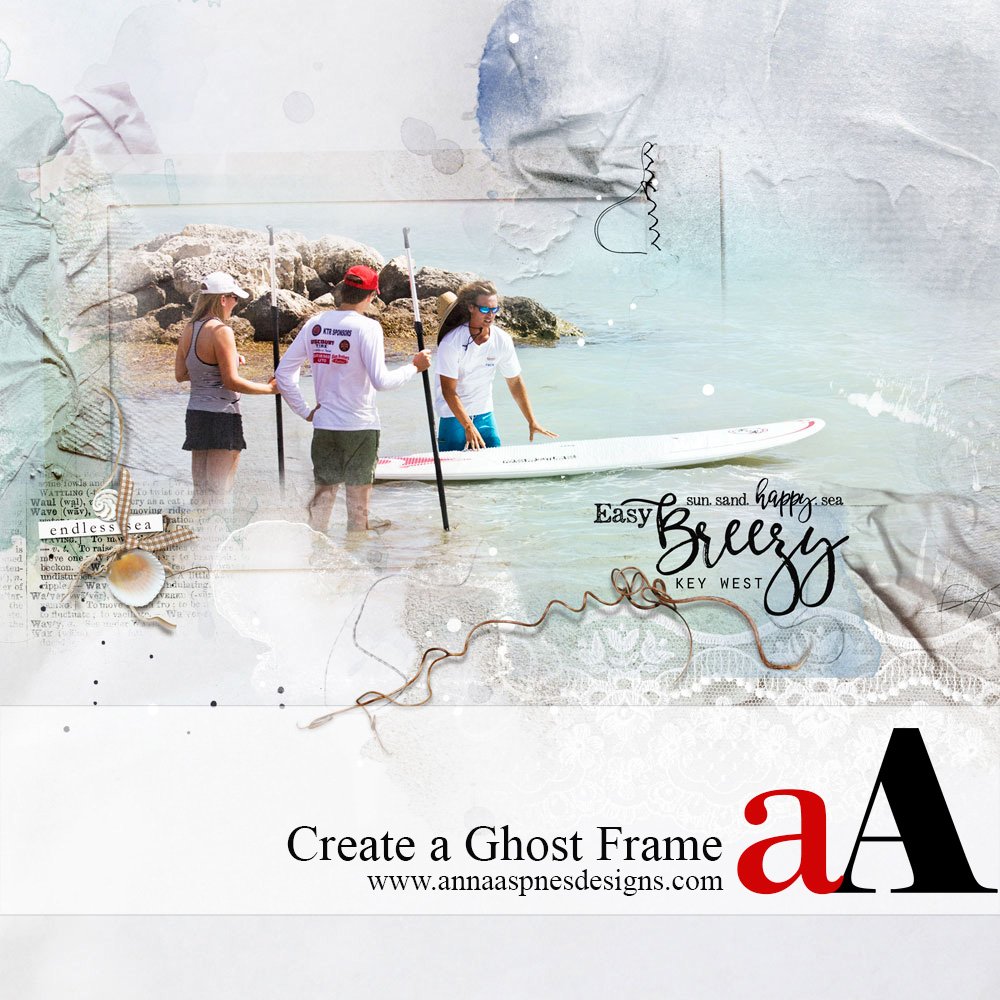
Creative Team Member, Miki, shares a tutorial on Ghost Frames in Digital Scrapbooking in Adobe Photoshop. Ghost Frames in Digital Scrapbooking 1. Create A Foundation. Create a new 12 x 12 layout at 300 dpi by going to File> New> Open and drag the digital paper of your choice onto the layout using the Move Tool from the […]
Out-of-Bounds Framed Photo Extraction Effect
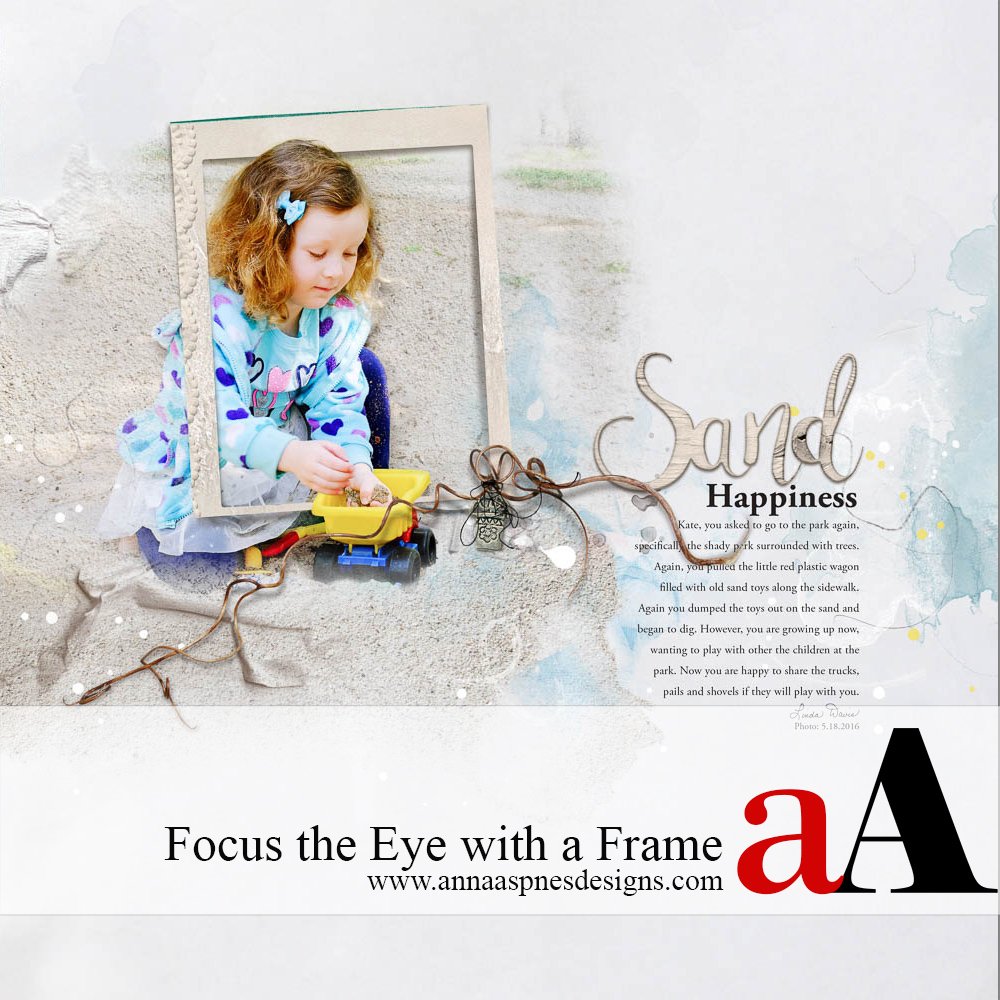
Creative Team Member, Linda Davis, shares a Out-of-Bounds Framed Photo Extraction Effect in Adobe Photoshop. Framing helps focus the eye on what is important on a page, in this case my granddaughter as she played in the sand with the toy truck. Below are highlights of the steps that I followed to create this page as I […]
Blended Frames Digital Scrapbook Tutorial
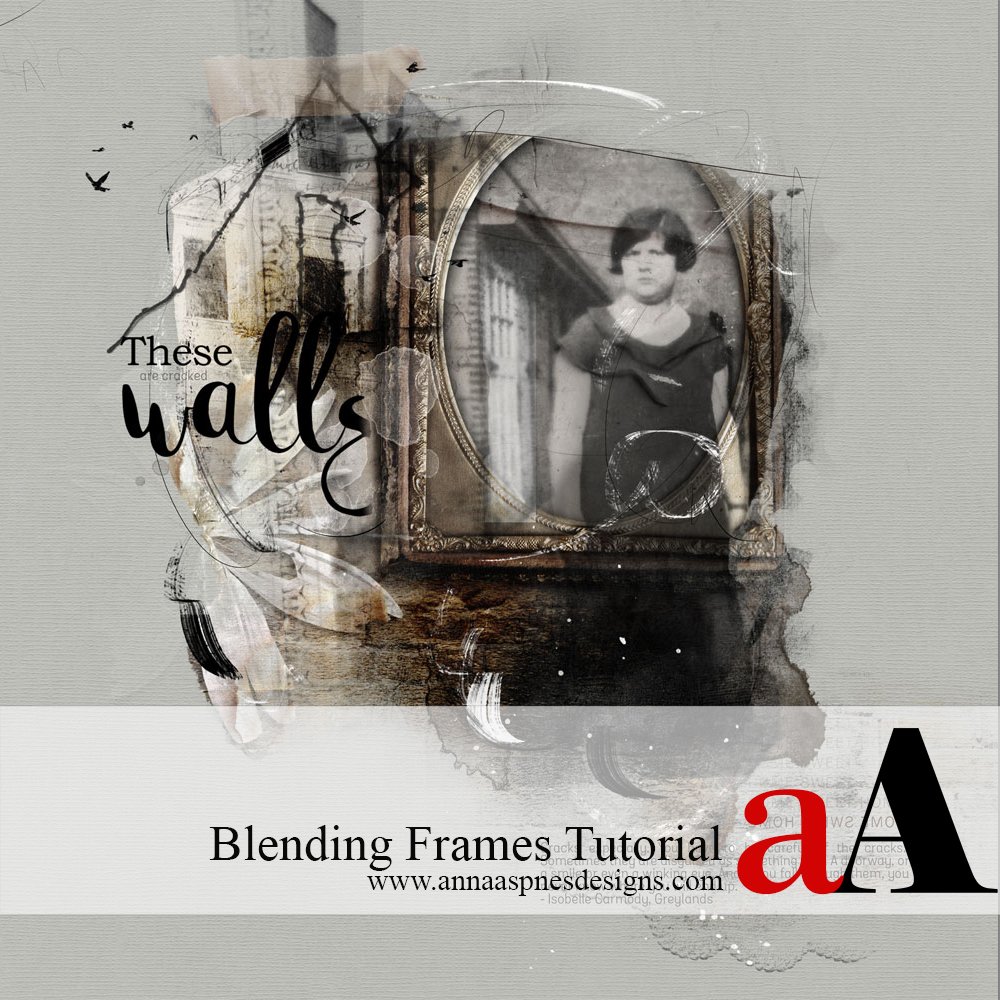
Creative Team Member, Adryane, shares a Blended Frames Digital Scrapbook Tutorial in Adobe Photoshop. Frames are an easy and natural way of highlighting the subjects on our pages. With the variety of frames available—traditional, artsy, ornate, vintage, acrylic, wood—the most difficult decision may be which one (or ones because combining frames adds visual interest) to […]
Stitched Custom Shapes in Digital Scrapbooking
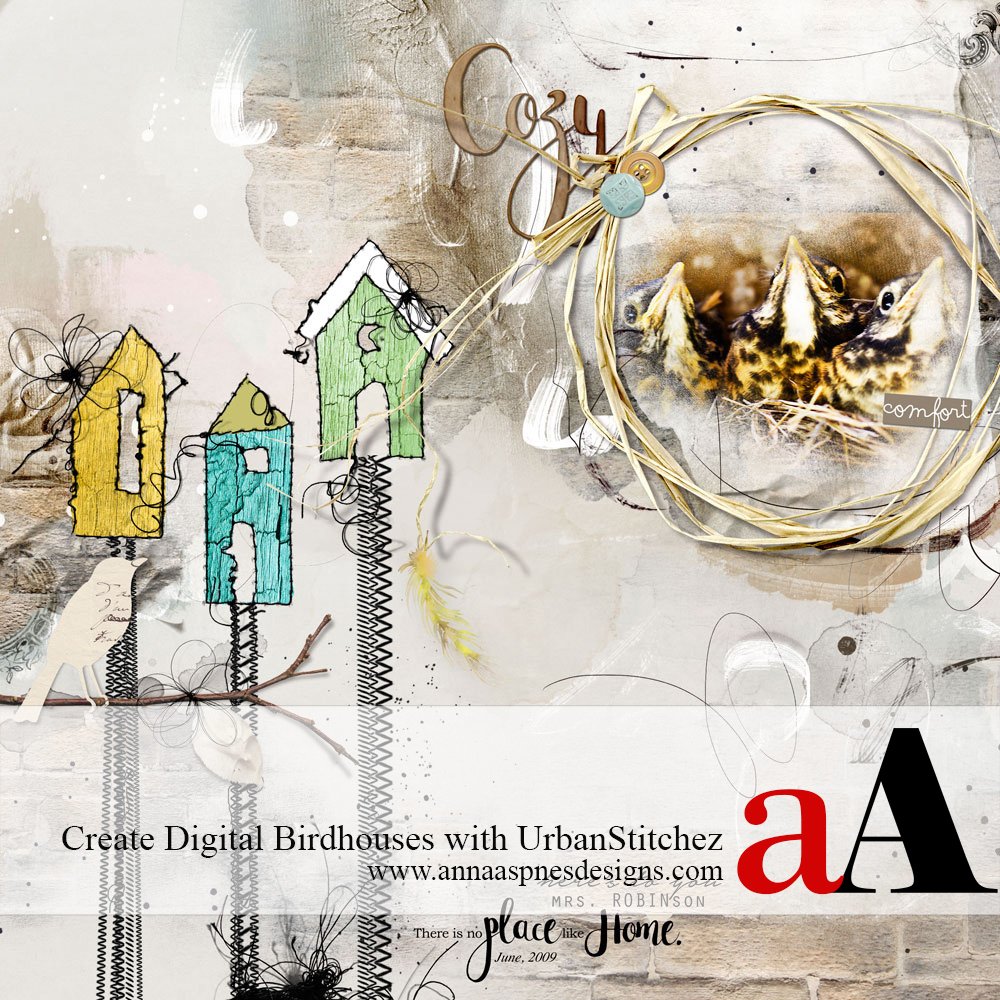
Creative Team Member, Miki, shares how to create Stitched Custom Shapes in Digital Scrapbooking. Note that you can create other UrbanStitchez custom designs and shapes using the [aalogo] Stitching product range. Stitched Custom Shapes in Digital Scrapbooking 1. Create a Foundation. Create a new 12 x 12 layout at 300 dpi by going to File> New. Open […]
Digital Scrapbook Recoloring with Blending Modes
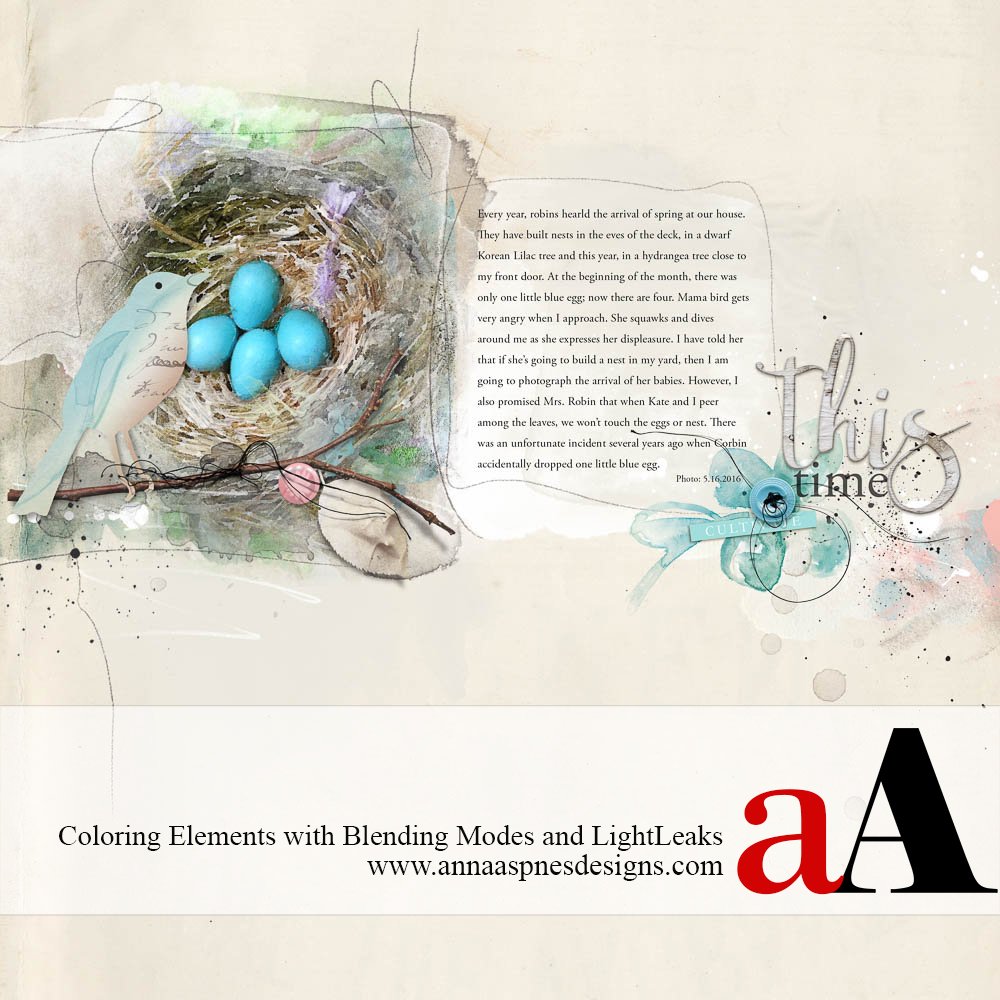
Creative Team Member, Linda Davis, shares her Digital Scrapbook Recoloring with Blending Modes tutorial. She demonstrates this digital coloring with Blending Modes technique with digital scrapbooking embellishments, but note that her process could be applied to any layer in Adobe Photoshop or Elements. Earlier this month, Linda shared a tutorial for using the Levels Adjustment Layer Plus Blending […]
Digital Scrapbook Repetition Tips and Techniques
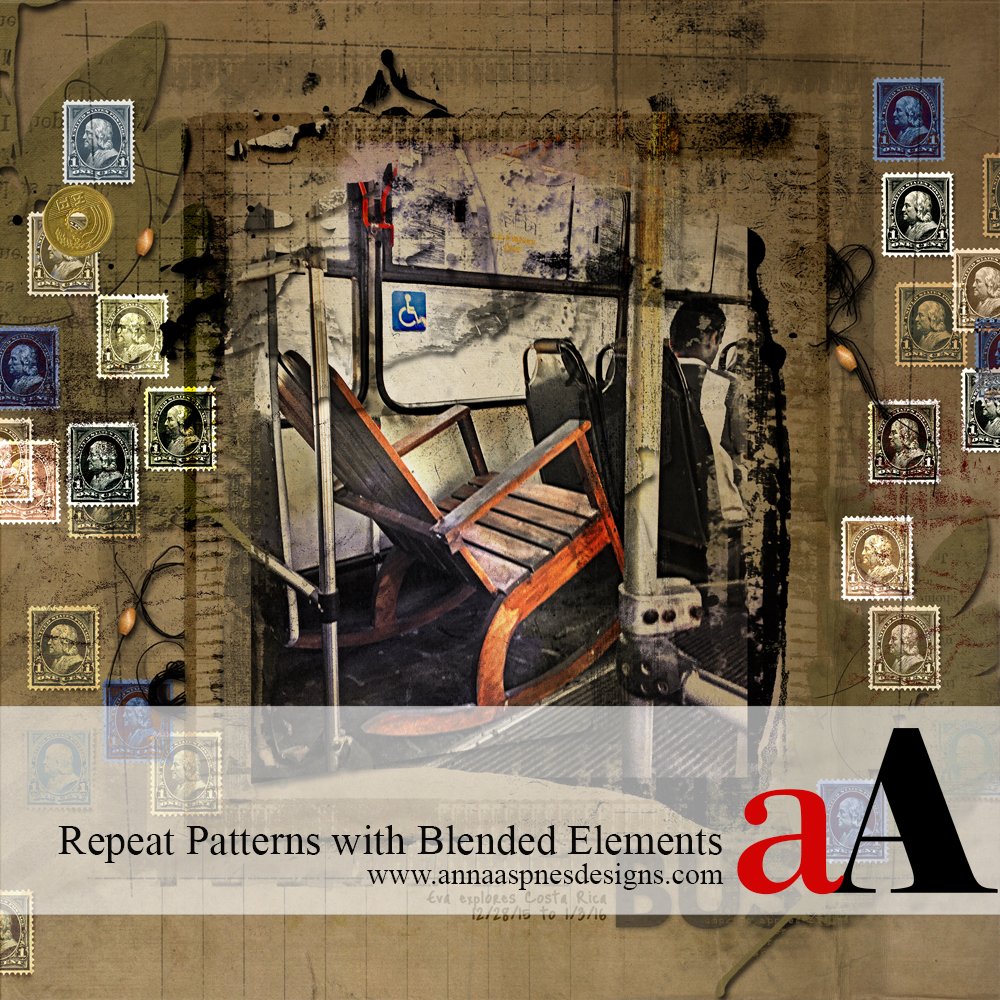
Creative Team Member, Laura, shares her Digital Scrapbook Repetition Tips and Techniques. You can get a lot of design mileage from a single element by duplicating it several times and then varying opacity, color, and contrast through the application of different Blending Modes. My layout had space around the borders, so I chose a postage […]
Transparent Digital Scrapbook Titles using Blending Modes
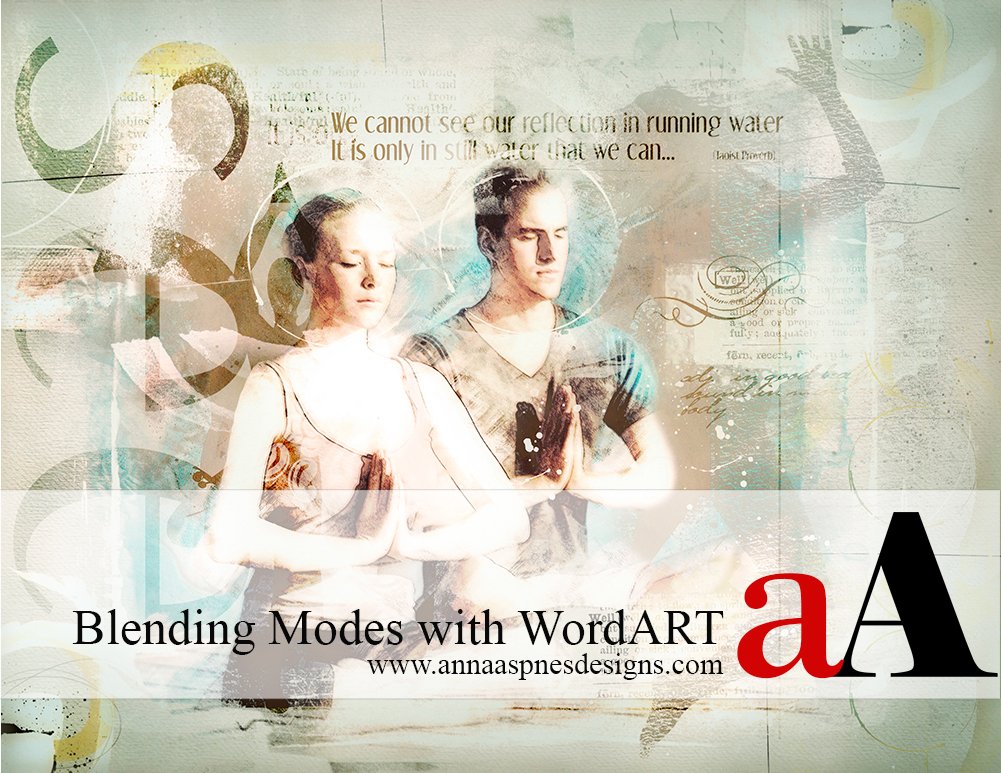
Creative Team Member, Marianne, shares a Transparent Digital Scrapbook Titles using Blending Modes tutorial. You can do a LOT with [aalogo] WordART. Words can be both re-colored and combined with the Blending Modes found in Adobe Photoshop and Elements. I used Blending Mode with WordART from Yoga WordART No. 1. and WordTransfers Living Well No. 1 in the following page. Blending modes enable […]