
Today, Adryane is sharing how to get Inspiration from Graphic Design Posters in Adobe Photoshop CC.
Inspiration from Graphic Design Posters
Introduction
Clean lines and simple shapes, that’s what draws me to graphic designs.
I did a little reading about why graphic design posters are effective and found this:
- Shapes help create a path for the eye to follow as it scans the poster.
- Shapes can also give emphasis to the most important information in the poster.
- You can put a large rectangle behind the title or use the triangle of a mountain to point the eye upwards toward the headline.
- Shapes can also alter the mood of a design. Softer shapes with curves, circles and organic lines can create a more fluid and relaxed mood.
- Triangles, squares and other geometric shapes with strong, sharp edges can create an entirely different mood.
1. Choose Inspiration
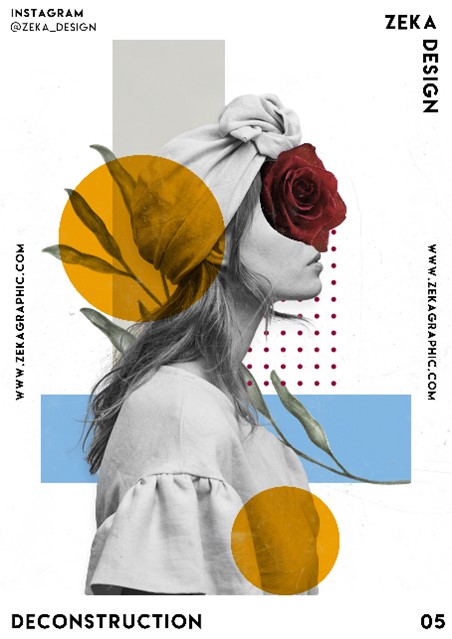
Select a poster design as your source of inspiration.
- Choose a poster with a design that appeals to you.
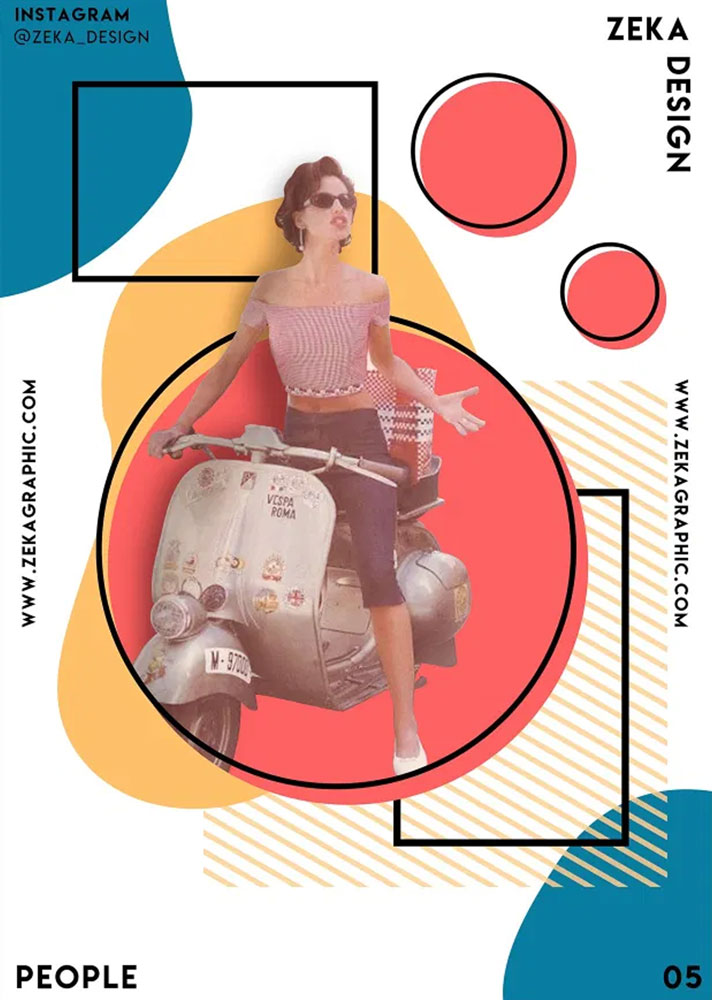
- I chose this one by Zeka_Design.
2. Establish Foundation
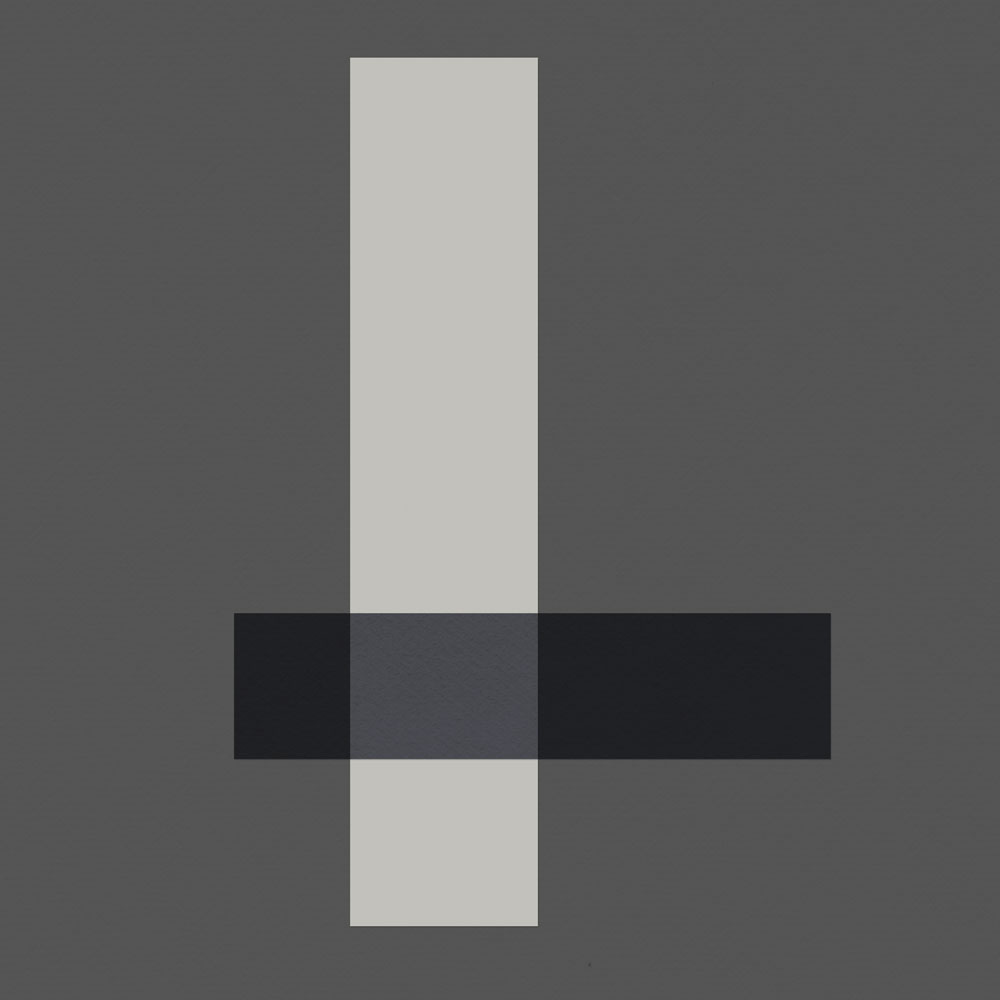
Create a solid color background and add 2 rectangle shapes.
- Open a new 12 x 12 document in Photoshop.
- Create a New Layer above your background layer.
- With the new layer selected, select the Rectangular Marquee Tool (M).
- Draw the first rectangle.
- Fill this layer using the Paint Bucket Tool (G).
- Any color will do at this point – Later, when you are fine tuning your design, you can change the color or clip something, like a paper or transfer, to the shape.
- Create another new layer and repeat these steps for the second rectangle.
3. Add Circles
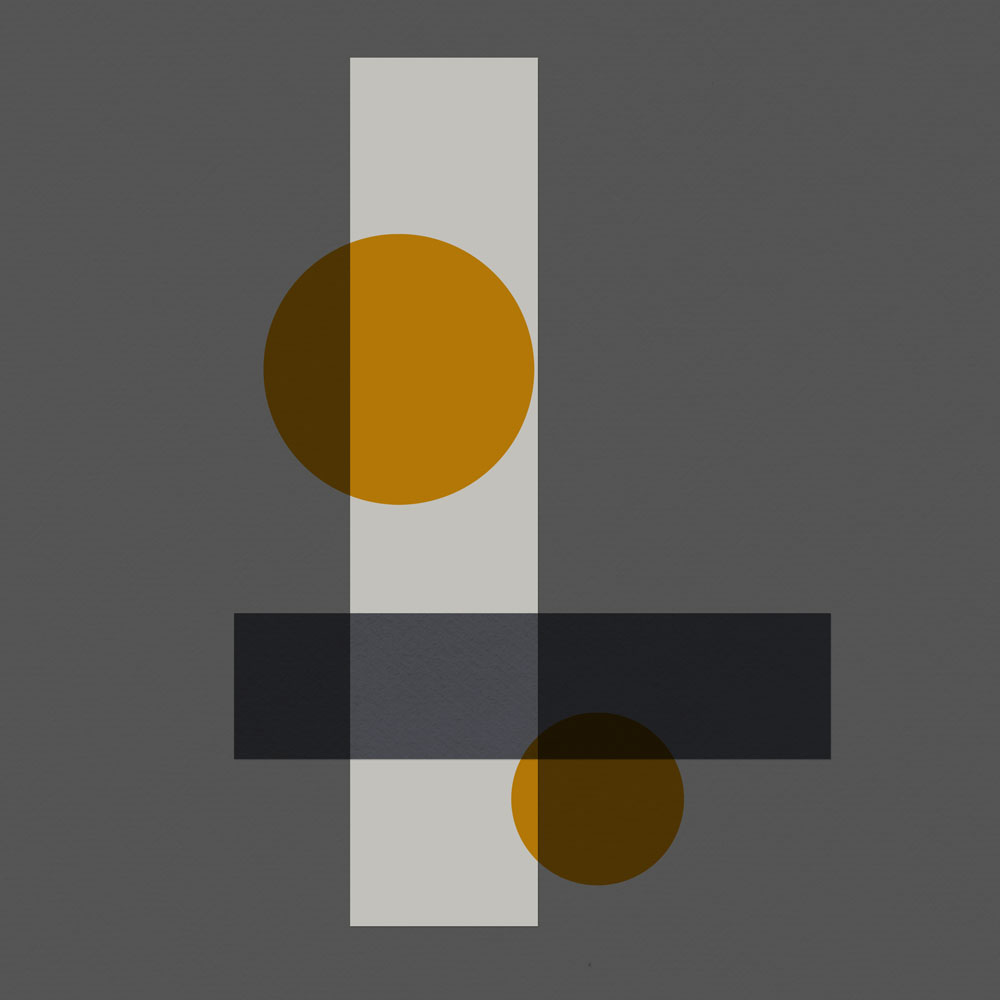
Use the Elliptical Marquee Tool to create 2 circle shapes.
- Repeat the steps above this time adding 2 circle layers to the layout design.
Note. Hold down the Shift key while using the Elliptical Marquee Tool will constrain the proportions of the shape so that it is a circle.
4. Add Small Dots
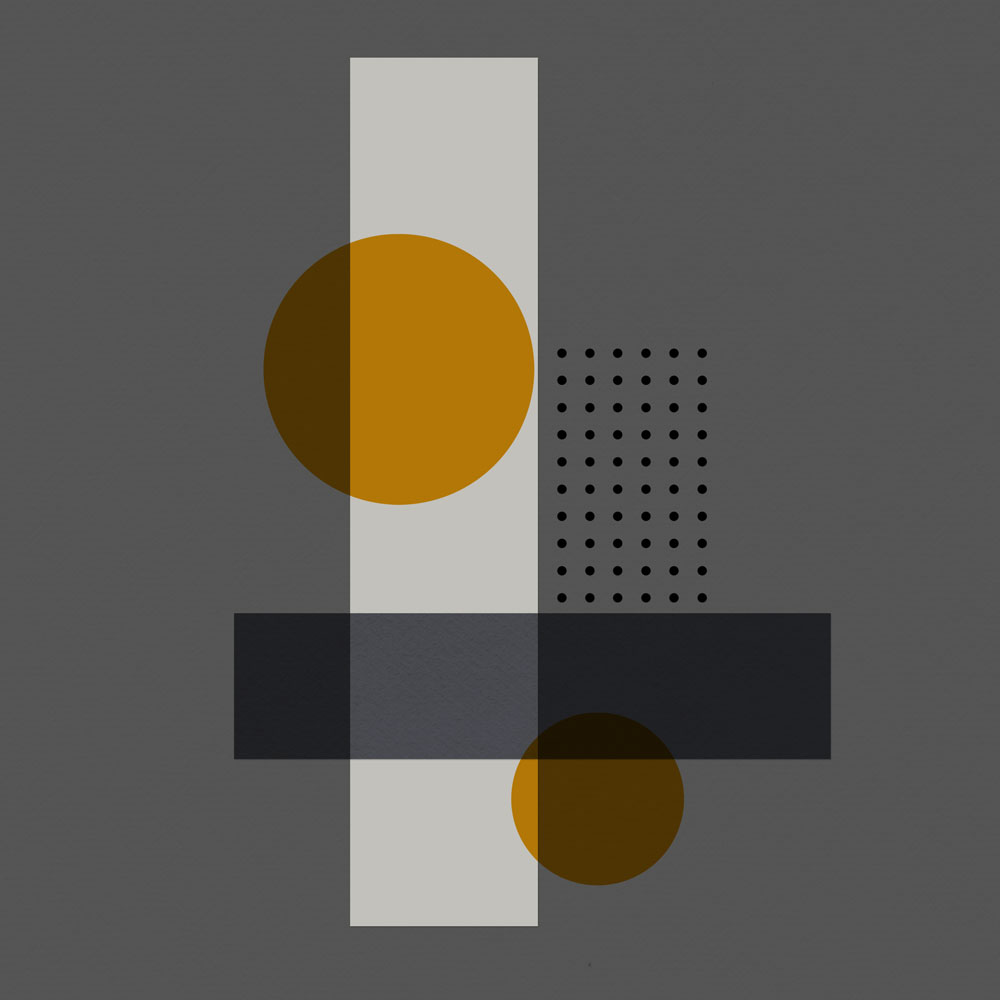
Create multiple small dots and space evenly.
- Create another New Layer.
- Use a small round brush with the Paint Brush Tool.
- Stamp a small circle on this New Layer.
- Duplicate this layer (CTRL + J) several times and arrange the dots in a row.
- Select all the dot layers and, with the Move Tool (V) selected, click on the Distribute Horizontally icon to evenly space the dot images.
5. Add Photos
Use the foundation to guide placement of your photos and elements.
- Add your photo(s) and elements using the shapes in your foundation to guide your design.
- Rather than use one large image, like the original poster, I chose to use 3 photos.
- Experiment with applying different Blending Modes to the shape layers to create interesting color and shape interactions.
Note.
- One of the rectangles was filled with dark blue and set the Blending Mode to Multiply.
- The other rectangle has a letter and a game card clipped to it.
- The Blending Mode on this rectangle is Hard Light.
- Both circle layers are set to Multiply.
- The dot layer has a Normal Blending Mode
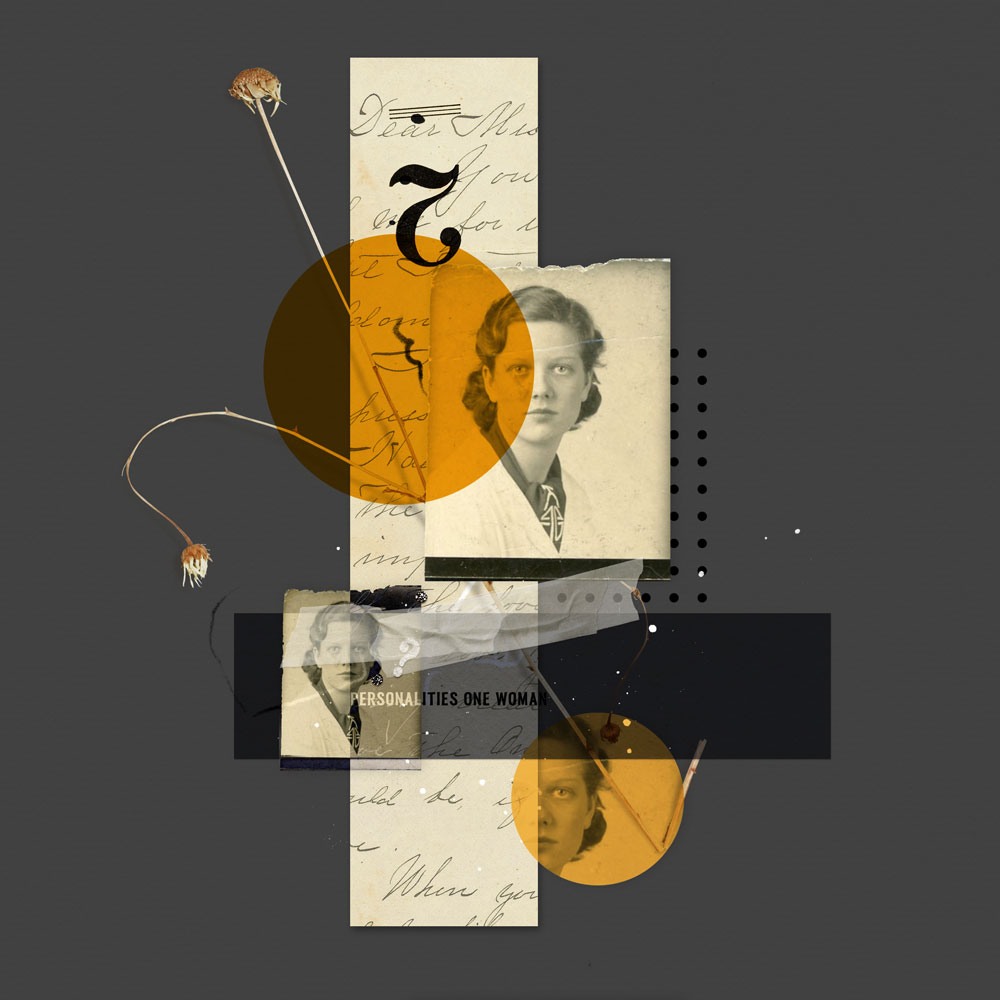
DigitalART Supplies
- ArtPlay Palette Across the Miles (solid, recolored)
- ArtPlay Palette Fernweh (dried wild flower)
- ArtPlay Palette Kindred (game card with #2)
- ArtPlay Palette Whimsy (ArtStroke)
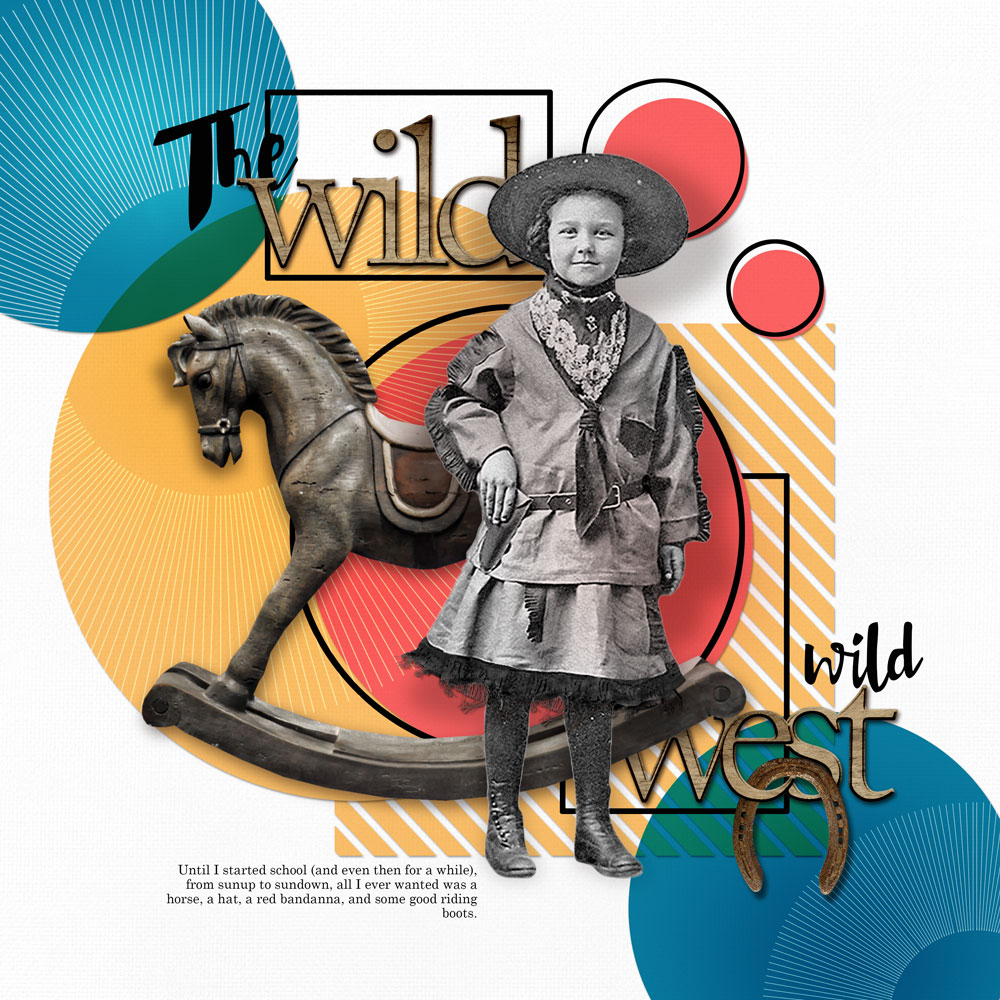
Another Example
Source of Inspiration:
Layout Design
Summary
Use Graphic Design Posters to inspire your next layout design.
- Notice COLORS and SHAPES.
- Create a layout foundation using Photoshop tools and these Element Properties.
- Add your photos and elements using the graphic FOUNDATION as your guide.
This layout process is so exciting and gives a lot of ideas to create a page, Adryane! Thank you.
Can’t wait to see what you great Beverly!
Oh I LOVE this, definitely want to give it a try!
Adryane always comes up with the most interesting tutorials.
Anna
Superb tutorial and post, Adryane! Thanks for the fun inspiration!
Agreed.
So creative and inspiring, A! Excited to try this.
Post a link to you page so we can see 😀