
Today, Creative Team Member, Trish Hoskin, is sharing her approach for Using FotoInspired Templatesfor Travel Photos.
Having arrived home from a fantastic 14 day trip to London, she was keep to capture her memories quickly and easily in an album before everyday life took over again.
This tutorial is for BOTH Photoshop and Elements users.
Using FotoInspired for Travel Photos
Introduction
FotoInspired templates enable you to showcase multiple photos in one page.
This makes them perfect for the many travel photos you can take on vacation, and enables you to:
- Quickly and easily arrange and organize them in a visually pleasing way.
- Create an impressive keepsake of your trip in photo book or album format.
And this can all happen in 5 easy steps…
1. Photo Organization
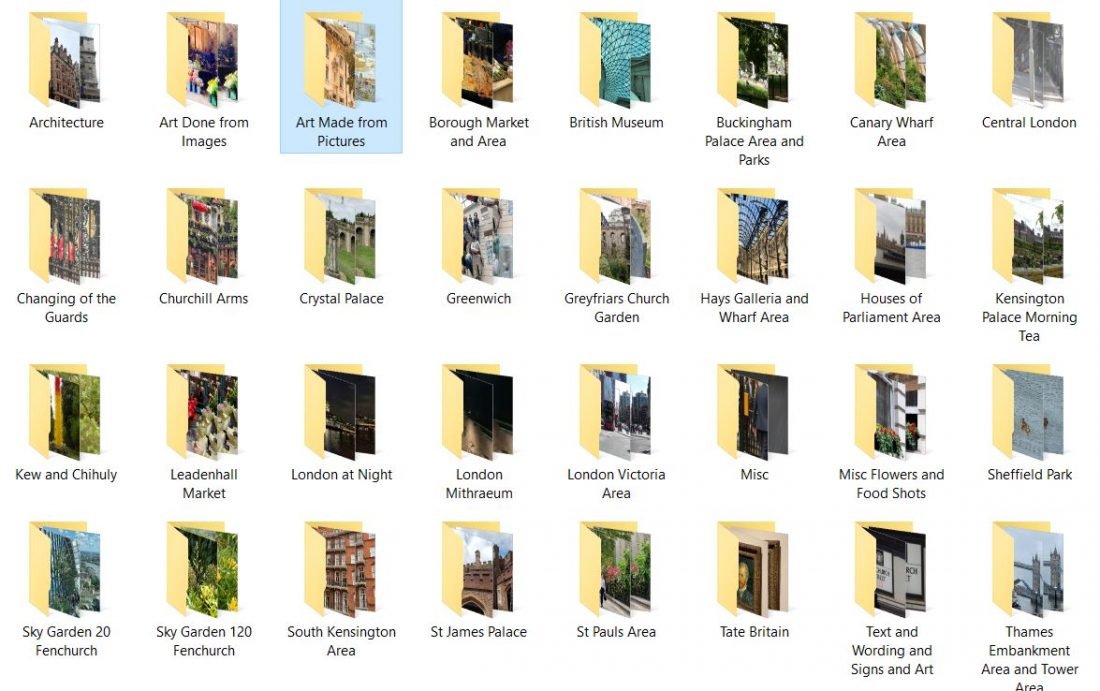
Group your photos into folders.
- Organize by Place or Theme e.g. Greenwich, Kew Gardens, Architecture, Food, etc.
- This makes for easy assessment when you begin creating your pages.
2. Identify Best Shots
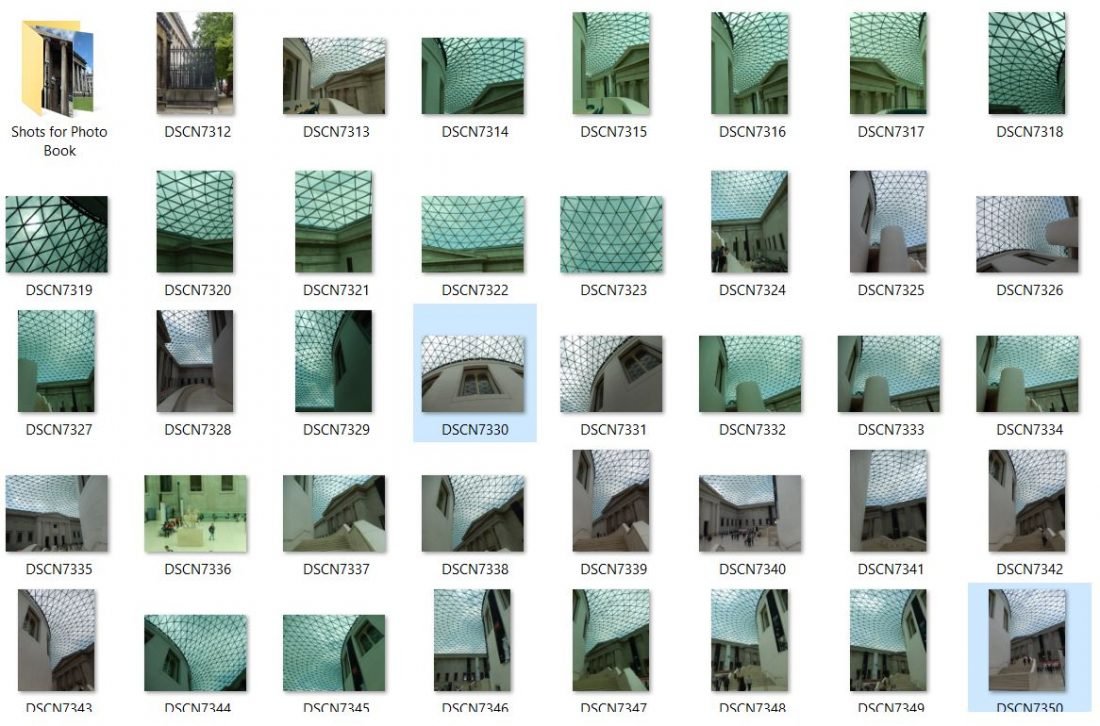
Pick 7-8 photos within the folders as your best shots.
- This will save you an enormous amount of time sorting through photos when you begin creating with the templates.
- You can rename these ‘chosen’ images differently or place them in sub-folders.
- Edit your photos in Photoshop/Element or using Smart device Apps.
 3. Select Digital Supplies
Review your DigitalART supplies and choose the elements that will coordinate with your photos.
- Pre-selecting your DigitalART supplies narrows your selections during the creating phase of the layouts.
- This will also save you time when you start working with the FotoInspired pages in Photoshop/Elements.
4. Choose Font(s)
Create consistency with your fonts selections.
- Making your font TYPES universal across all pages creates unity in your pages.
- Also consider keeping font SIZES the same for titles and journaling.
See TitleSmarts for further Title guidance:
- Learn how to identify the right types fonts for your titles.
- How to place the words and fonts on your pages to create your own stunning titles.
- Elevating your artistry and digital scrapbooking pages with words.
5. Create Pages
Populate the FotoInspired templates with your photos and DigitalART supplies.
- Clip your photos to the masks in the templates.
- Add your DigitalART supplies to any remaining masks.
- Embellish with DigitalART supplies and words.
See also this FREE FotoInspired trio video series for step-by-step guidance:
Tip. Consider determining how many pages you want your book to have before you begin.
Summary
Time is of the essence.
- Start creating pages as soon as you can so you don’t forget the details (or that the photos are sitting on your hard drive.)
- A bit of preplanning in the design process goes a LONG way to ensuring a smooth creation process.
Trish reiterates:
‘I never want the process to be purely mechanical with no enjoyment, but having spent the time up front reviewing photos and reminiscing, helps me get it completed and shipped to the printers quickly, rather than spending weeks creating and then changing my mind. This leads to the process taking longer than necessary or putting it aside and never getting back to it.’
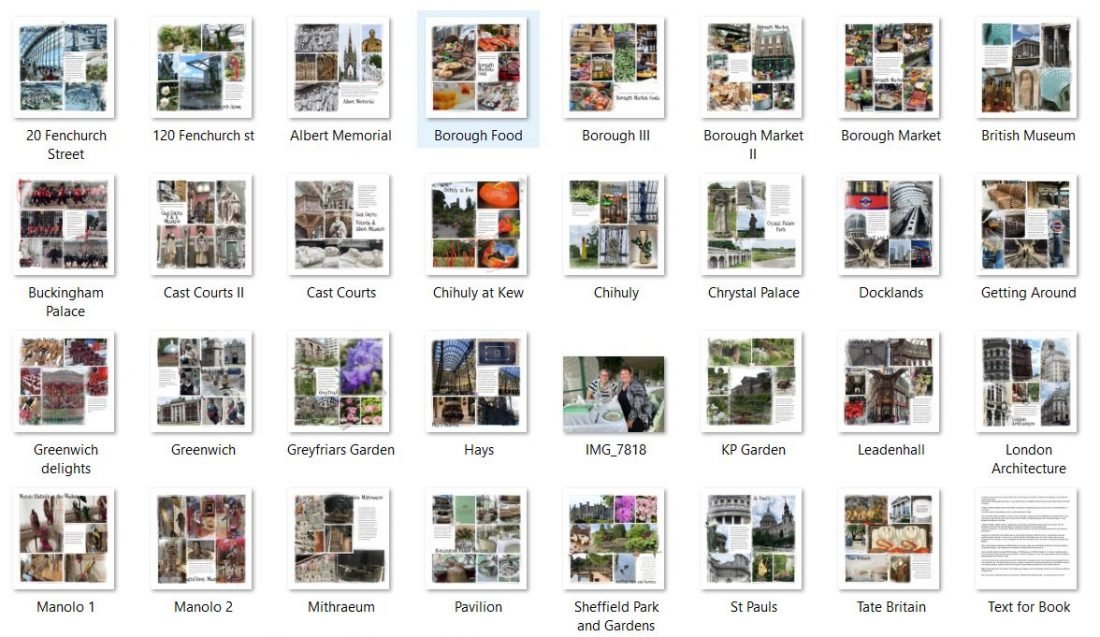
Note. She created her completed book pages (21 including a cover) in about 3 nights (about 2 hours per night) and she was able to make this happen because she did the prep work before she started creating the pages. It was uploaded to the printers on a Monday night and she was lucky enough to receive the finished book on the Friday afternoon.
See the ‘Project’ classes for further guidance on planning and creating complete photo projects.
Each of these classes provides guidance for planning your photo books and albums from start to finish:
Great tips for album cohesion and time efficiency when creating with a large number of photos! Thanks, Trish!