
Today, Adryane is sharing some of her creative wisdom on creating a digital scrapbook heritage collage.
Creating a Digital Scrapbook Heritage Collage
Adryane is known for her heritage photo artistry layouts and outlines her process in the steps below.
1. Create a Foundation
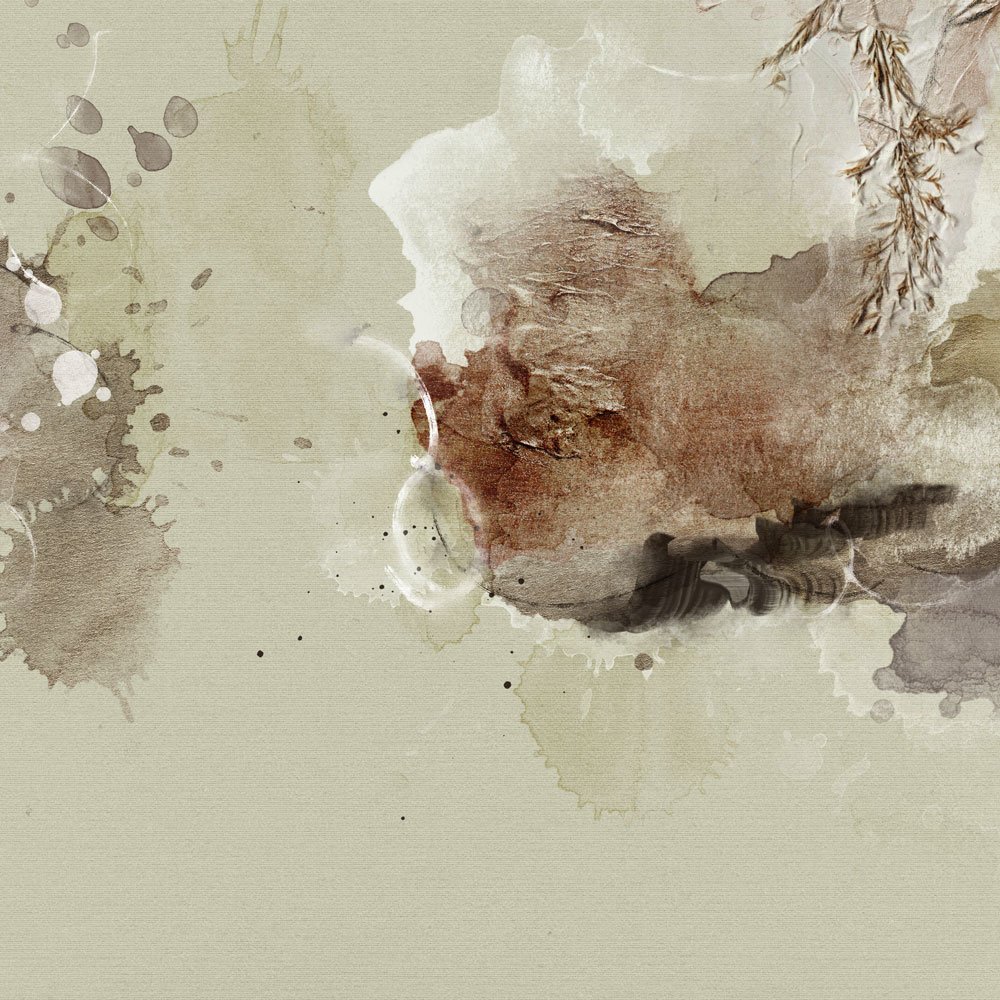
Create a New Layout and select an Artsy Paper as your foundation.
- Go to File>New to create a new layout.
- This page is created in a 12 x 12 format at 300 DPI
- Go to File> Open and select a background paper from the ArtPlay Palette of choice.
- The background for this page is Artsy Paper No. 4 from ArtPlay Palette Flock.
2. Create a Focal Point
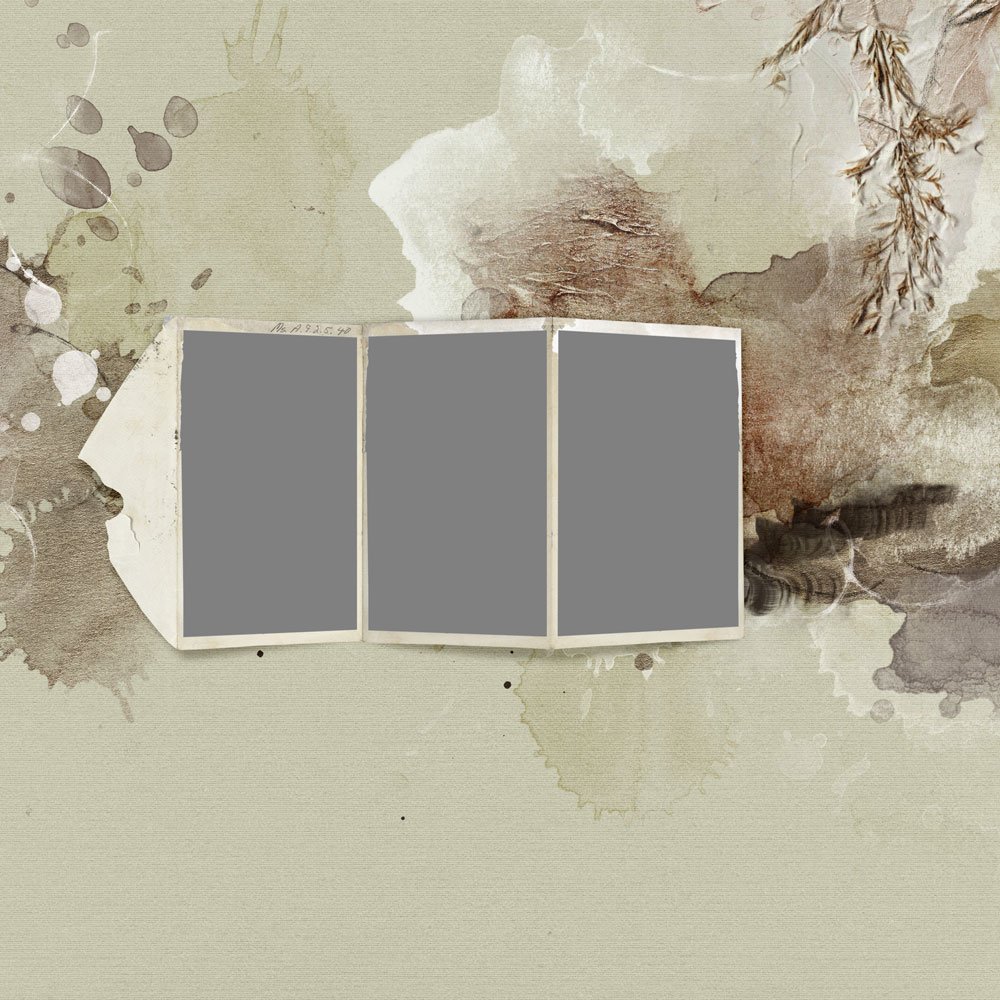
Place an element onto your foundation to lead the eye into the digital scrapbook heritage collage.
- Adryane chose a dimensional frame element.
- Open the .psd file for MultiMedia Acordion No.1 (Frame No.2).
- Select all the layers in the Layers Panel and move all of the layers onto your foundation using the Move Tool from the Tools Panel.
Note. Adryane has placed the frame in the area of ‘white space’ which connects the 2 areas of interest, and leads the eye from one side of the page to the other.
3. Add Photos to Frame
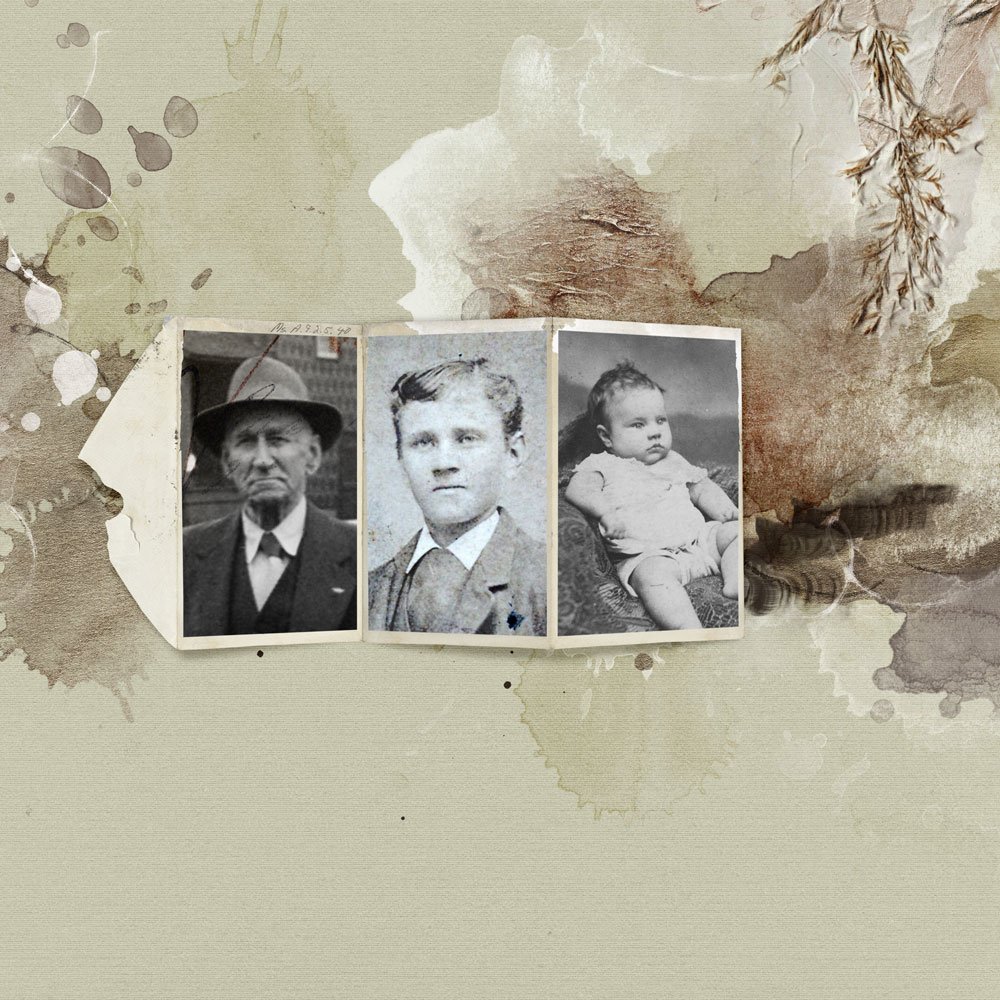
Clip photos to the frame mask layers using the Clipping Mask Function in Photoshop or Elements.
- Select a frame mask layer in the Layers Panel.
- Move the photo layer on top of the frame mask layer.
- Go to Layer> Create Clipping Mask.
- Repeat this process 2 more time with 2 different photos to fill the frame.
Notice. Each photo conforms to the shape of the underlying frame mask layer via the clipping process.
4. Optional Extraction
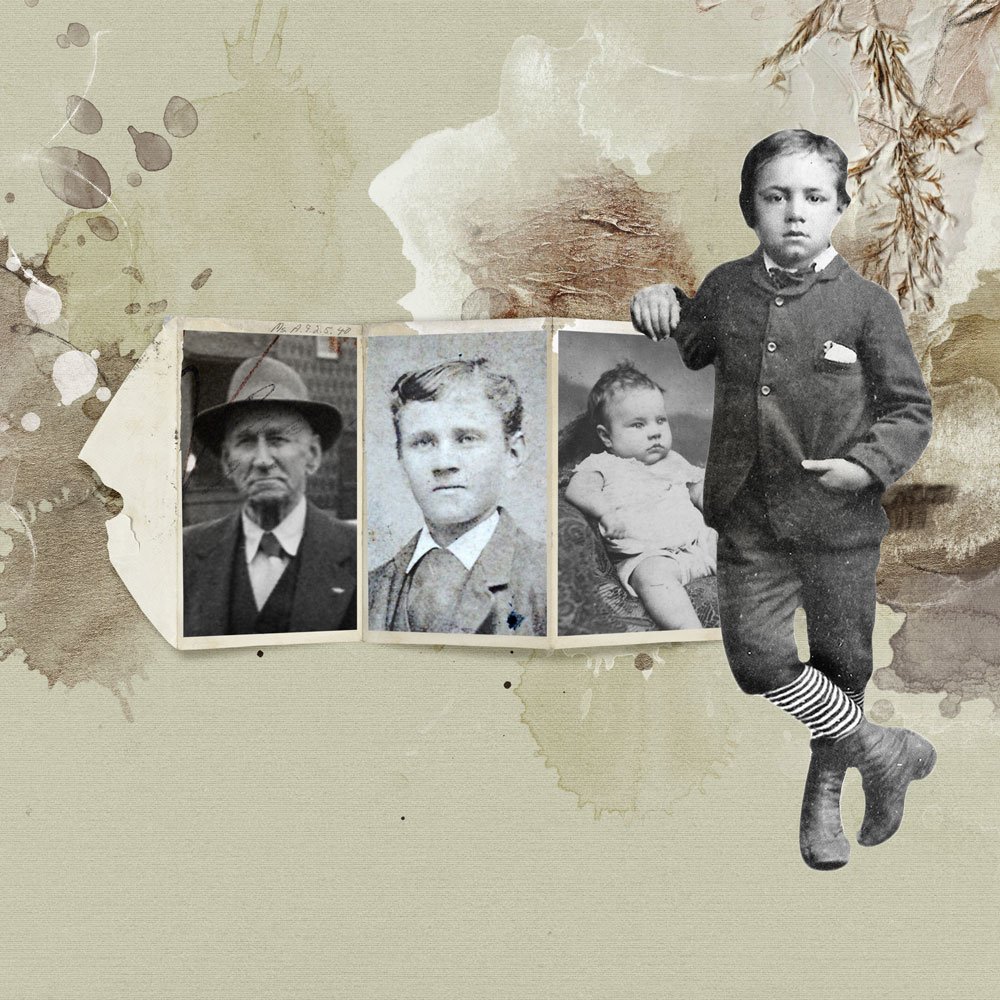
Add an extracted photo subject to the design to refocus the eye.
- The frame was chosen as the original focal point in her digital scrapbook heritage collage.
- Each of black and white photos in the frame carry equal Visual Weight in terms of Size, Color and Shape.
- The addition of the much larger image redirects the eye and provides a clear focal point.
Note. See these Extractions classes for further guidance.
5. Consider Theme
Establishing a theme early on in the design process can help you build the digital scrapbook heritage collage.
- A theme will help focus your element selection.
- Elements can support your theme in terms of imagery or words.
- Add one or more elements to unify the components in your digital scrapbook heritage collage.
Notice. Adryane adds title work to balance her design in a group of 3 elements, and create a ‘ledge’ for her framed photos.
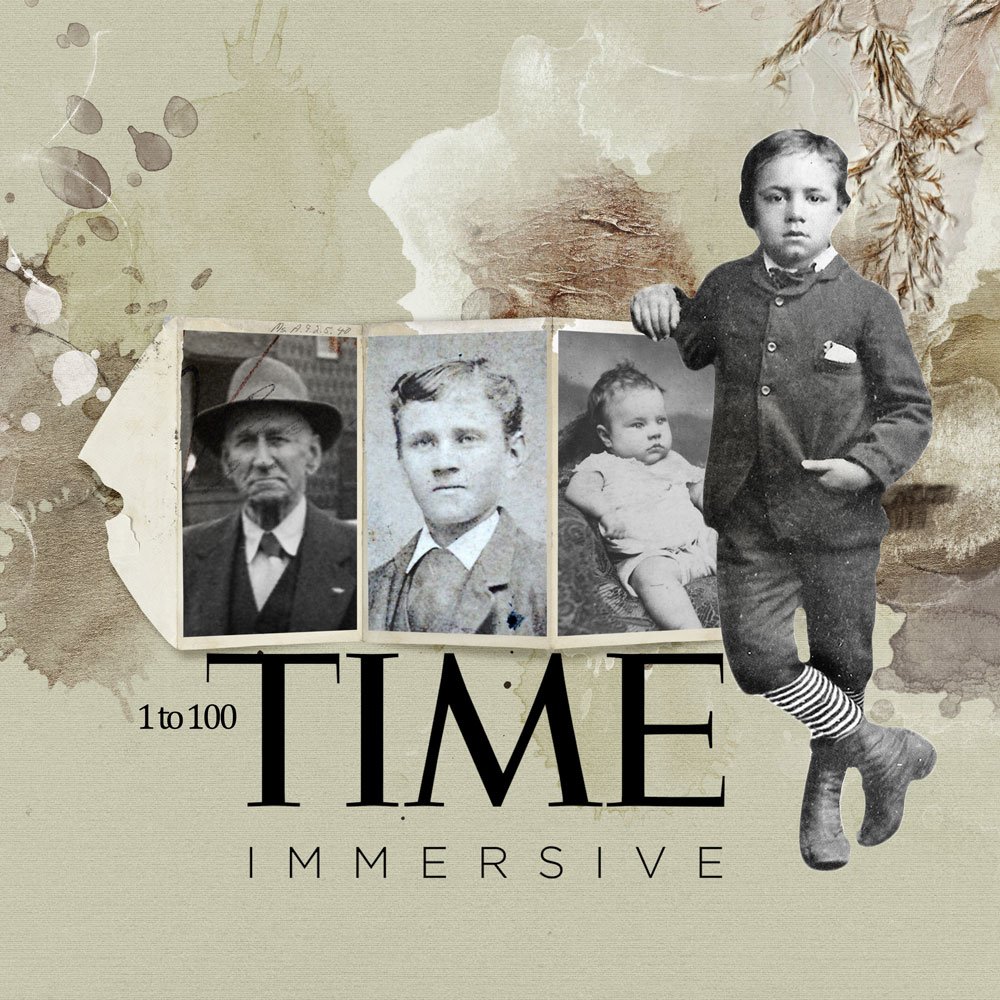
6. Enhance with Digital Scrapbook Products
Support and elevate the focal point with digital artistry in digital scrapbook heritage collage.
- Layer different elements, such as MulitMedia, Brushes, ArtsyTransfers and Transfers/Overlays behind your photos.
- These layers will add interest and dimension to your collage, and further solidify the focal point.
- Consider Element Properties and Design Principles such as Shape, Size and Balance.
- Adryane favors paper elements like those found in the MultiMedia Document files.
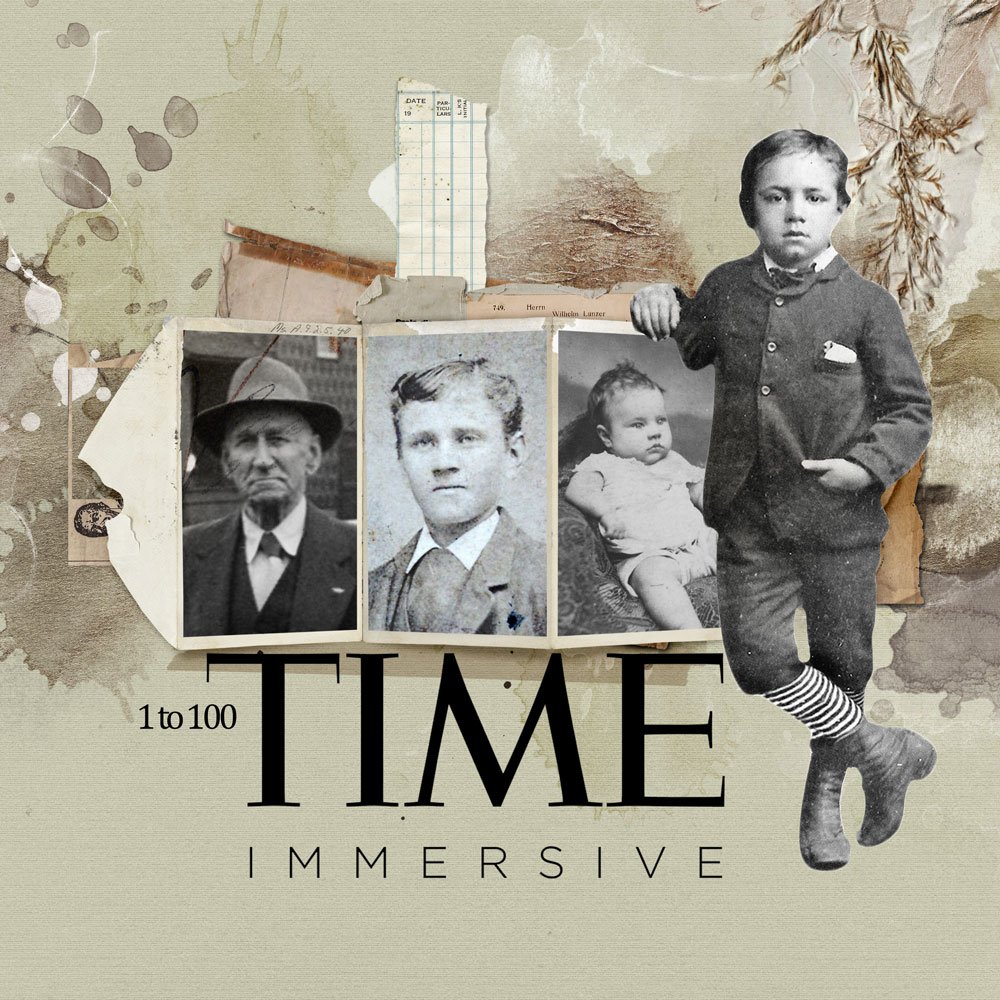
7. Add Embellishments
Consider variety on selection to create visual interest and further support the theme.
- ArtPlay Palette Hygge (ruler)
- ArtPlay Palette Riant (slide reel)
- ArtPlay Palette Fruehling (denim scrap)
- Artplay Palette Noble (milk label)
- ArtPlay Palette Studious (glasses)
- ArtPlay Palette Revel (domino)
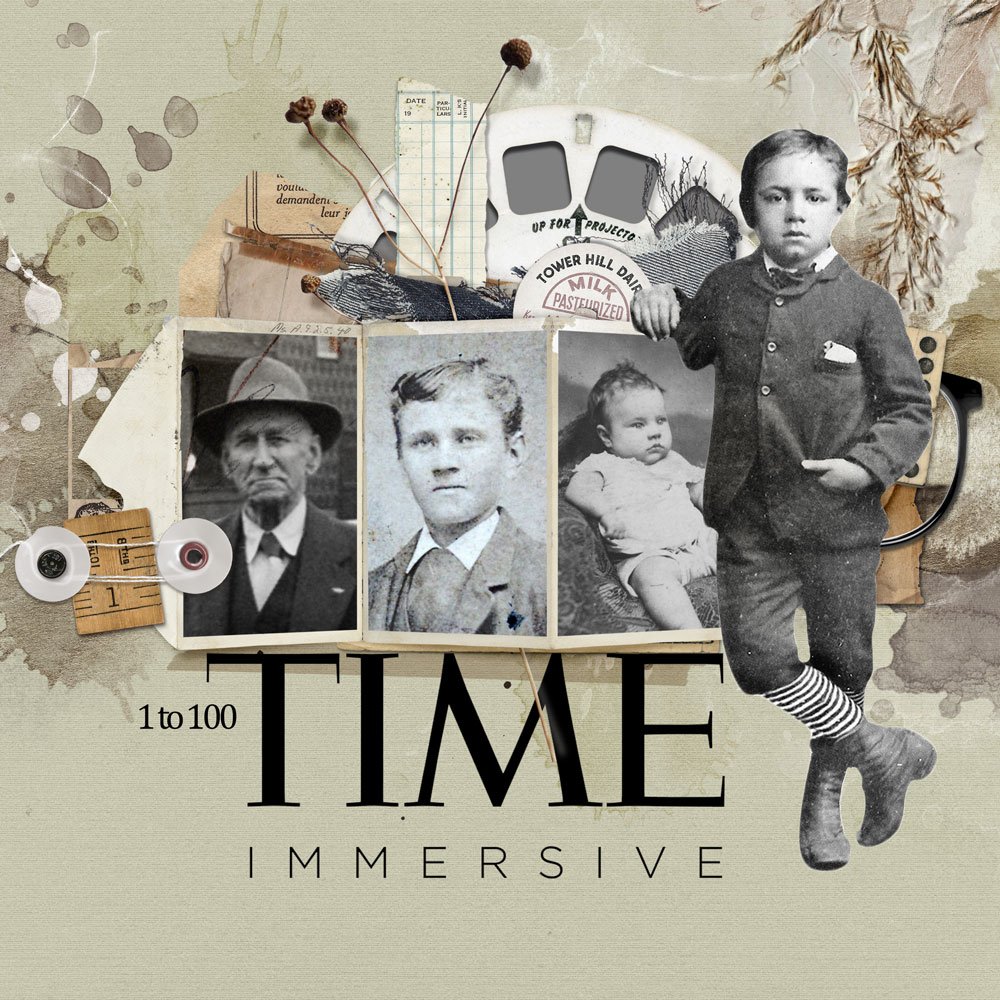
8. Age Your Elements
Age your elements to lend a more vintage look in your digital scrapbook heritage collage.
- Consider stamping ArtsyStains and other brushes onto New Layers.
- Try different shades of gray and brown.
- Apply Blending Modes such as Color Burn.
- Adjust the Opacity of the layers to perfect the effect.
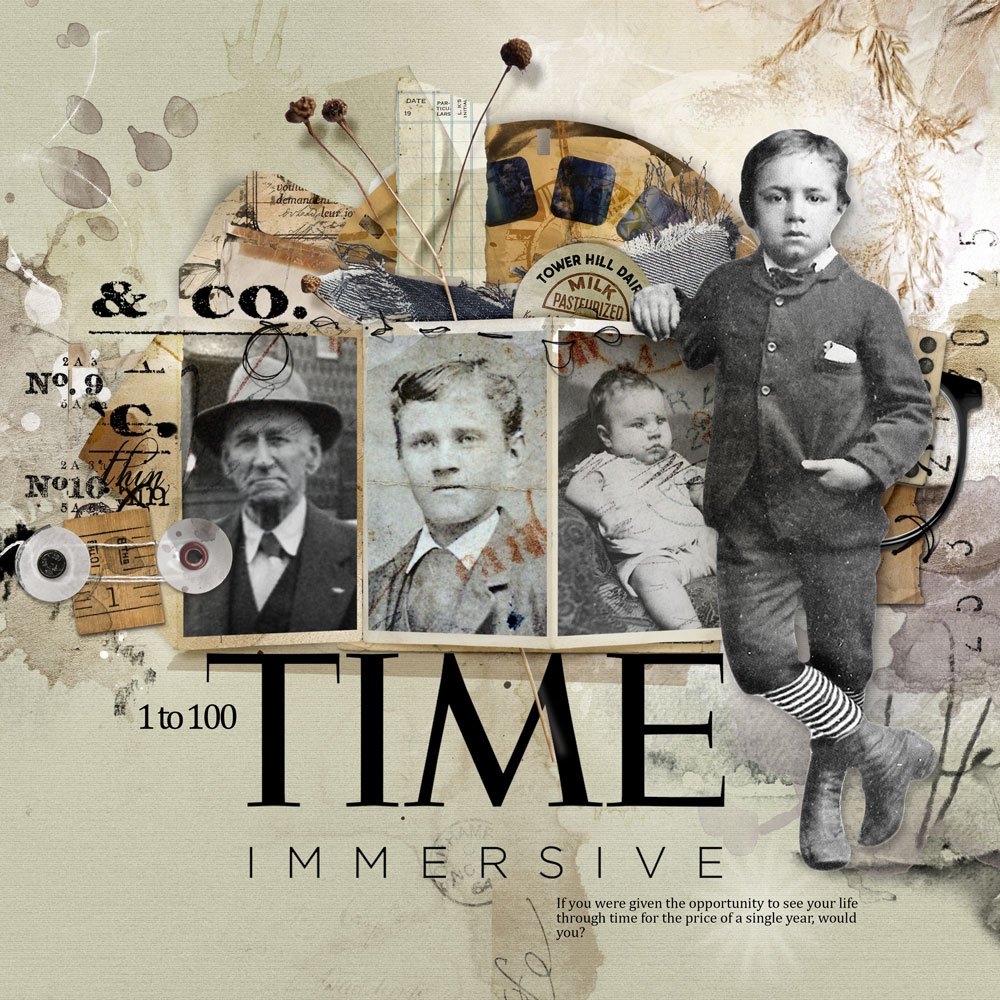
Click here to view the layout in Adyrane’s gallery.
9. Finish Your Layout
Add the finishing touches.
- Stitching virtually adheres the pieces of the collage together.
- Words support imagery and tell the story in your digital scrapbook heritage collage.
Summary
Create your own digital scrapbook heritage collage.
- Select an Artsy Paper as your foundation.
- Create a focal point for your photos.
- Support your images with a variety of DigitalART elements.
- Embellish and age the design.
- Finish with your words.
POST YOUR HERITAGE COLLAGE LAYOUTS IN THE ANNAGALLERY.
And if you liked this post, leave some love in the comments below.
A heritage masterpiece! Thanks for walking us through the process! Adryane’s collages ALWAYS inspire!
Thank you Adryane for the details on the layering, and photo placements. This process will be one I work on this fall. The graphic text on the left adds a perfect finish (I need to find that font). Love your tutorial!
Adyrane is the BEST