
Creative Team Member, Laura, shares her advice for Artsy Title Time Savers.
Artsy Title Time Savers
I love adding artsy titles to my layouts, but it’s easy for me to overthink them to the point where I get stuck and frustrated.
Anna frequently talks about not getting hung up on reinventing the wheel for every design, especially when life is hectic.
At those times, I try to remember to just go with what I know works for me.
Here are 3 of my go-to title strategies for creating artsy titles–fast.
1. Font Matching
Match the title font to another element in the layout design.
- This helps support unity in the layout design so that the title looks deliberate and not an afterthought.
- If you like large-scale titles, this approach also helps the title fit more naturally into the design.
- Use fonts that have similar shapes, lines, colors or motifs to other elements in your layout.
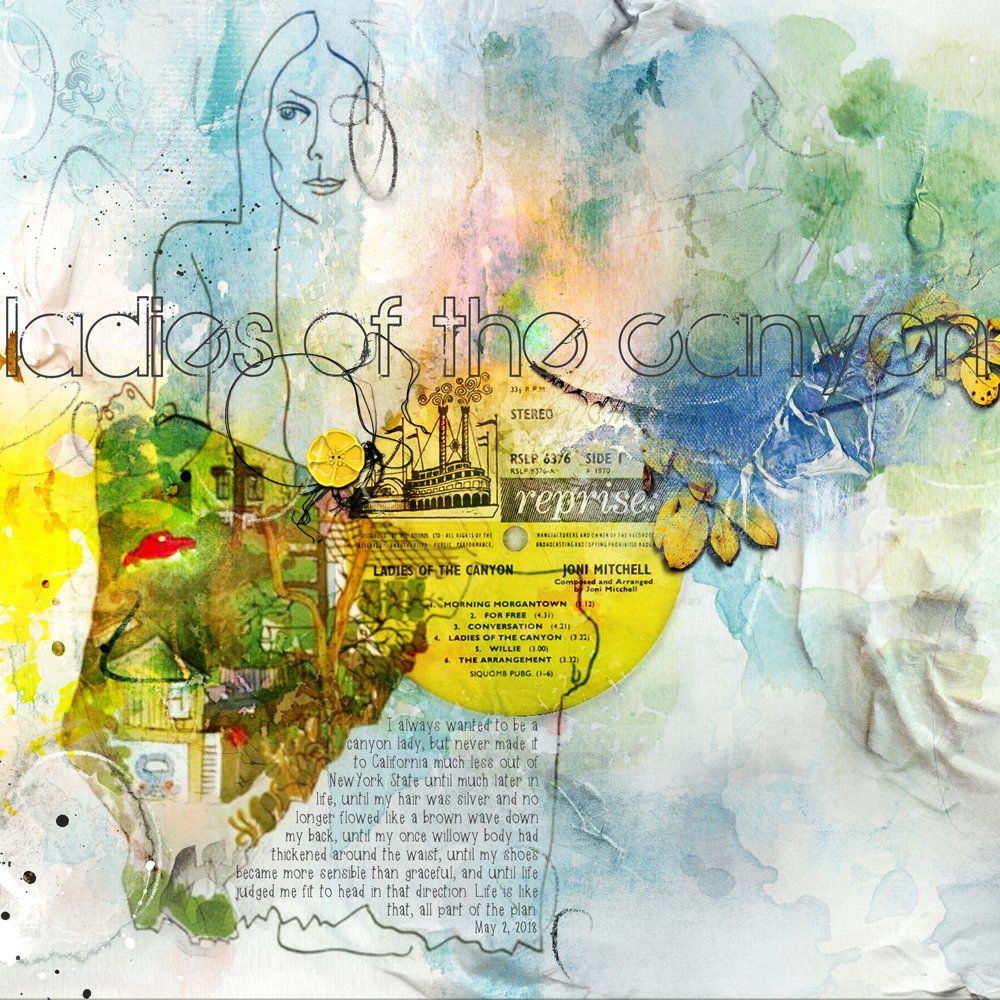
The Maple Origins font in ‘Canyon Lady’ has a lines of similar size and weight to the flowing curves of the sketch on Joni Mitchell’s album cover
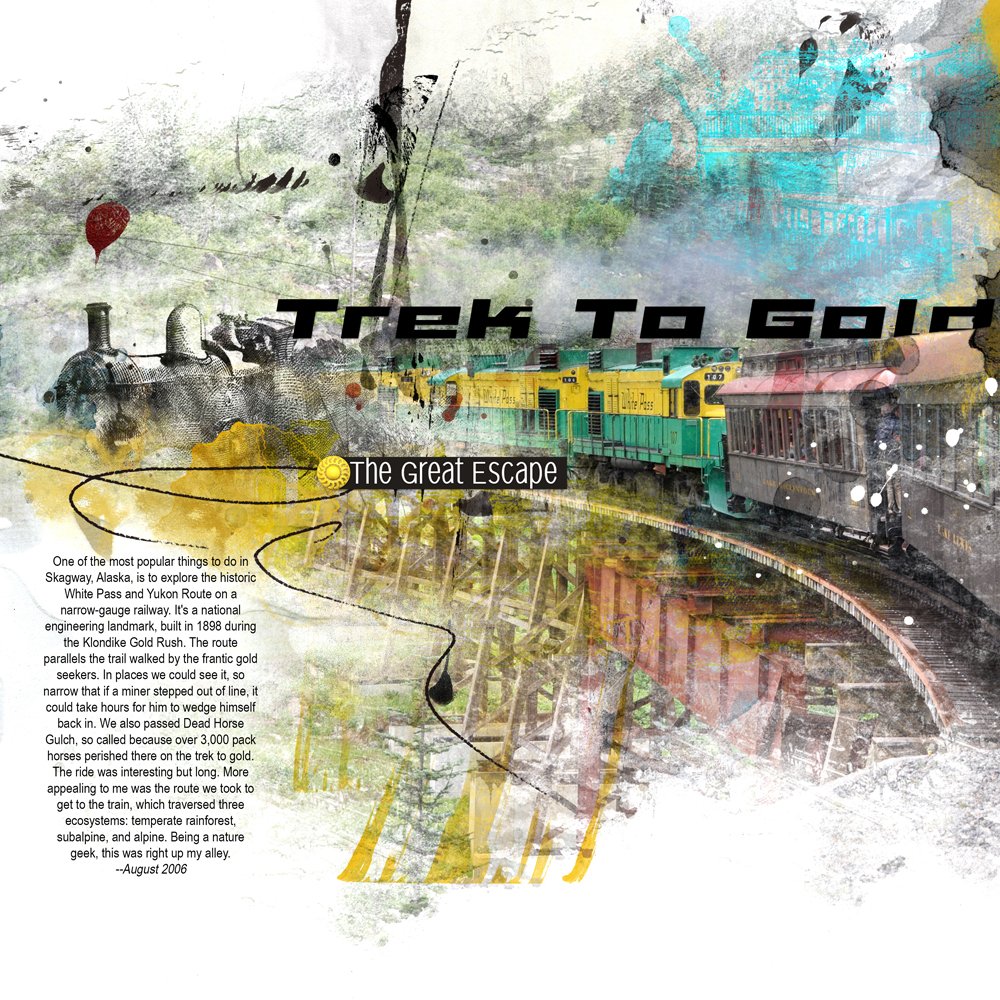
In ‘Trek to Gold,’ the Elephant A Oblique font sports line angles similar to those in the moving train.
2. Title Embellishment
Add one or more dimensional elements to a title.
- This adds easy visual interest to your words and creates a focal point.
- Serves to adhere words to a page and avoid title that appear to ‘float’ on the page.
- Place a variety of LabeledWord elements at different orientations and then anchor them with clustered elements.
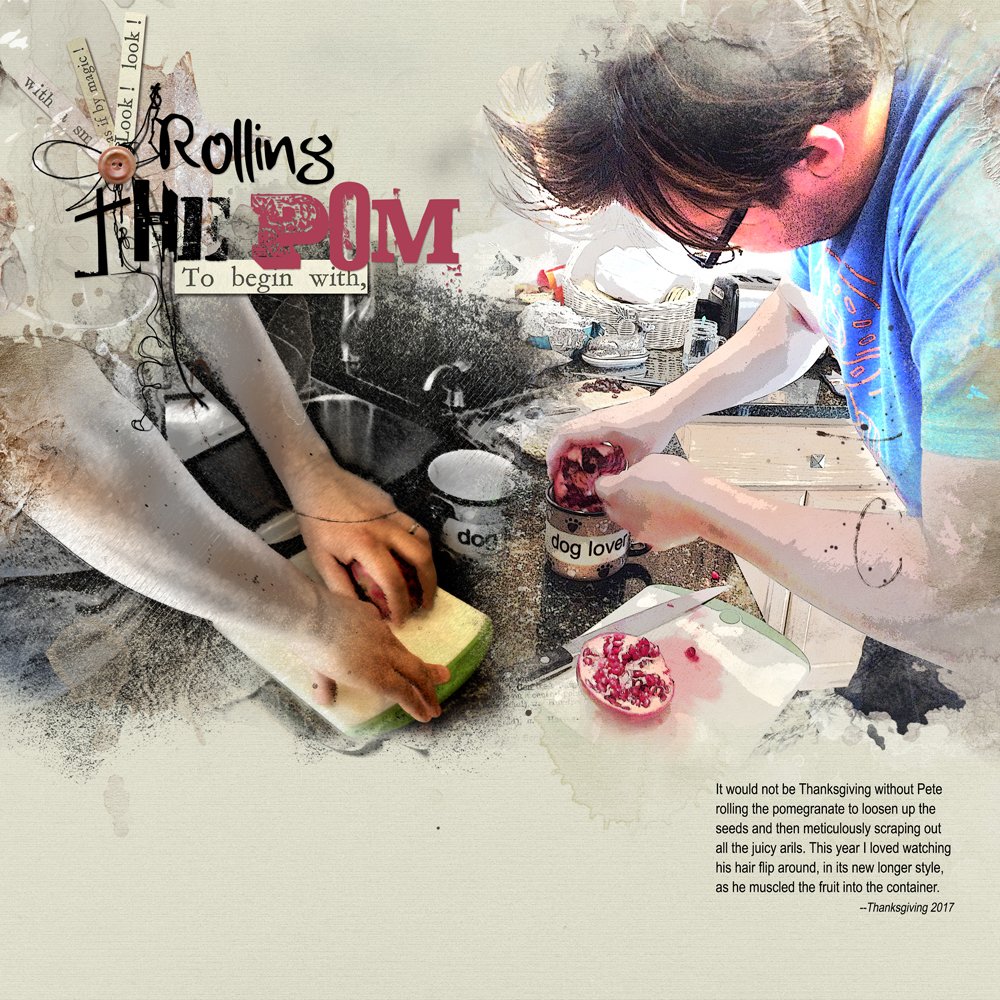
- A button and UrbanThreadz adheres the title ‘Rolling the Pom.’
- Notice how the word ‘Pom’ is typed in the Laundromat 1967 distressed font that echoes the seedy goodness of the pomegranate.
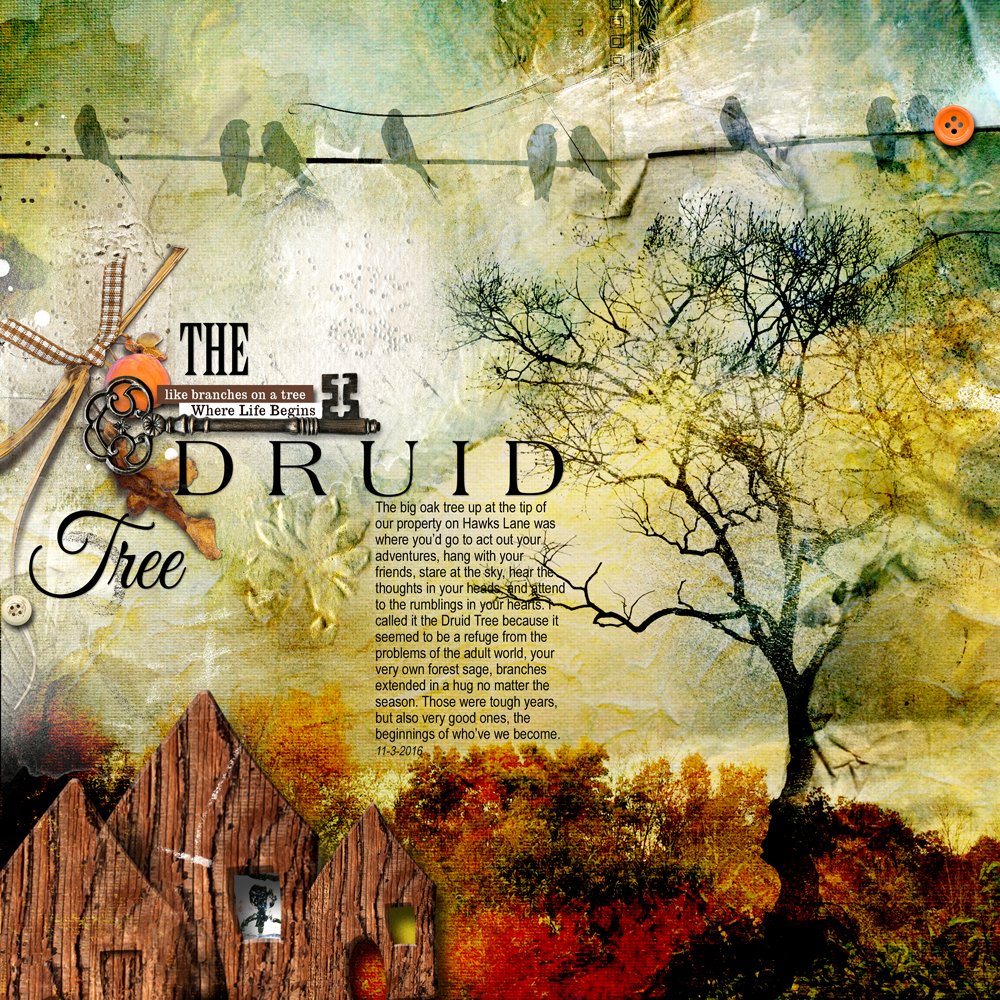
- The key cluster adheres the title in ‘The Druid Tree.’
- An italic font for the word ‘Tree’ complements the organic lines in the tree branches.
- A stout font was selected for the word ‘Druid’ to emphasize and relate to the sturdiness of the little house.
3. Pre-designed WordART
Jump-Start Your Title with page-ready WordART.
- Create a title with one or more pieces from an [aalogo] WordART pack.
- Customize using Layer Styles, Blending Modes or Color/Size/Rotation adjustments.
- Crop words from a WordART element and re-arrange as preferred.
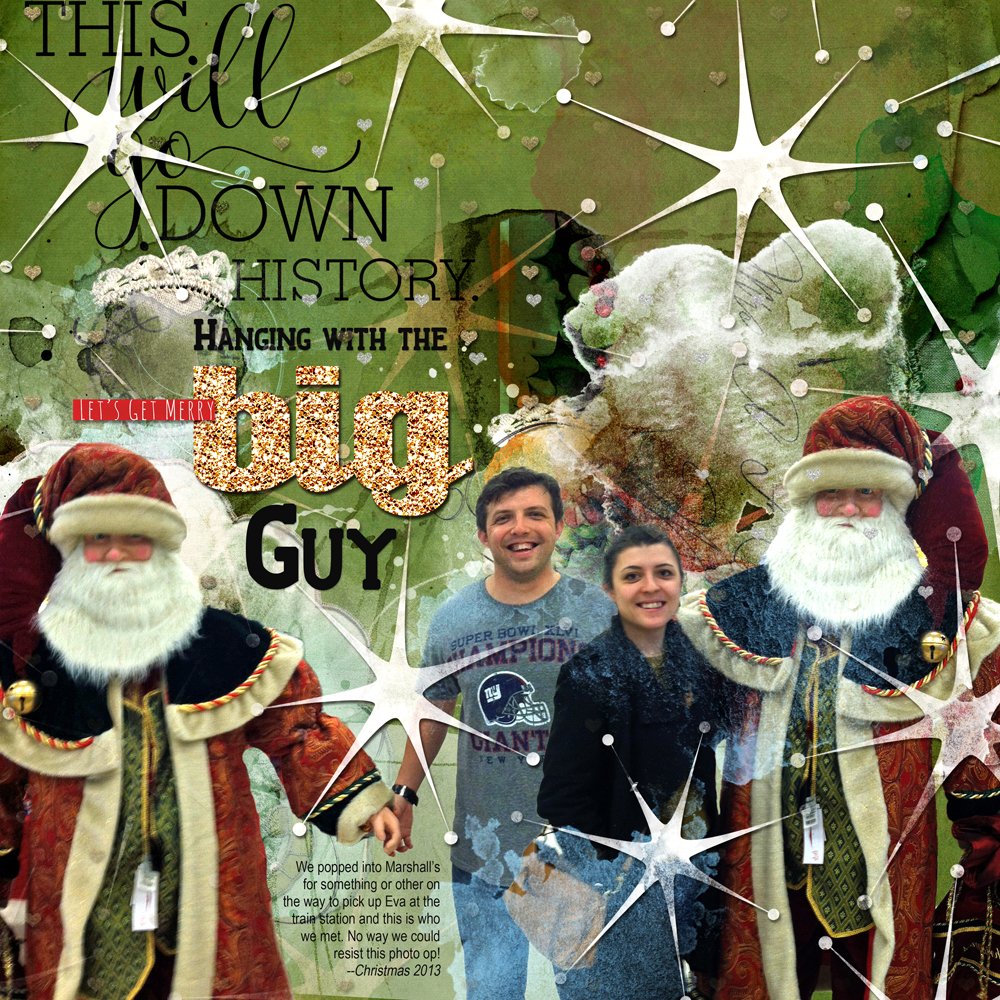
- All of the WordART (including the glittery “big”) in “Hanging with the Big Guy” comes from Holiday WordART Mix No. 8 .
- To this I added a few words of my own and a word label to complete the design.
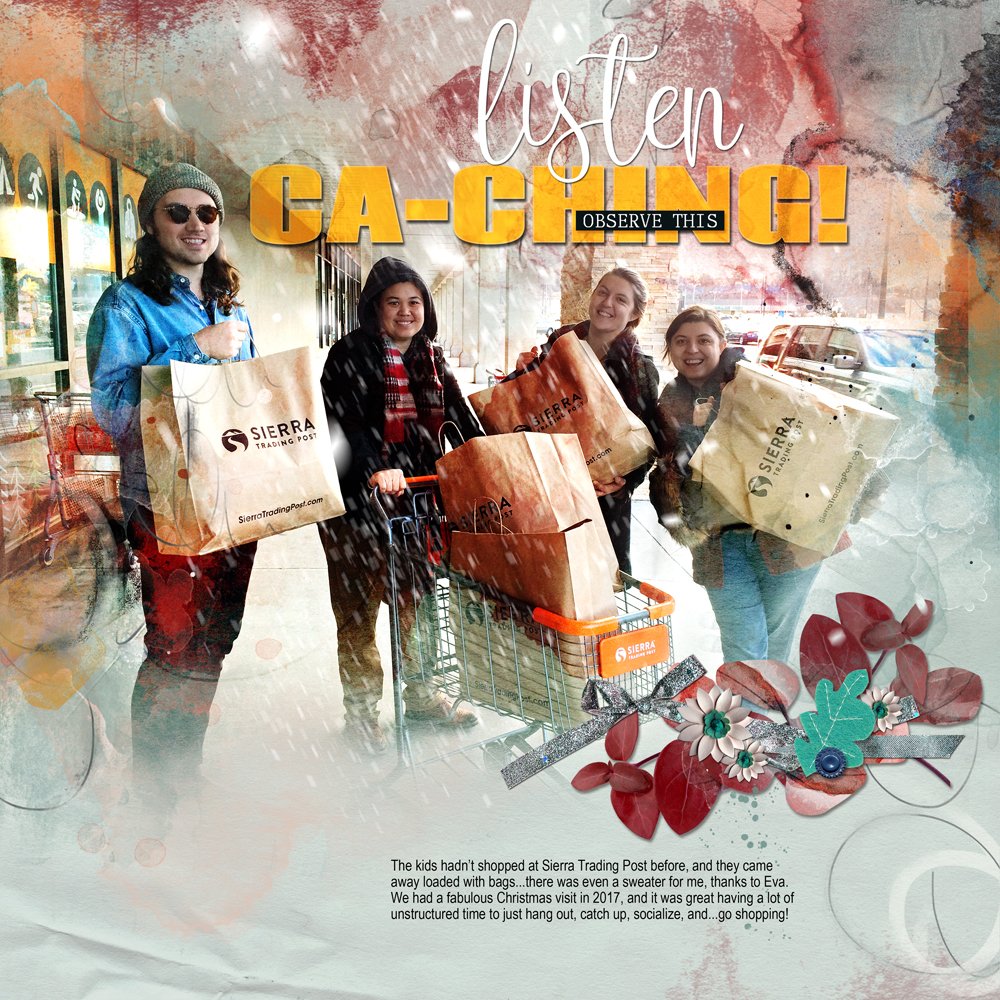
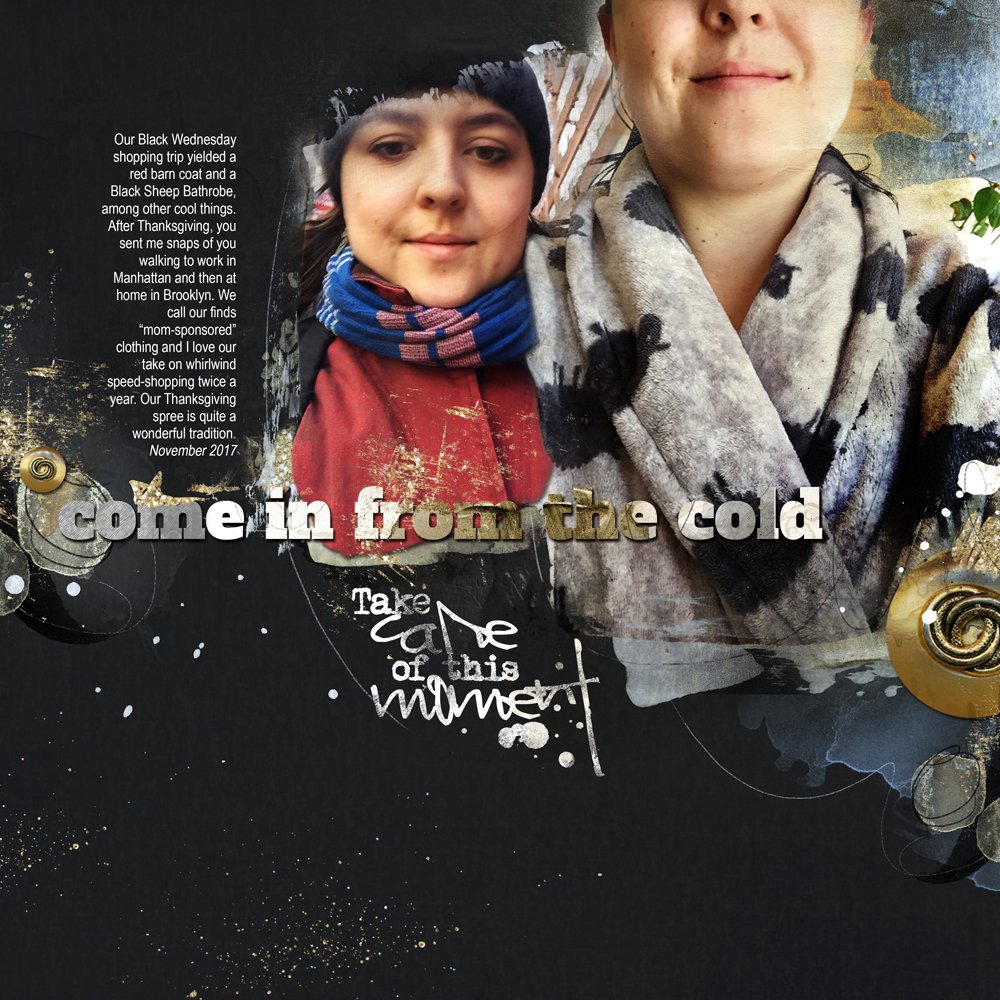
- The same strategy was applied in both ‘Ca-Ching’ and ‘Outside/Inside.’
- I also added texture and color to the text by clipping papers and transfers from various Artplay Palettes to the fonts.
Three tips if you’re doing this:
- Type your words in a large ‘blocky’ font such as Coda Heavy or Blackoak Std Regular.
- Apply Drop Shadow Layer Styles the words to add dimension.
- Adjust the Blending Modes of the word layers to add even more visual interest.
I hope you give it a go yourself – Use your imagination to make your own artsy title.
Post your digital artistry and artsy digital scrapbooking pages in The Gallery.
If you liked this Artsy Title Time Savers Tutorial, please consider sharing it using the social media buttons below
amazing layouts!!!!
These are all filled with such amazing techniques, color, and enthusiasm! Beautiful! Thank you Laura for the tutorial.
Appreciated the variety of title ideas! Most helpful! Thanks, Laura.