
Creative Team Member, Beverly, shares her Artfully Stacked Layers Tutorial in Adobe Photoshop.
Artfully Stacked Layers
Artfully stacked layers of papers, ephemera, lace, and frames visually intrigue me.
Let’s make one together.
1. Create a Foundation
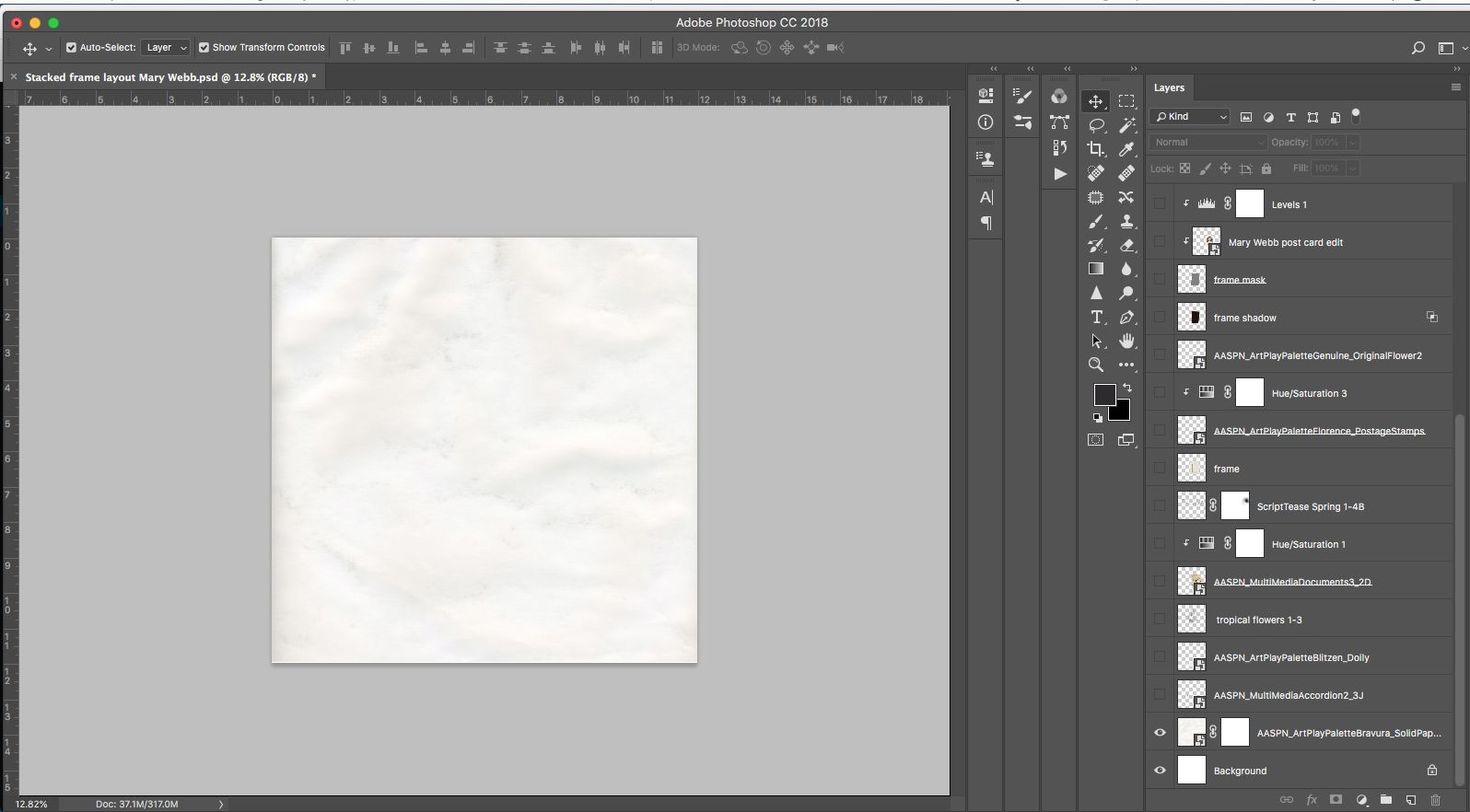
Establish a 12 X 12 New File, then place an solid paper of your choice.
- I chose ArtPlay Palette Bravura Solid Paper #2.
2. Create a Focal Point
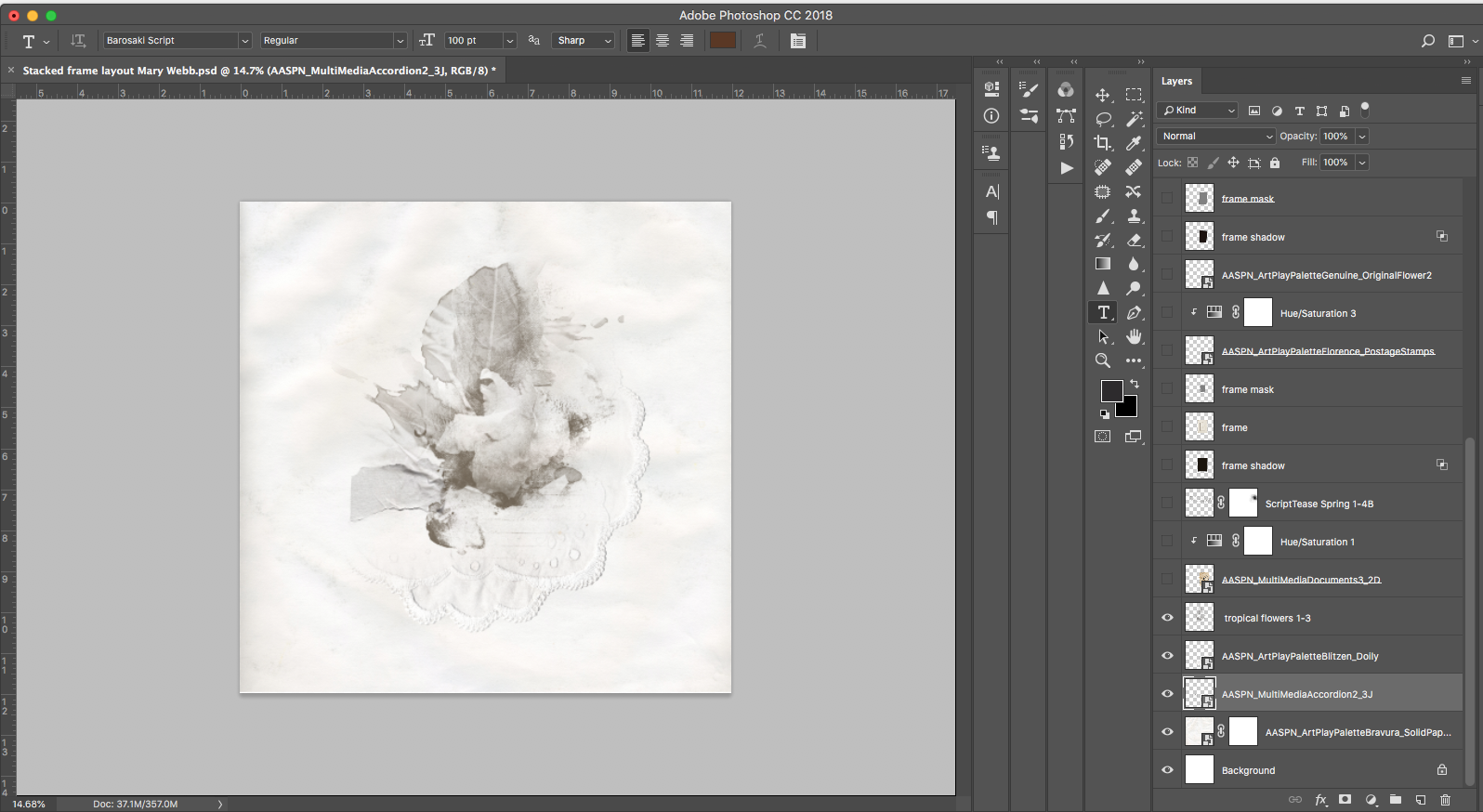
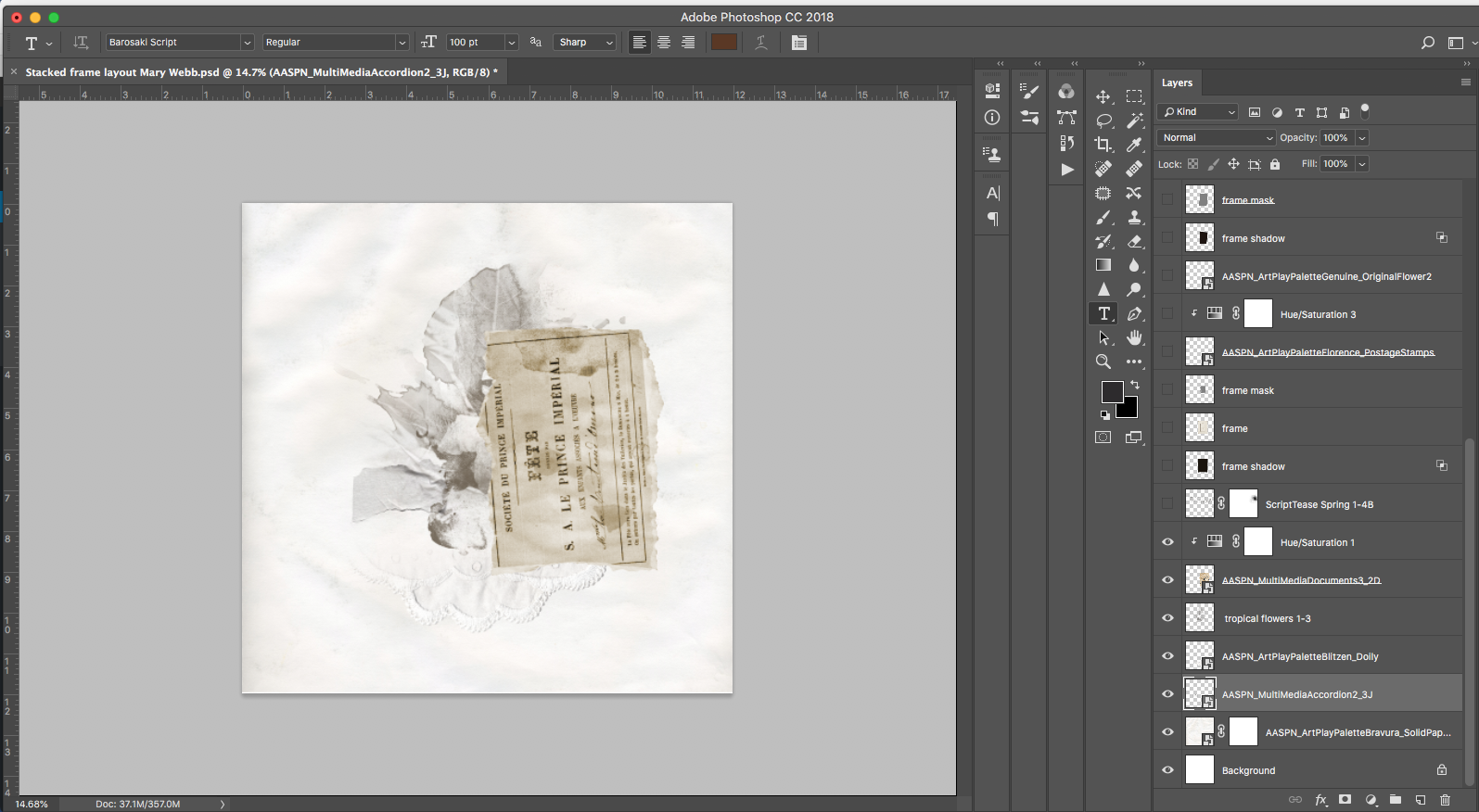
Layer Transfers, Overlays and digital elements from the [aalogo] DigitalART range to create your own custom artsy paper.
- File #2 from MultiMedia Documents No. 3 was positioned on the foundation and a Hue/Saturation Adjustment Layer applied to yield a more neutral tone.
- See Color Techniques for guidance on using Adjustment Layers and manipulating color in your artsy digital scrapbooking and artistry pages.
3. Embellish with Script
Add visual interest with script text.
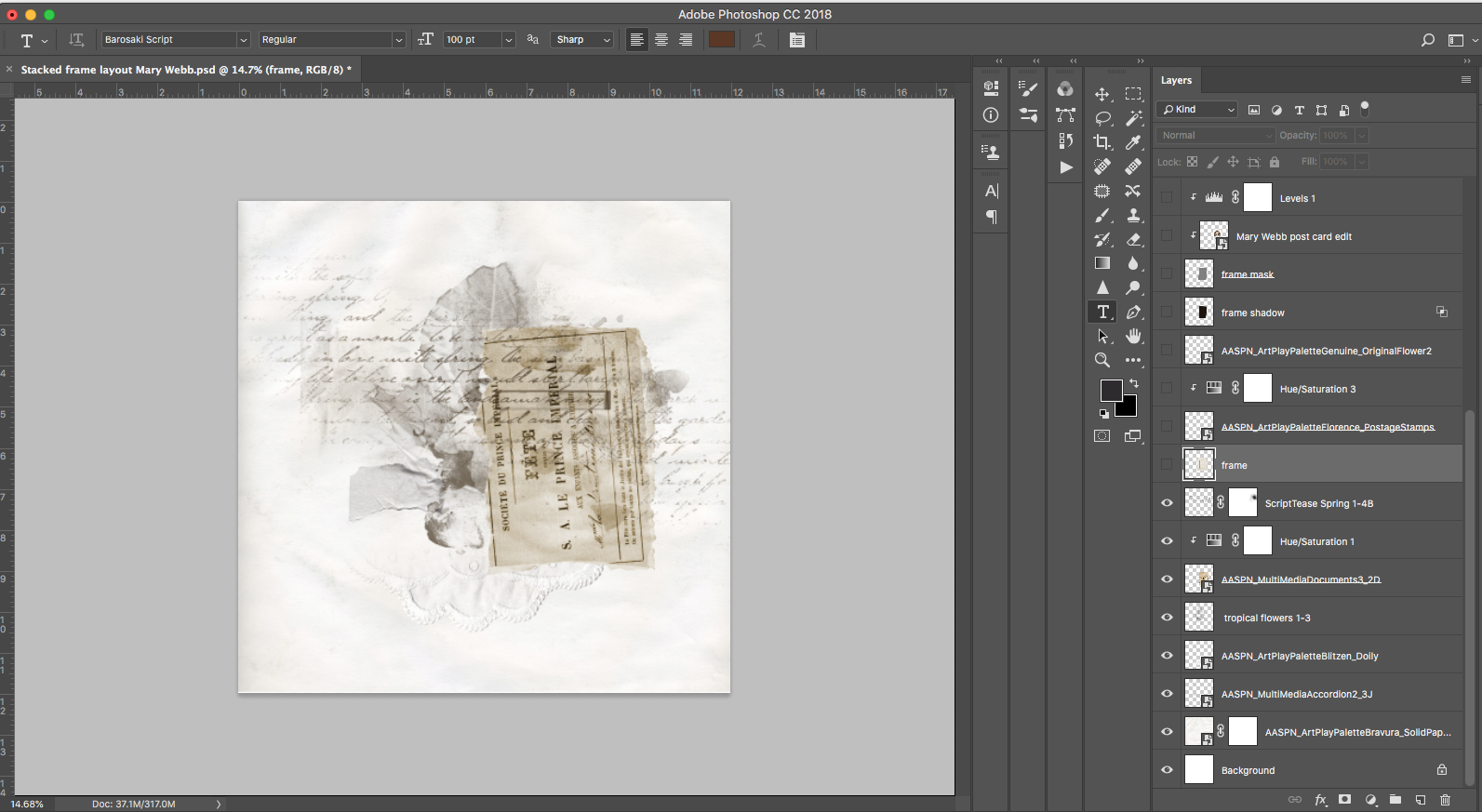
- Add some ScriptTease style brushes in the color of your choice.
- I used ScriptTease Spring No. 1 in a soft gray/brown hue.
4. Set The Scene
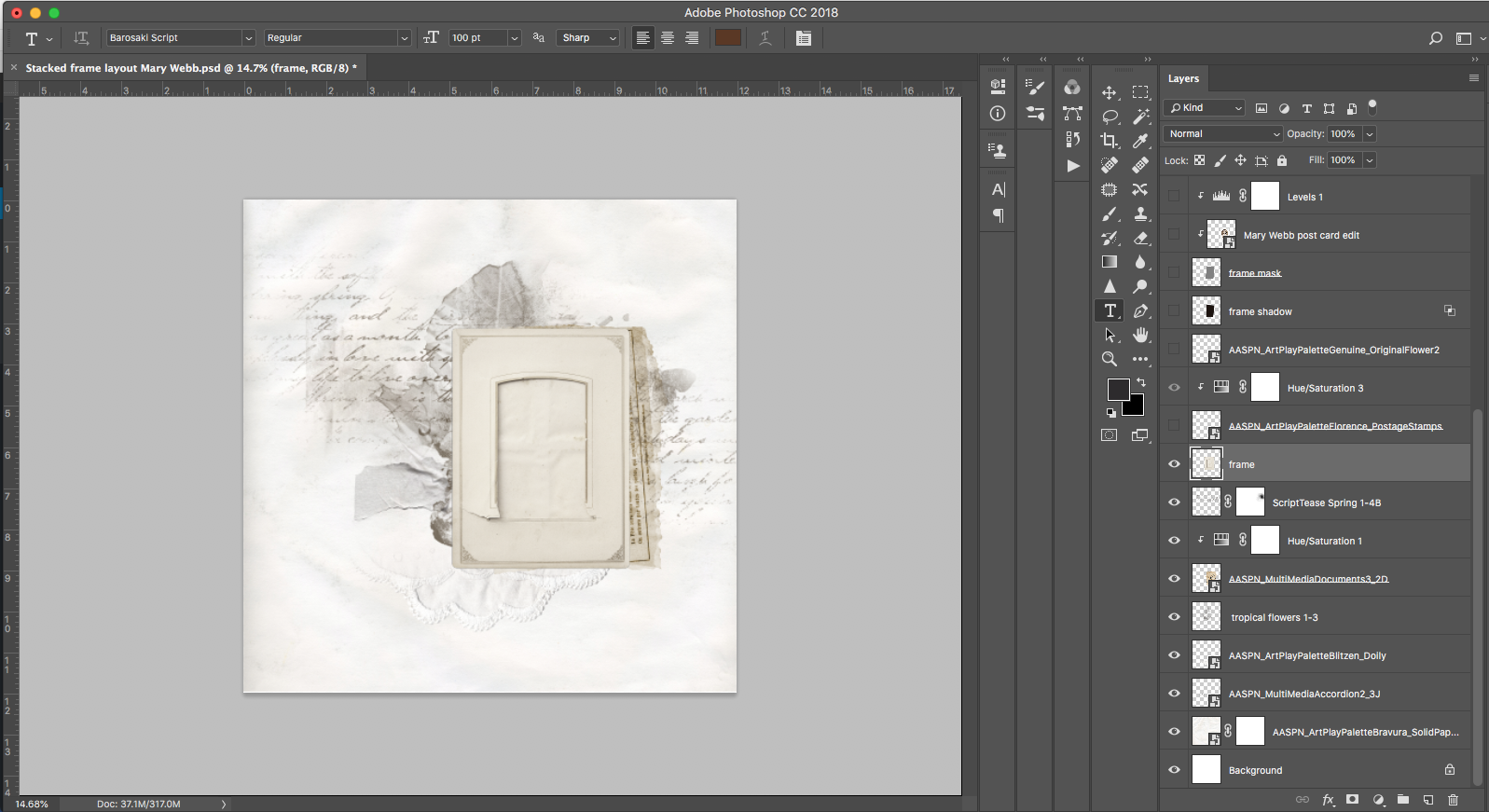
Add a frame to ‘house’ your focal photo and embellish with elements as preferred.
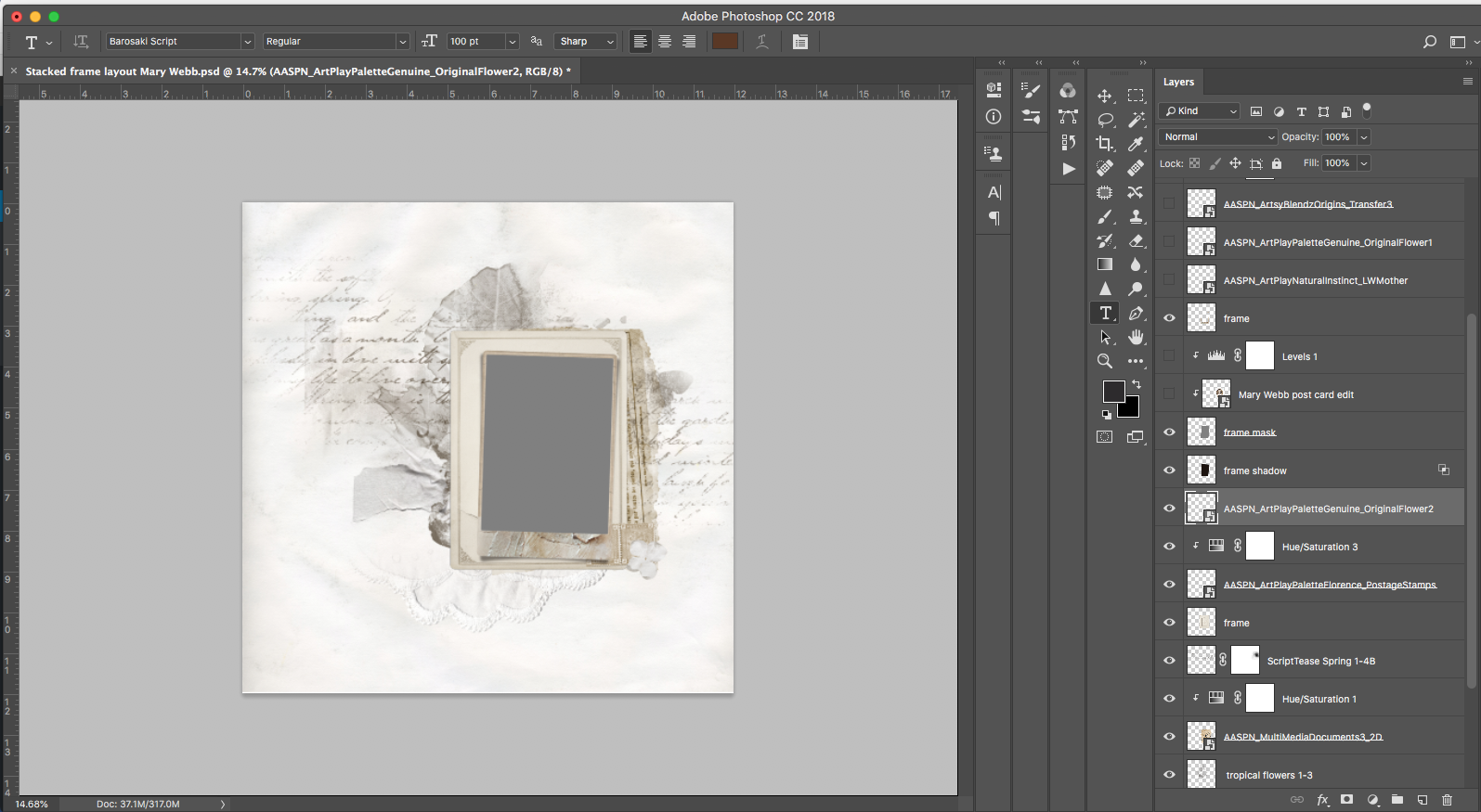
- First a frame from ArtPlay Palette Bravura was placed with a frame from ArtPlay Palette Autumn Rust above it.
- ArtPlay Palette Florence postage stamps, recolored with a hue/saturation adjustment, and ArtPlay Palette Genuine Original Flower 2 were snuggled between the frame layers.
5. Add Photo
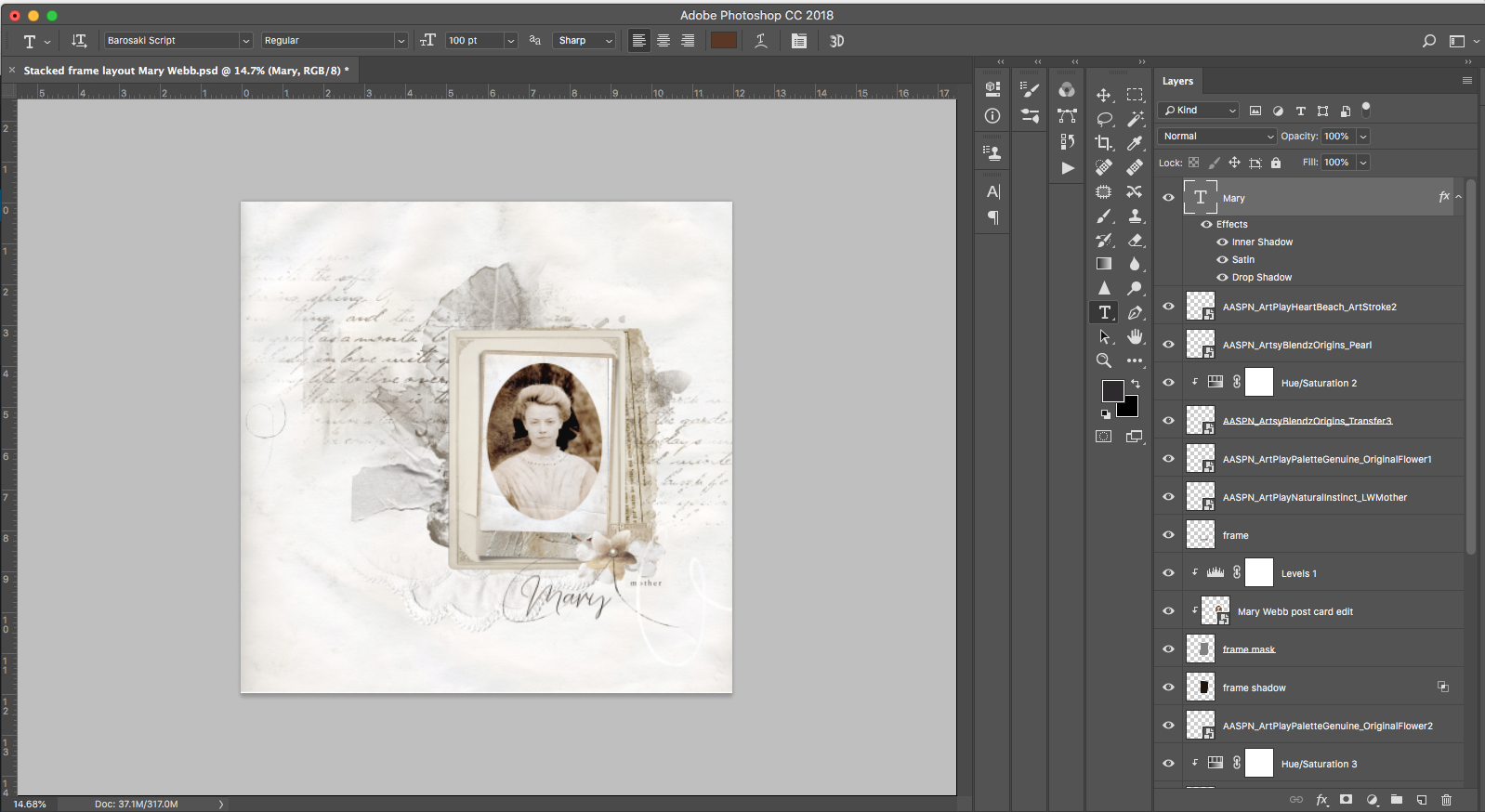
Clip your photo to the mask or blend as preferred over the frame.
- Open your photo of choice, place on the mask, position and clip.
- Additional frames and photos can be added if needed.
6. Embellish
Add all the fun stuff.
- Finish the page with WordART, ArtStrokes and Elements of your choice.
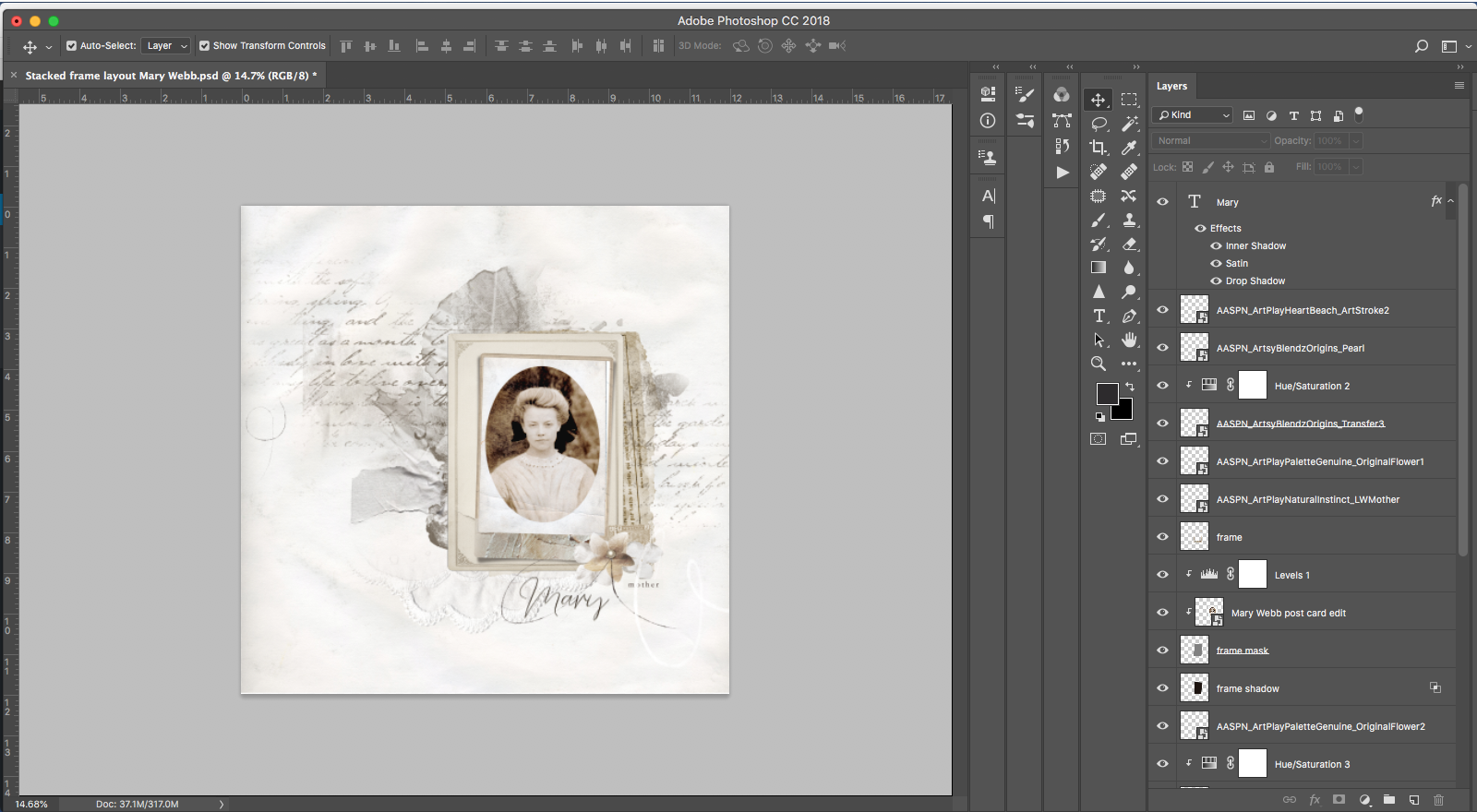
Post your layouts using this Artfully Stacked Layers Tutorial and Artsy Digital Scrapbooking Design ideas in the Gallery.
And if you like this post, please help us help you by sharing it using the social media buttons below.