
Adryane, shares her process to create an Dimensional Perspective in Digital Scrapbooking Tutorial in her Orange and Red layout.
Dimensional Perspective in Digital Scrapbooking Tutorial
1. The Foundation
Choose a Solid Background.
- Create a New Layout (File> New Layout)
- Open, select and place a solid paper as your background.
2. The Photo
Choose a Photo.
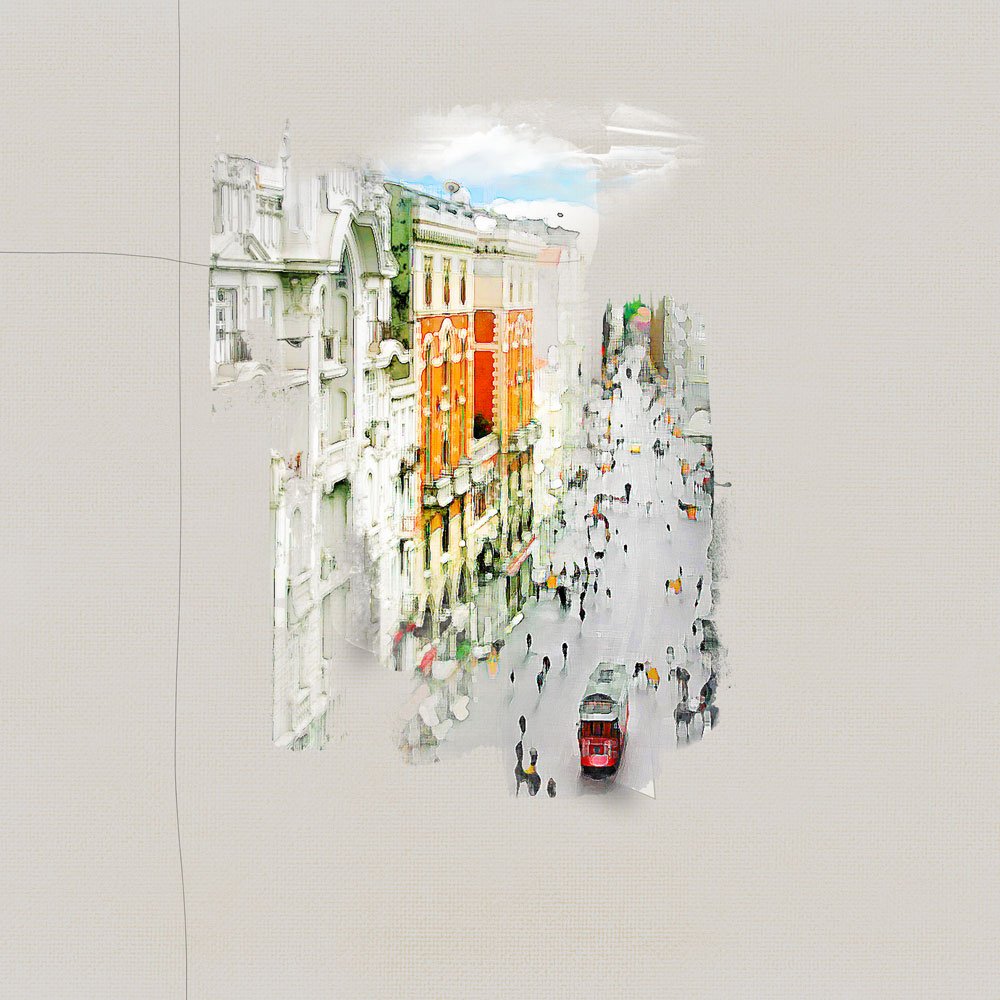
- Select a photo with strong vertical and horizontal lines. This style of photo will work best for this technique.
3. Photo Effects
Process Image.
- Add any sort of Filters or effects to your photo, via Adobe Photoshop or using Mobile apps.
- There are several tutorials here on the [aalogo] blog on how to create artsy photo effects.
- Clip your image to a FotoBlendz Clipping Mask, or mask as preferred.
4. Rectangle Shape
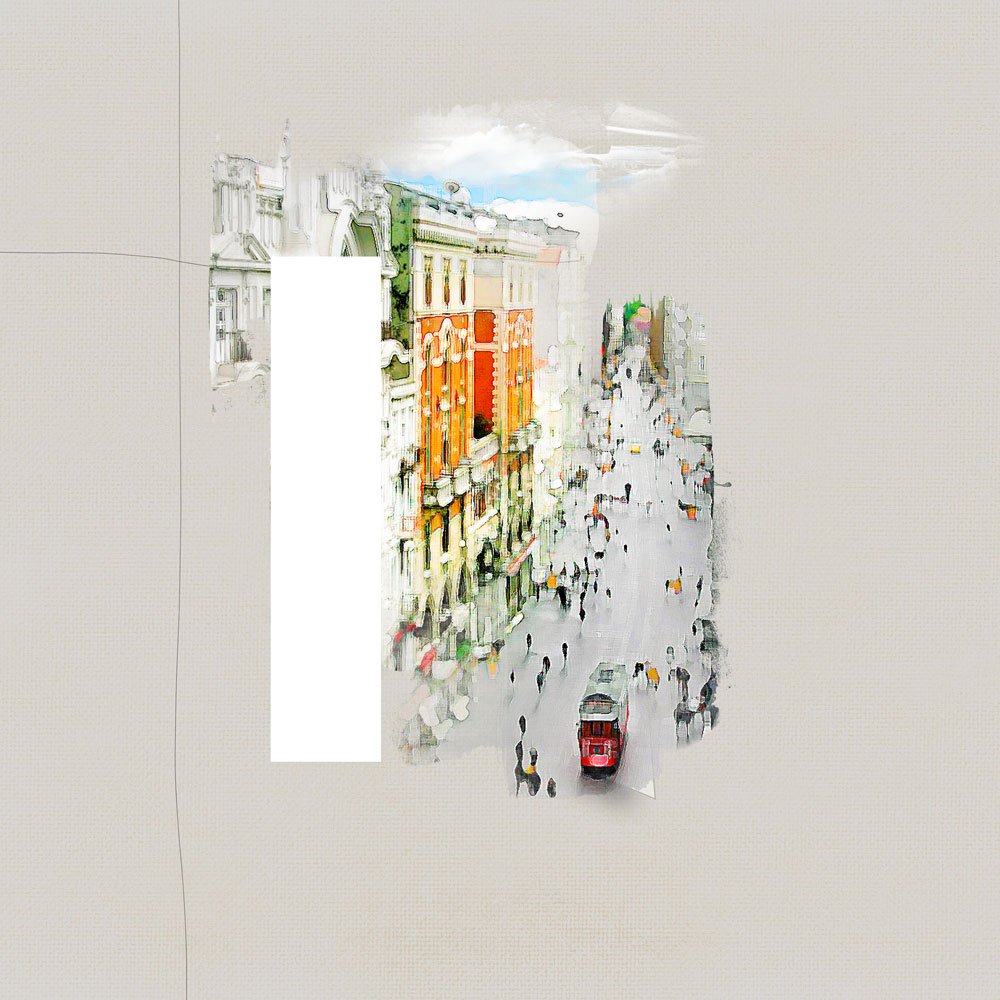
Create the rectangle shape.
- Add a New Layer above the photo layer in the Layers panel.
- Select the Rectangular Marquee (M) tool from the Tools panel.
- Make a rectangle that is almost as high as the vertical line running along the left side of your image and about an inch wide.
- Fill this shape with white (Edit>Fill).
- Deselect (CTRL + D) the Rectangular Marquee tool.
5. Perspective
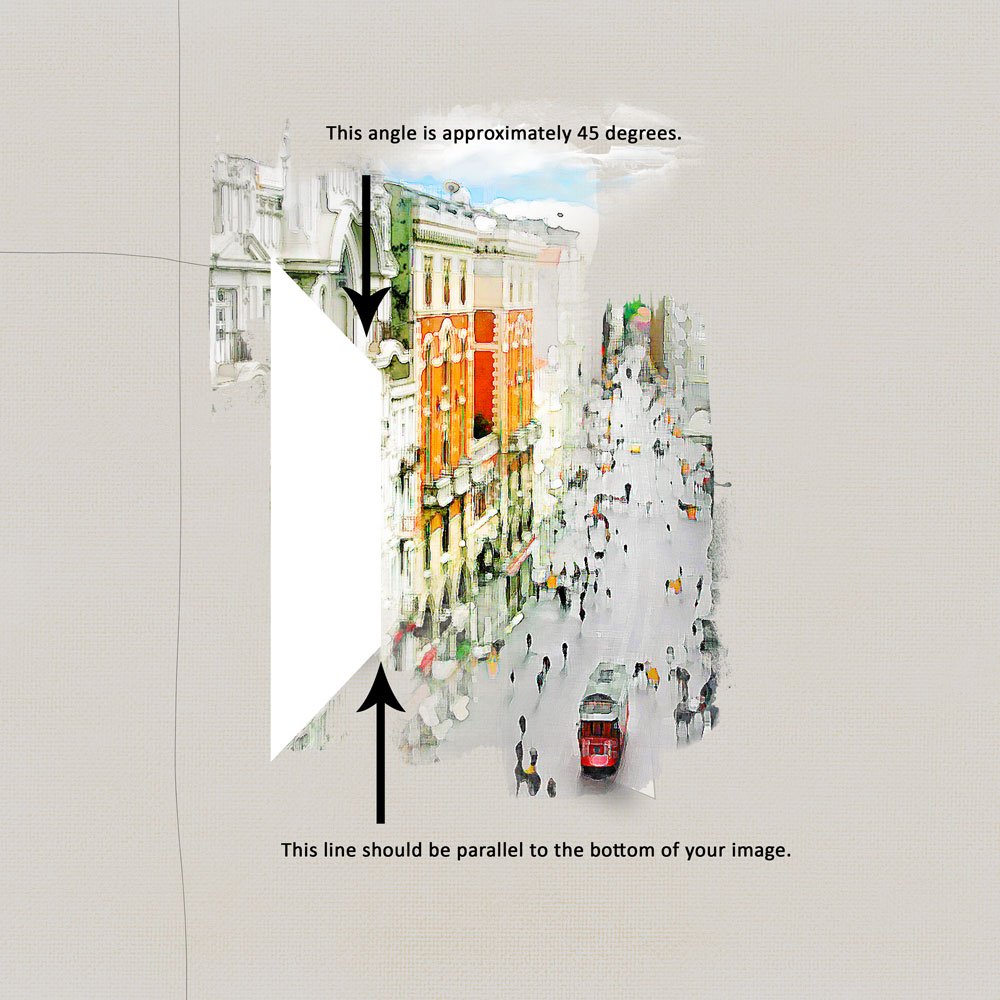
Alter the perspective of the rectangle shape.
- Use the Transform tool (Edit> Transform> Perspective).
- Drag the upper right corner of your rectangle down to about 45 degrees (this is called the Vertical Skew).
Note. You want the bottom of your rectangle to remain parallel with the bottom of your image.
6. Dimensional Effects
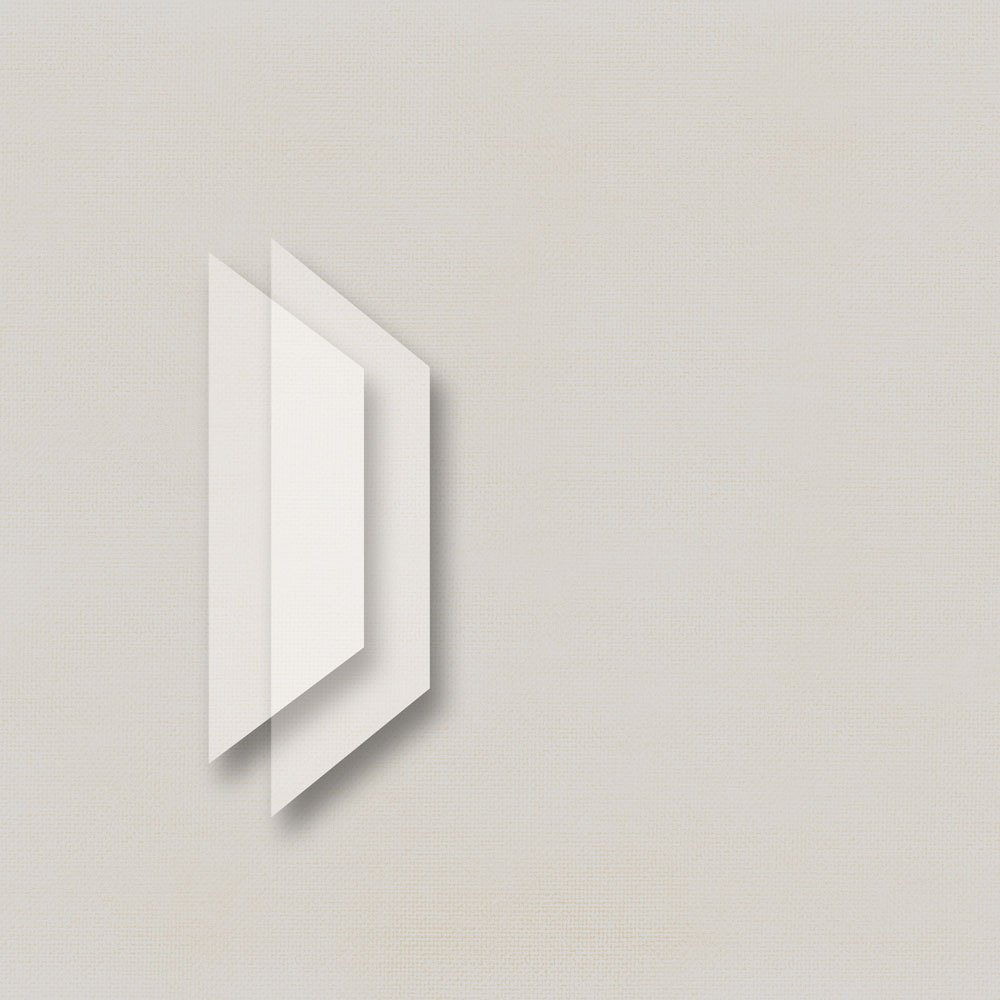
Apply Blending Modes and a Drop Shadow to create dimension and visual interest.
- Set the Blending Mode of this layer to Darken or Soft Light from the Layers panel.
- Apply a Drop Shadow Layer Style (Layer> Layer Style> Drop Shadow).
- Duplicate the shadowed shape layer.
- Reduce its size and move it to the left of your original shape layer to yield the full effect.
Note. You may need to play a bit with your shapes and shadow settings to get a look that works well with your image.
Adryane’s Drop Shadow Layer Style settings:
- Blend Mode: Multiply
- Opacity: 40%
- Angle: 120
- Distance: 91 px
- Spread: 0
- Size: 100 px.
7. Embellish.
Add texture with brushes, transfers, and other elements as preferred.
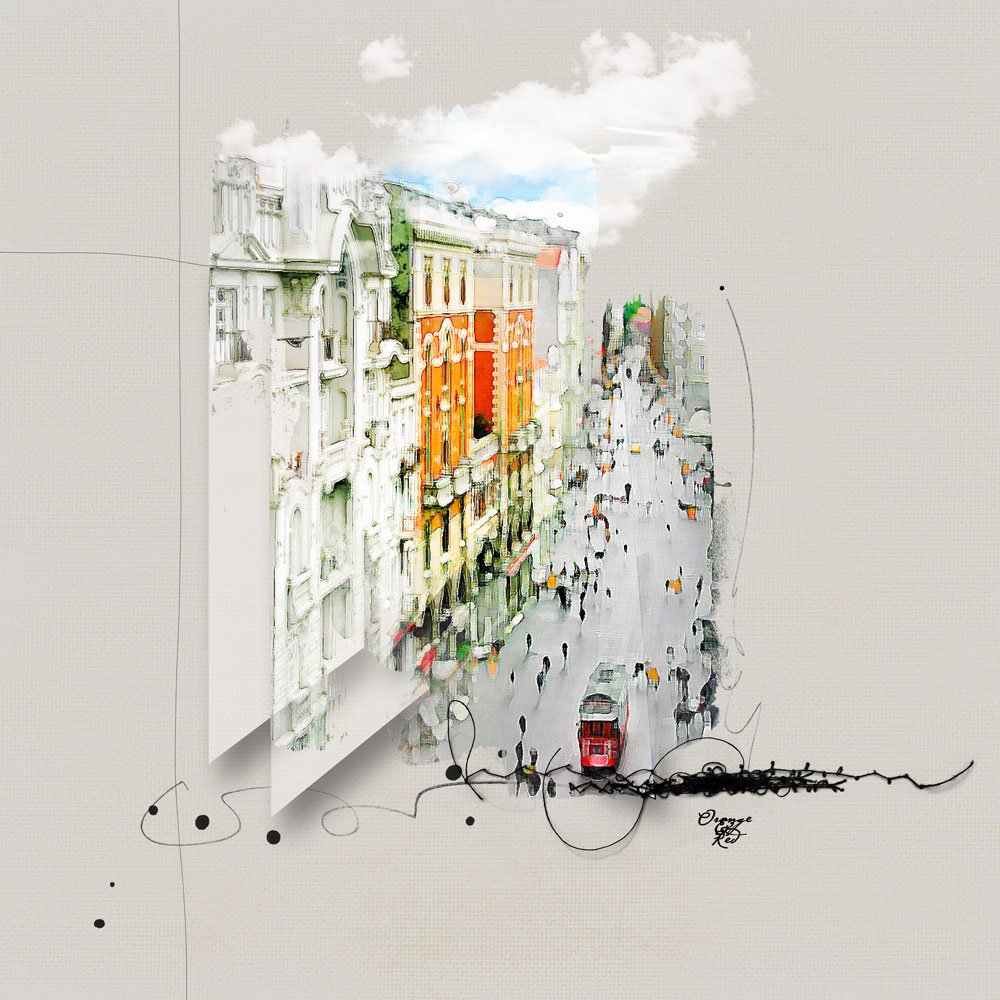
Post your questions about Dimensional Perspective in Digital Scrapbooking Tutorial in the comments.
Thanks for sharing the tutorial, Adryane. I will absolutely give it a try.