
Read this 5 Ways To Be Daring in Your Digital Scrapbook and Photo Artistry Pages
5 Ways To Be Daring in Your Digital Scrapbook and Photo Artistry Pages
It happens to us all and more often than you think.
- Every week I get emails or messages from artists and scrapbookers.
- Some are terrified to post layouts, others want to be more daring in their art practice
They ALL share the same fear and this prevents them from achieving their goals.
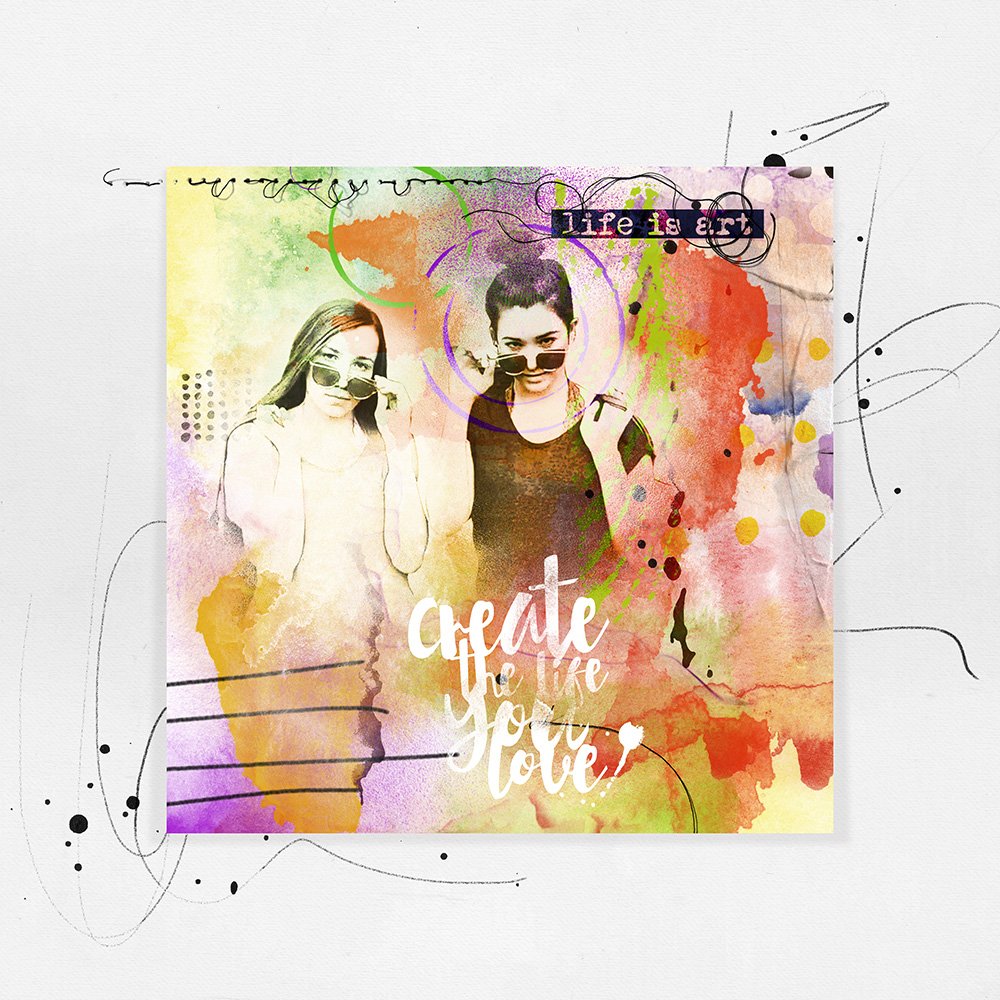 Art is Live | Miki
You can change your perception of fear.
- And this can have a positive impact on your art.
- Use it as a vehicle to get you where you want to be.
- When you step outside your comfort zone, and find yourself in a place of discomfort…
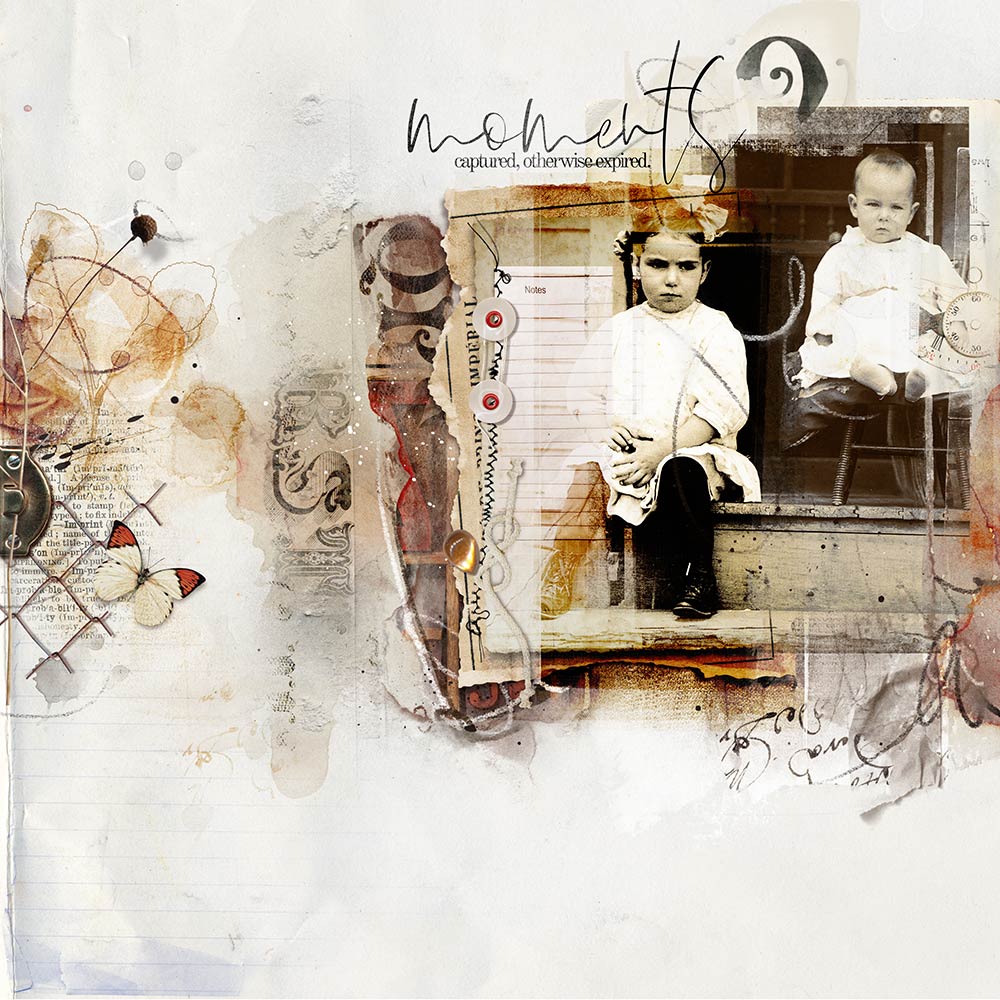
This is exactly where you need to be to experience growth.
- For example, I am an introvert and timid by nature, but funnily enough, art is a safe place for me to express myself.
- In the the real world, however, I have to push myself daily.
- Videos continue to be HARD for me, I DETEST driving on new-to-me roads, and I am terrified of getting lost.
Which is why I make a point to DO all of the above.
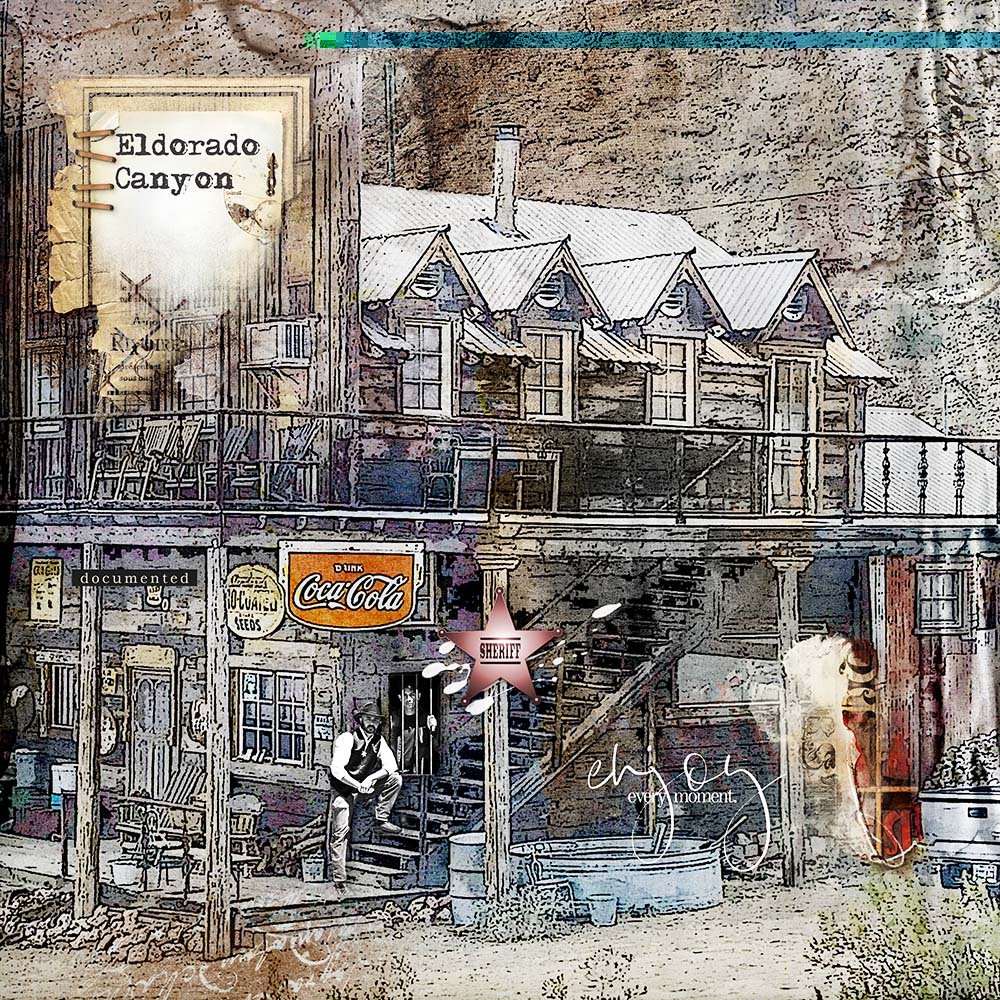
Eldorado Canyon | Ulla-May
Fear quickly dissipates when faced head on.
- Every time you step outside your comfort zone, you grow a little more as a person and artist, helping you develop both confidence and style.
- Figuring out what works, what you like, and don’t, is EXACTLY how you elevate your artistry and evolve as an artist or scrapbooker.
See below 5 Ways To Be Daring in Your Digital Scrapbook and Photo Artistry Pages to get you started.
1) Explore New Tools
Experiment with a new tool in Photoshop that you haven’t tried before.
- Adobe Photoshop is a VAST program, and even if you’re working in the Elements version, there is still a GOOD chance you haven’t even scratched the surface yet.
- There are SO many tools you can access to grow your skills and introduce a burst of new enthusiasm into your creativity.
- This is the BEST way to ignite the creative fire and add to your practice.
For example, explore one of the following in your next layout:
- Filter Gallery
- Paint Brush Tool
- Blending Modes
- Adjustment Layers
- Quick Selection Tool
- Patch Tool
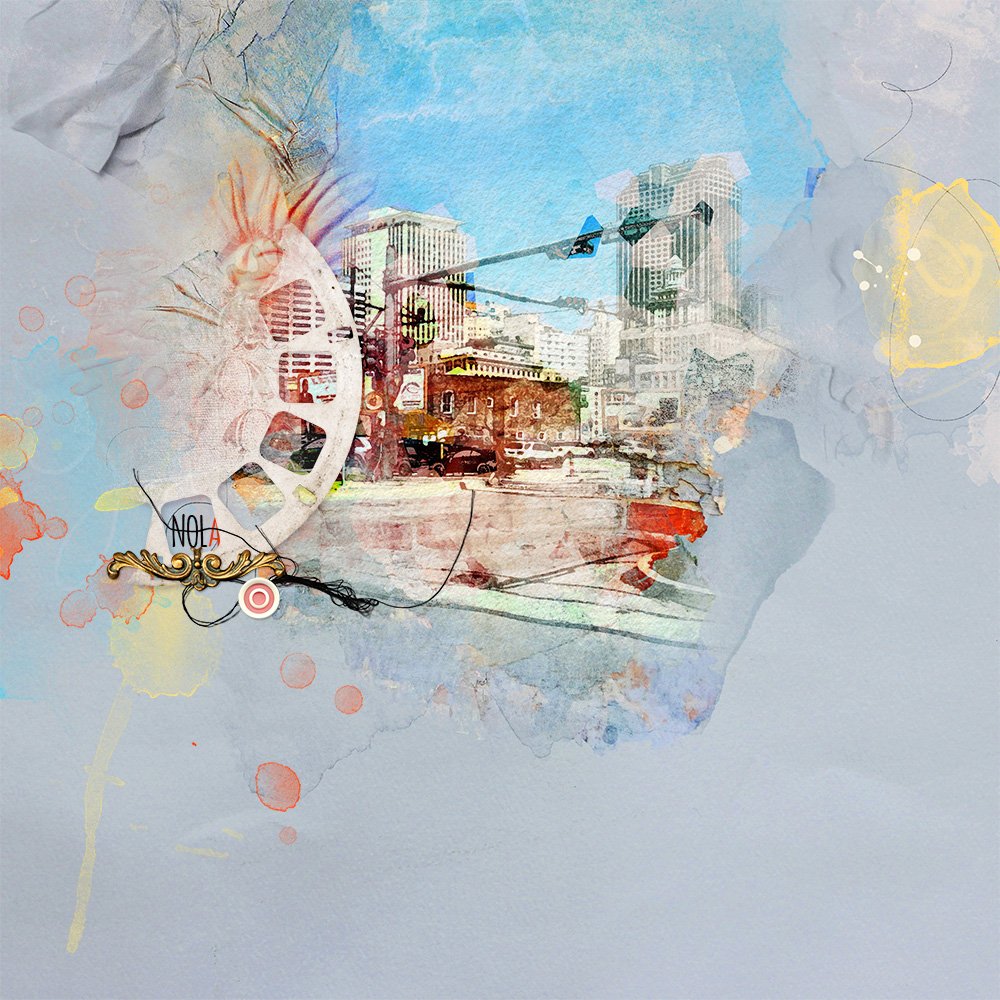
NOLA | Anna
The purpose of this layout was to practice using Smart Objects and some new-to-me Filters as part of my research for a possible upcoming class.
2) Learn New Techniques
- Try out a new technique in Adobe Photoshop or Elements to grow your artistry skills.
- Learn how to use new tools in Adobe Photoshop and Elements and experiment with different ways to use them to add variety of new techniques to your creative arsenal.
For example, explore one of the following in your next layout:
- Follow a tutorial
- Watch a video
- Take a class
- Be inspired by the [aalogo] Creative Team
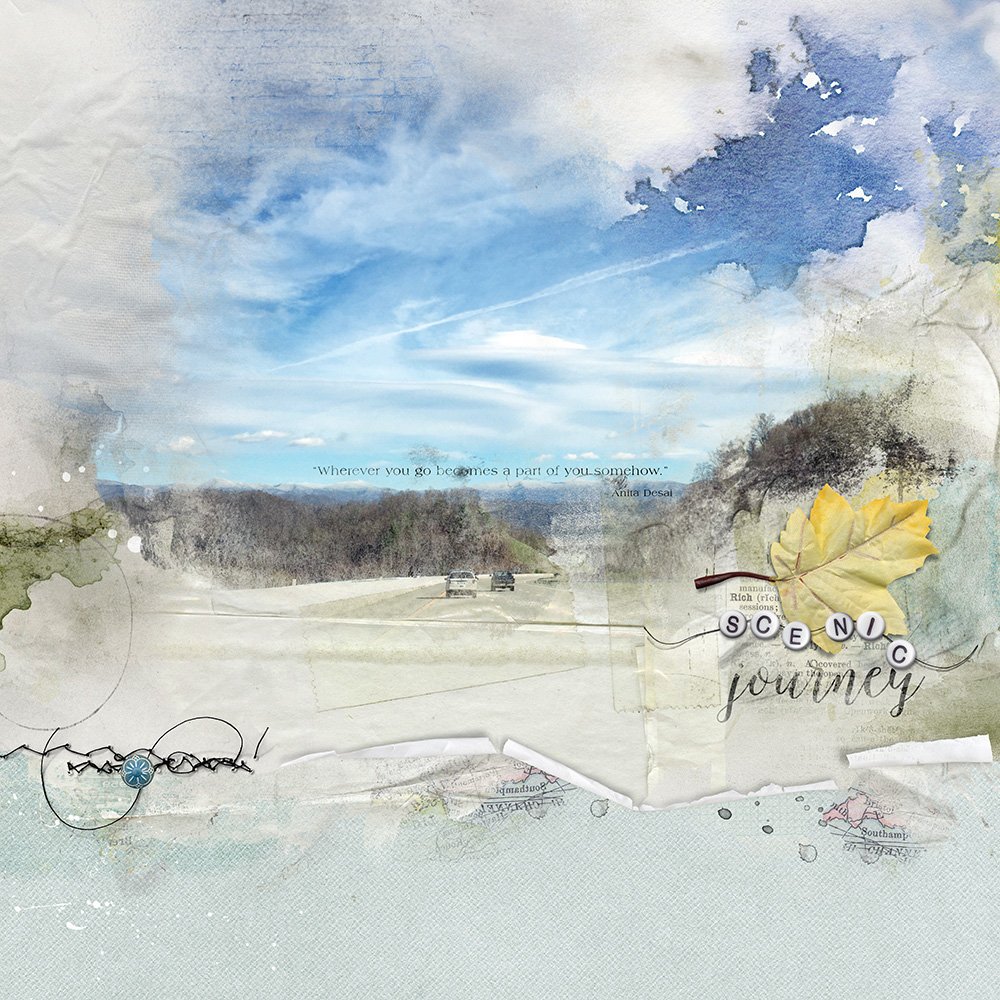 Sam’s Gap | Lindy
There is always something new to learn in Photoshop and the Creative Team Tutorials are a perfect place to find new tips and tricks.
- I’ve always admired Barbara’s use of curled edges to add dimension to her artsy pages, and I had never even heard of If Blending, so this Easy Curled Edges and Blend If tutorial was perfect for inspiration and learning a new creative trick.”
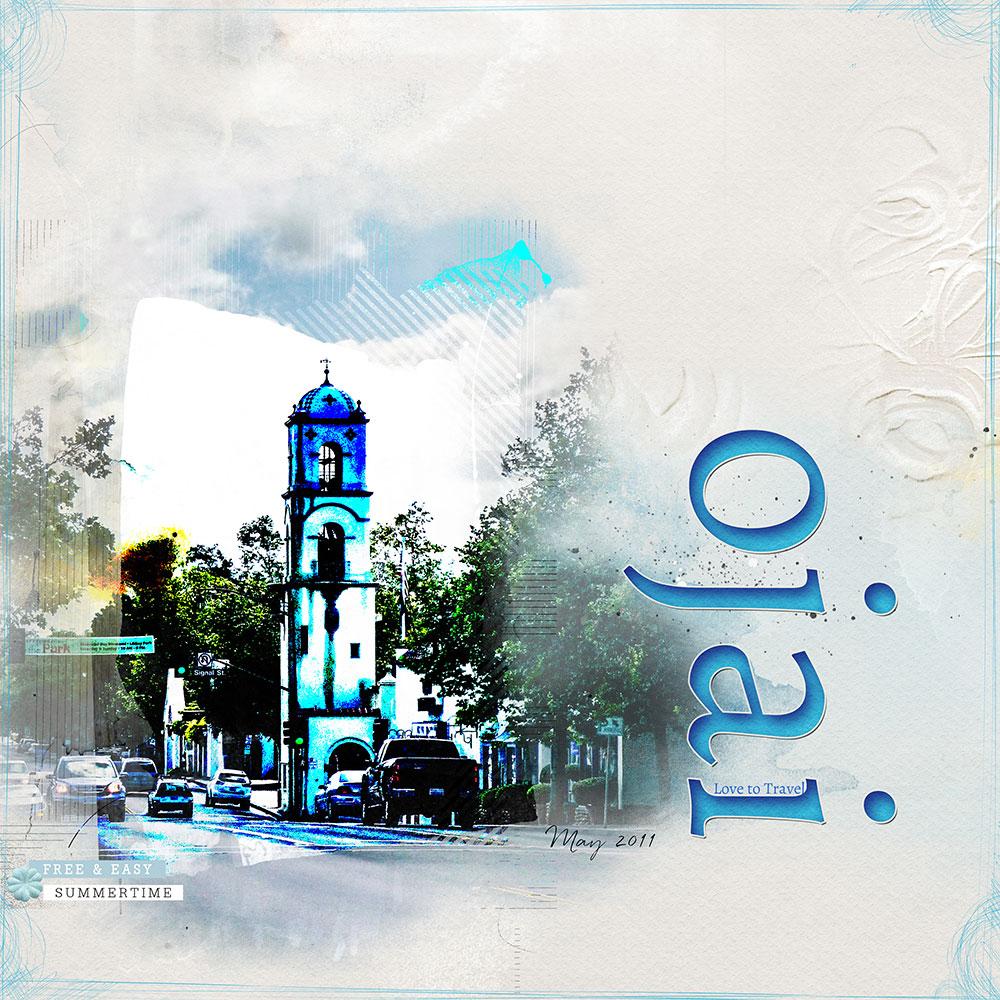 Ojai | Viv
I’ve studied the tutorials here to learn some new effects.
- I was able to create my own Artsy Paper background by clipping Fotoblendz Overlays to each layer, and use the inverted mask method to brush in part of my image, before using a ModGrunge FotoBlendz clipping mask with a Hard Light Blending Mode to create a highly processed look.
- I also learned how to create a composite layer and to create a text look using layer masks and a drop shadow effect.
3) Play with Digital Scrapbook Supplies
Experiment with different ways of using digital scrapbook supplies
Choose Digital Scrapbook Supplies you would not usually gravitate toward and look for unique ways of using them.
For example, explore one of the following in your next layout:
- Apply Blending Modes or Filters to embellishments.
- Mask elements to make modifications.
- Clip digital scrapbook supplies to FotoBlendz Clipping Masks
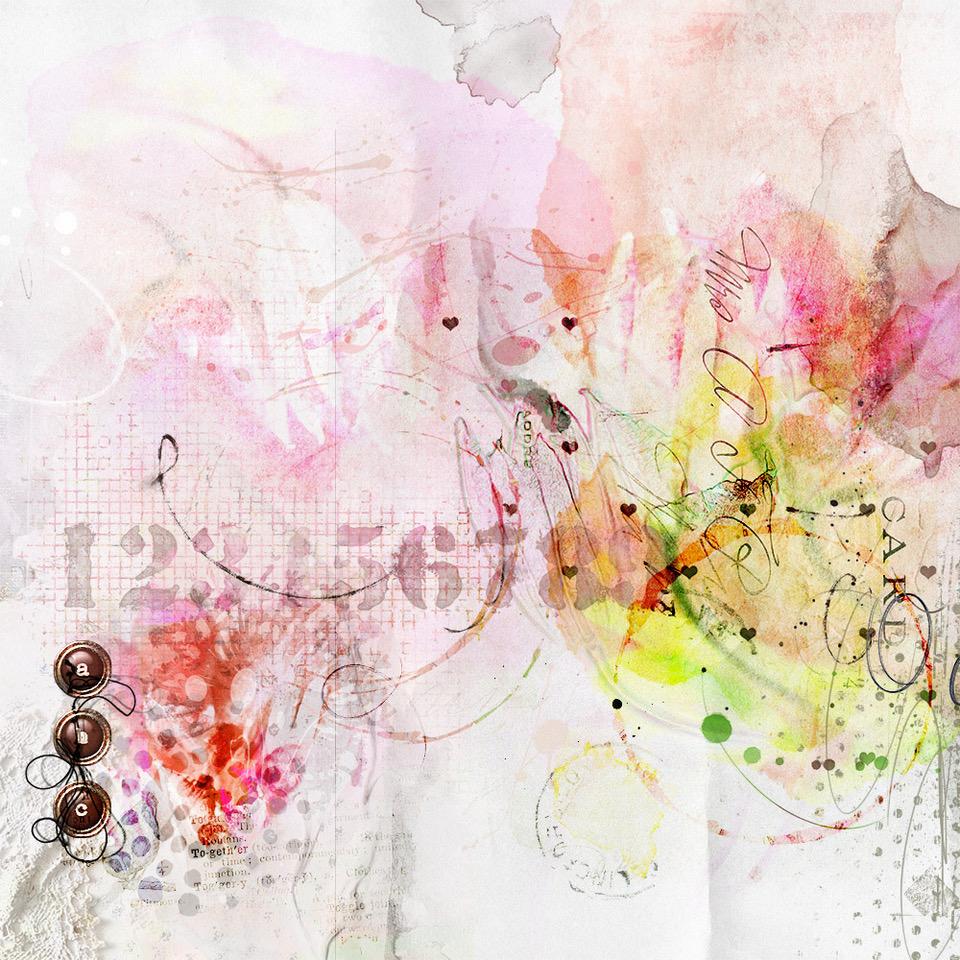 Kaleidoscope | Beverly
This layout was created by duplicating the same flower image, clipping each layer to an ArtsyTransfer layer, applying Blending Mode and Opacity adjustments.
- I also rotated or re-positioned the layers on the canvas.
- The Blending Modes produced vibrant colors, I normally do not use in my layouts.
- What I enjoyed about the process was the relaxing way I could work, without stress, and have something visually pleasing and an unexpected design come to life.
- The making of it was all about ‘coloring outside the lines.
4) Use Different Colors
Deviate from your usual color and try an alternative shade or hue.
- Colors for your layouts should always be based on the the predominant colors in your photo, and not the ones that you notice first.
- These former hues tend to be neutral in nature, while the latter provide the opportunity to have a little fun in terms of embellishment.
- Take the opportunity to have fun with color be leaning towards shades and hues you would not usually select.
For example, explore one of the following in your next layout:
- Select a dark background instead of a light, or vice versa.
- Add splashes of bright colors on your pages to support those eye-catching hues.
- Work with a black and white photo to have access to a complete gamut of color options.
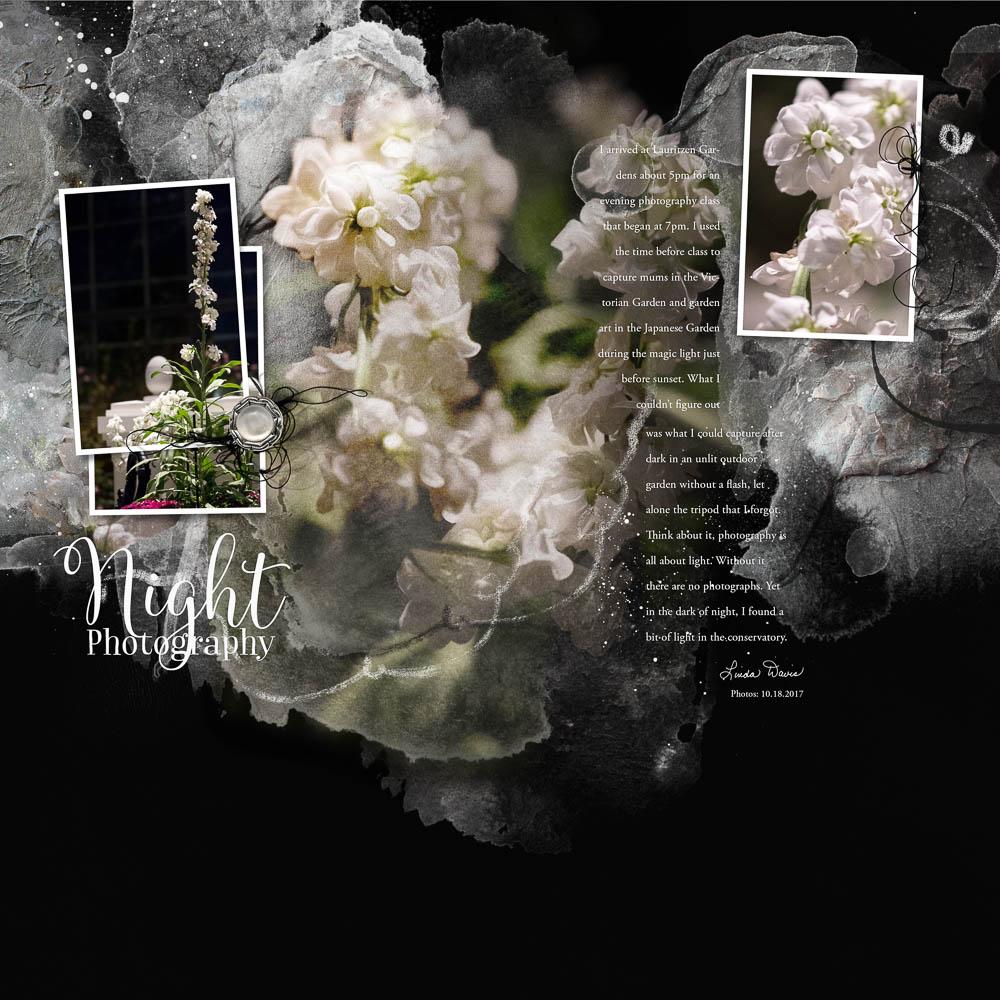 Night Photography | Linda
I rarely ever use a dark background, but in this case a near black background provided better contrast with the flowers captured at a night photography class.
- I also adapted a template, recoloring the layers white and changing the Blending Modes.“5) Challenge Yourself
Participate in Challenges to push you outside your comfort zone.
- Challenges provide inspiration, ideas and encouragement for pushing you outside your comfort zone and trying something new.
- You will also find these challenges, as well as a number of others, in The Forums at Oscraps.
 Earn Your Cocoa | Laura
This layout was my ‘lift’ of a heritage design by ValeJules, where vintage photos of men in uniform were artfully arranged across the page.
- Since I don’t have a stockpile of my own heritage photos, I challenged myself to interpret the graphic feel of the page in a contemporary way (using photos of my son on a recent snowboarding trip).
- I struggle with extractions and so I also challenged myself to create a seamless flow by blending my photos together using layer masks and blending brushes instead of more traditional extraction methods.
Getting Started?
Start with just one technique, tool or challenge.
- Pick one of the 5 Ways To Be Daring in Your Digital Scrapbook and Photo Artistry Pages suggestions outlined above.
- Experiment with it, see if you like it or not.
- Possibly master it, choose to incorporate it, or not.
- Then move to a new challenge.
- Rome was not built in a day.
- One layout at a time, you will add to your repertoire of favorites, that create artistry in a way that is unique to you.
The digital scrapbook magic happens when you step outside your creative comfort zone.
Post your comments about 5 Ways To Be Daring in Your Digital Scrapbook and Photo Artistry Pages in the comments.
Well said! I am inspired to turn new corners!